 carjourney
From the CarJourney journal
7 Best Car Document Storage Tools
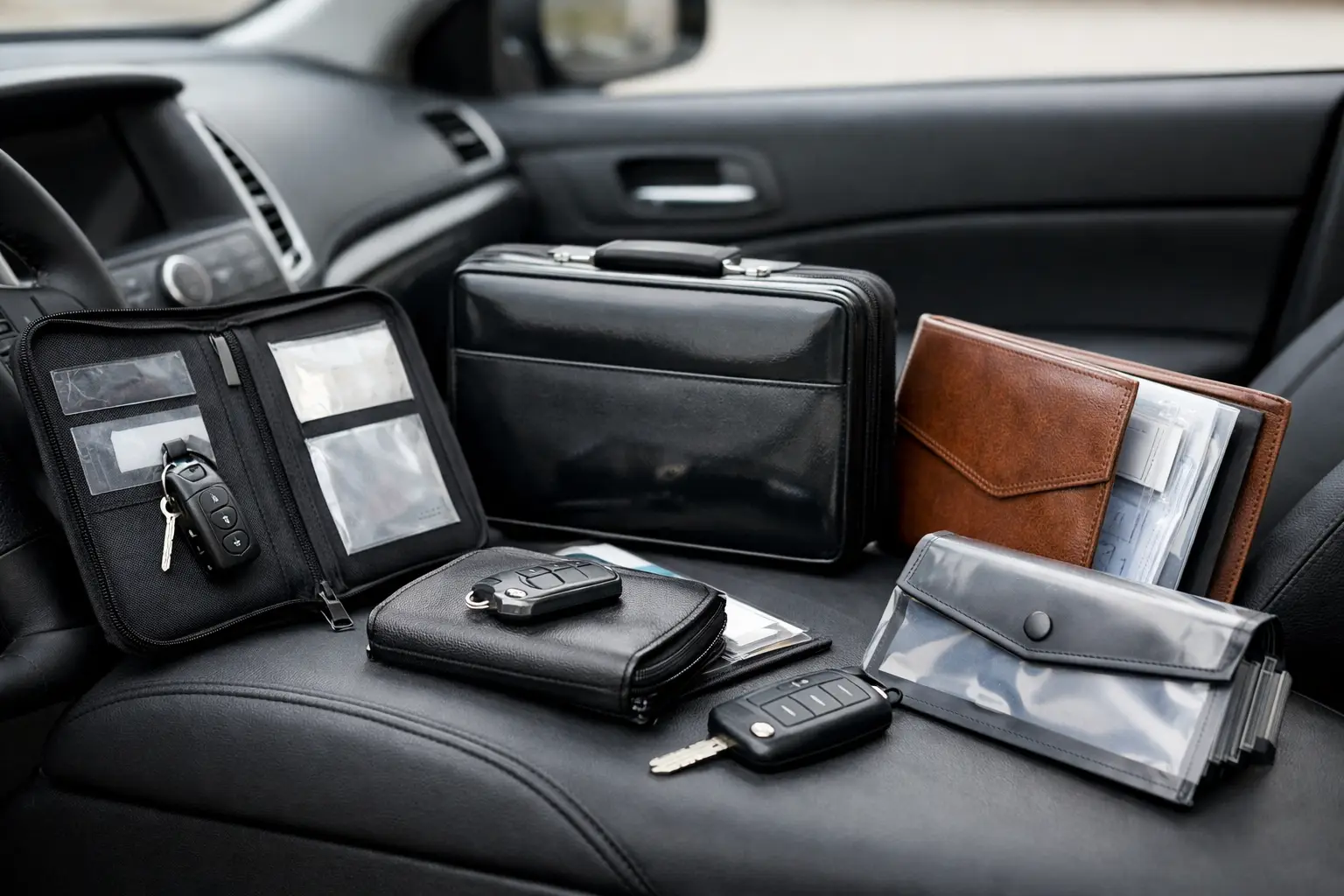
That glove box stuffed with oil change receipts, warranty slips, registration renewals, and handwritten part notes is not a system. It is a future headache. The best car document storage tools give you one place to keep service records, mod receipts, insurance paperwork, and ownership history so you can protect value, save time, and actually prove what has been done to the car.
For enthusiasts, this matters even more. A clean paper trail does not just help with renewals or warranty claims. It shows the money, care, and attention behind the build. If you have ever tried to remember when the diff fluid was last changed, which shop installed the coilovers, or whether that alternator is still under warranty, you already know why document storage matters.
What makes the best car document storage tools worth using
Not every storage option solves the same problem. Some tools are great for scanning and searching documents. Others are better at tying paperwork to actual maintenance history. A few are built for general file storage, but they fall short once you need mileage-based context, vehicle-specific organization, or a record that helps with resale.
The best setup usually does four things well. It stores files securely, makes them easy to find, keeps them attached to the right vehicle, and helps you use those records later. That last part is where a lot of generic apps fall off. A PDF sitting in a random folder is technically stored, but it is not very useful when you are standing at a parts counter or answering a buyer's questions.
7 best car document storage tools for organized owners
1. Vehicle ownership apps built for records and maintenance
If you want the most complete option, a dedicated vehicle recordkeeping app is usually the best fit. These tools are designed around the way people actually own cars - service history, modifications, reminders, receipts, warranties, and multiple vehicles in one garage.
The advantage is context. Instead of uploading a brake invoice into a generic folder, you can attach it to a specific service entry with mileage, date, cost, and notes. That makes the document part of the car's history, not just another file. For project cars, track cars, and long-term dailies, that difference adds up fast.
This is also the best route if you care about resale. A buyer trusts organized history more than vague claims. A platform like CarJourney fits here because it combines document storage with maintenance tracking, modification logs, reminders, and a shareable ownership record. That means your paperwork is not floating around by itself. It supports a timeline buyers and future-you can actually understand.
The trade-off is that these tools are more specialized. If you only want to save a copy of registration and insurance, a full ownership platform may be more than you need. But if you maintain or modify your cars with any seriousness, the structure is worth it.
2. Cloud drive folders
General cloud storage still has a place. Google Drive, iCloud Drive, Dropbox, and OneDrive are simple, familiar, and easy to access from any device. You can make folders by vehicle, year, or document type and keep digital copies safe if paper originals get lost.
This works well for owners who want broad access and already use one of these services every day. It is especially handy for title copies, insurance cards, emissions paperwork, and scanned purchase documents.
The weakness is organization fatigue. You have to build the structure yourself, name files consistently, and remember where everything lives. Search can help, but only if the document was scanned clearly and labeled well. For one car, that might be fine. For a household with multiple vehicles or an enthusiast with a stack of parts receipts, it gets messy fast.
3. Notes apps with attachments
Apple Notes, Evernote, OneNote, and similar apps can be surprisingly useful if you like flexible organization. You can create a note for each vehicle, add photos, attach PDFs, write service details, and keep quick references like tire sizes, paint codes, VINs, and part numbers in the same place.
This setup works best for people who want a lightweight solution and care as much about notes as formal documents. If you do your own work, it can be helpful to snap a photo of a receipt, add torque specs, and jot down what you noticed during the job.
Still, notes apps are not purpose-built for ownership history. They are fine for quick capture, but they do not naturally create a clean maintenance timeline. If your goal is trust, resale, and long-term recordkeeping, they can feel too loose.
4. Scanner apps
The real problem is often not storage. It is capture. If documents never get digitized, no storage system will save you. Scanner apps solve that first mile.
A good scanner app lets you photograph receipts, titles, warranty cards, and shop invoices, then clean up the image into a readable PDF. Some can extract text, which makes later searching easier. This is useful for fading thermal receipts, which can become unreadable after enough time in a hot center console.
On their own, scanner apps are incomplete. They help you digitize documents, but they are not a long-term home for a vehicle record. Think of them as part of the workflow rather than the destination.
5. Spreadsheet plus file folder systems
Some owners love spreadsheets because they offer total control. You can track dates, mileage, costs, labor, part brands, and service intervals exactly the way you want. Pair that with a cloud folder for receipts, and you have a low-cost system that can work well.
This approach appeals to detail-oriented enthusiasts, especially those with project builds or race cars where custom categories matter. You can create tabs for maintenance, mods, consumables, and budgets, then store the supporting documents in matching folders.
The downside is maintenance. You are building and managing the system yourself, which means more effort and more chances for inconsistency. It also tends to be less mobile-friendly when you are in the garage, at a shop, or looking up a record during a private sale.
6. Email as a backup archive
A lot of car paperwork already arrives by email - order confirmations, digital invoices, insurance documents, registration notices, and warranty communications. Creating a dedicated folder or label in your inbox is a smart backup layer.
This is not a complete answer, but it is useful because it catches documents automatically. If you buy a set of injectors online or receive a shop invoice digitally, those records are already timestamped and searchable.
The problem is fragmentation. Important history ends up split between inboxes, screenshots, downloads, and physical paper. Email works best when it supports a better primary system rather than replacing one.
7. Physical organizers for originals
Digital records are the standard, but some original documents still deserve physical protection. Titles, notarized bills of sale, hard-copy warranties, and emissions certificates can be worth keeping in a labeled binder or accordion file stored at home.
This is especially useful for collectors, multi-car owners, and anyone who buys and sells enthusiast vehicles. A physical archive gives you a safe place for originals while your digital system handles day-to-day access.
Just do not rely on paper alone. It burns, fades, tears, and disappears exactly when you need it most.
How to choose the best car document storage tools for your setup
The right tool depends on how you use your cars. If you own one daily driver and just want registration, insurance, and a few invoices in one place, a cloud folder and scanner app may be enough. If you have a modified car, track maintenance by mileage, or plan to prove build quality later, you need a system that ties documents to the vehicle's actual history.
It also depends on how much friction you will tolerate. The best system is the one you will keep using after the next oil change, tire order, and warranty claim. If a tool feels like homework, your records will go stale.
A good test is simple. Can you pull up the last brake service in under 30 seconds, see the mileage, view the receipt, and confirm which parts were used? If not, your current setup probably is not doing enough.
A simple way to build a document system that lasts
Start by gathering the essentials: title copy, registration, insurance, purchase paperwork, loan or payoff records, warranty docs, and the last year of service receipts. Then organize by vehicle, not by file type alone. It is much easier to manage history when each car has its own home.
Next, connect documents to events. A receipt should sit with the oil change, clutch install, alignment, or suspension upgrade it belongs to. That is what turns storage into history. Add mileage, date, cost, and a short note while the details are still fresh.
Finally, make capture immediate. Scan receipts the same day. Upload invoices when the email arrives. If you wait until later, later usually turns into never.
Good recordkeeping is not about being obsessive. It is about staying in control of the story your car tells. When the paperwork is organized, maintenance gets easier, warranty claims get cleaner, and buyers see a car that was actually cared for.