 carjourney
From the CarJourney journal
Car Build Log Software That Keeps Every Detail
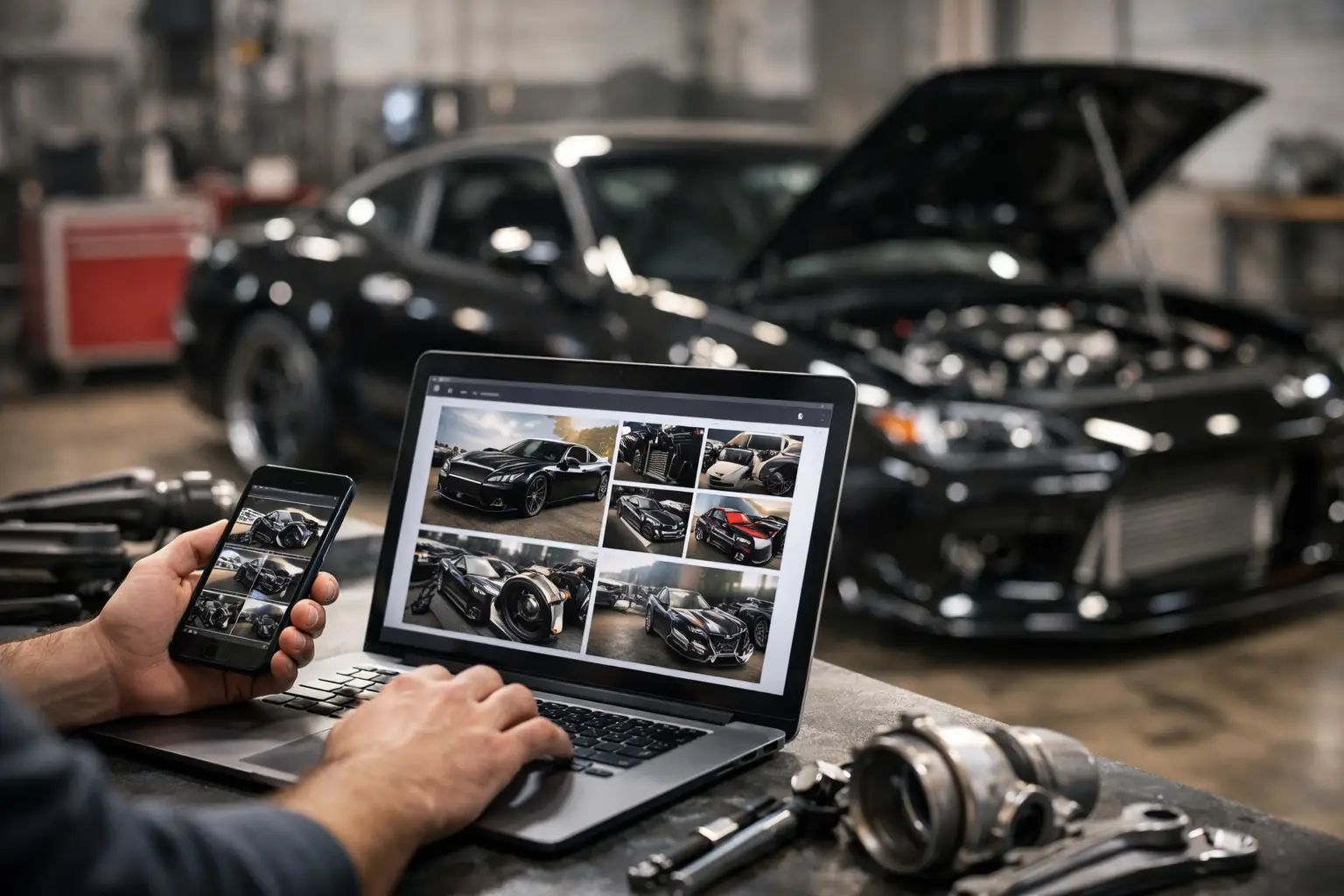
That new turbo, suspension refresh, or wheel setup is more than a line item on a bank statement. It is part of your car’s story. Car build log software gives that story a proper home, so the parts, labor, photos, receipts, and maintenance behind your build do not disappear into old text threads, paper folders, and half-finished spreadsheets.
For serious owners, documentation is not busywork. It helps you make better decisions, stay ahead of service, understand what you have invested, and show future buyers that the car was cared for properly. Whether you own one weekend project or manage a garage full of vehicles, a clear record puts you in control.
Why a Build Needs More Than a Notes App
A basic notes app can hold a list of parts. A spreadsheet can total costs. Both can work for a while, especially at the beginning of a build. The problem shows up six months later, when you are trying to remember the exact brake pad compound, locate an alignment sheet, or verify which shop installed a clutch.
A build is rarely a straight line. You change direction, replace parts, troubleshoot issues, update tuning, and perform regular maintenance between modifications. When those records live in separate places, it becomes harder to see the full picture of the vehicle.
Purpose-built car build log software connects the details that actually matter. A service record can sit alongside the modification that changed your maintenance needs. A receipt can be stored with the installed part. Photos can show how the build evolved, not just how it looks today. Instead of rebuilding the history from memory, you can pull it up when you need it.
That matters when diagnosing a problem, planning the next round of upgrades, filing a warranty claim, or selling the car. It also makes ownership less stressful. You do not have to wonder whether the differential fluid was changed before that last track day. You have the record.
What Good Car Build Log Software Should Track
The best system should feel simple enough to use after a late-night garage session, while still giving you the depth to document a long-term project. At minimum, it should support maintenance, modifications, documents, costs, and photos in one vehicle profile.
Maintenance history that stays useful
Oil changes, tire rotations, brake service, coolant flushes, inspections, and major repairs all belong in the same timeline. Each entry should include the date, mileage, work completed, cost, and any useful notes. If you use a particular oil weight, filter, fluid, or shop, record that too.
Specific details save time. Knowing that your pads were replaced is helpful. Knowing the pad model, rotor condition, fluid used, mileage, and bed-in notes is better when you are chasing brake feel later.
A strong platform also lets you set reminders based on time, mileage, or a manufacturer-style schedule. This is especially valuable for cars that are driven seasonally, modified heavily, or split between street use and track days. Maintenance does not stop being important because the car only sees a few hundred miles a month.
Modification records with context
A mod list without context can be misleading. Two cars may both have coilovers, but one has a street-focused setup installed at stock ride height while the other has corner balancing, custom alignment settings, and dedicated track wheels. The difference is in the record.
Log the brand, part number, installation date, cost, mileage, installer, and supporting parts. Add notes about settings, fitment, tuning requirements, or known compromises. A performance upgrade may improve power while increasing heat management needs. A larger wheel may improve grip but create clearance concerns. Good documentation helps you make those trade-offs visible.
Photos are just as useful as written notes. Take a picture of the new part before installation, the finished setup, and anything worth referencing later, such as an alignment sheet or dyno result. Those images turn a parts list into a real build history.
Receipts, warranties, and documents
Paper receipts fade, get tossed, or end up in the wrong folder. Digital copies protect the proof behind the work. Store invoices, warranty information, inspection reports, title-related documents, and parts receipts with the vehicle they belong to.
This is not only about organization. If a part fails under warranty, the receipt may be the difference between a quick claim and an expensive replacement. If you sell the vehicle, organized records help show that the work was done responsibly. Buyers trust documentation more than a vague claim that the car was maintained.
Costs without the guesswork
Most enthusiasts know roughly what they have spent. Few can say exactly where the money went. Tracking cost by service and modification gives you a clean view of total investment without relying on memory.
That number can be eye-opening, but it is useful. It helps you set a realistic budget for the next phase, compare repair-versus-replace decisions, and understand which vehicles in a multi-car household are costing the most to run. It also prevents duplicate purchases when you cannot remember whether you already bought a part or fluid.
Build a Record You Will Actually Keep Updated
The best logging system is the one you will use consistently. That means the process needs to fit naturally into how you already own and work on your car.
Start with the basics: vehicle details, current mileage, recent maintenance, and the modifications already installed. Do not let the perfect record become a reason to delay starting. Add the major work first, then fill in smaller details as you find receipts or remember past repairs.
After that, make logging part of the job. When you finish an oil change, add it before putting the tools away. When a package arrives, save the receipt and snap a photo of the part. When a shop sends an invoice, upload it that day. Small updates take minutes and keep the history accurate.
For larger projects, create entries as the build progresses rather than waiting for the final reveal. If you install an engine, for example, document supporting upgrades, machine work, break-in oil, tuning changes, and early service intervals separately. A single entry called engine build will not help much when you need to trace a specific issue later.
The Resale Advantage of a Documented Build
Modifications do not automatically add resale value. In some cases, they narrow the buyer pool. A highly personalized setup may be perfect for you and wrong for the next owner. That is the honest trade-off every builder should understand.
Documentation changes the conversation. A buyer may not value every dollar spent, but they can value proof that the car was maintained, thoughtfully upgraded, and not neglected. Clear records reduce uncertainty around a modified vehicle. They show what was installed, when the work happened, and how the car was cared for afterward.
A shareable build profile is especially useful here. Instead of sending a buyer a chaotic folder of screenshots, you can present a clean history with service records, modifications, photos, and supporting documents. It makes your asking price easier to defend and gives serious buyers a reason to take the car seriously.
This matters for collectors, performance cars, project vehicles, and daily drivers alike. Even a mostly stock vehicle becomes easier to sell when its history is organized. Buyers want confidence, not a promise that everything was handled.
Cloud Access Beats a Folder on Your Laptop
A local spreadsheet or computer folder can work, but it creates a single point of failure. If your laptop dies, your phone changes, or you are standing at a shop without access to the file, the records are not doing much for you.
Cross-device syncing keeps your garage available where ownership happens: at home, in the driveway, at a parts counter, or in a shop waiting room. Mobile access makes it easier to log mileage, photograph receipts, and check service history before approving work.
This is also where dedicated platforms have an edge over generic tools. CarJourney combines service tracking, modification logging, document storage, reminders, photos, and shareable build profiles in one centralized garage. The goal is not to create more admin work. It is to give every vehicle a history that is easy to maintain and useful when it counts.
Choose Software That Matches How You Own Cars
Not every owner needs the same level of detail. If you drive one newer daily and only need oil-change reminders, a lightweight system may be enough. If you own a project car, tow rig, track car, or multiple vehicles, deeper records quickly become worth it.
Look for software that makes it easy to add vehicles, log work from your phone, attach documents, track spending, and set reminders that fit your mileage and schedule. If sharing your build or protecting resale value matters, make sure the platform can present your history clearly without exposing a mess of disconnected files.
The real value is not in collecting data for its own sake. It is in having the answer when you need it: what was done, what it cost, when it happened, and what comes next. Start with the last service you performed, add the next part you install, and let your car’s history become as intentional as the build itself.