 carjourney
From the CarJourney journal
How to Organize Car Service Records for Any Car Owner
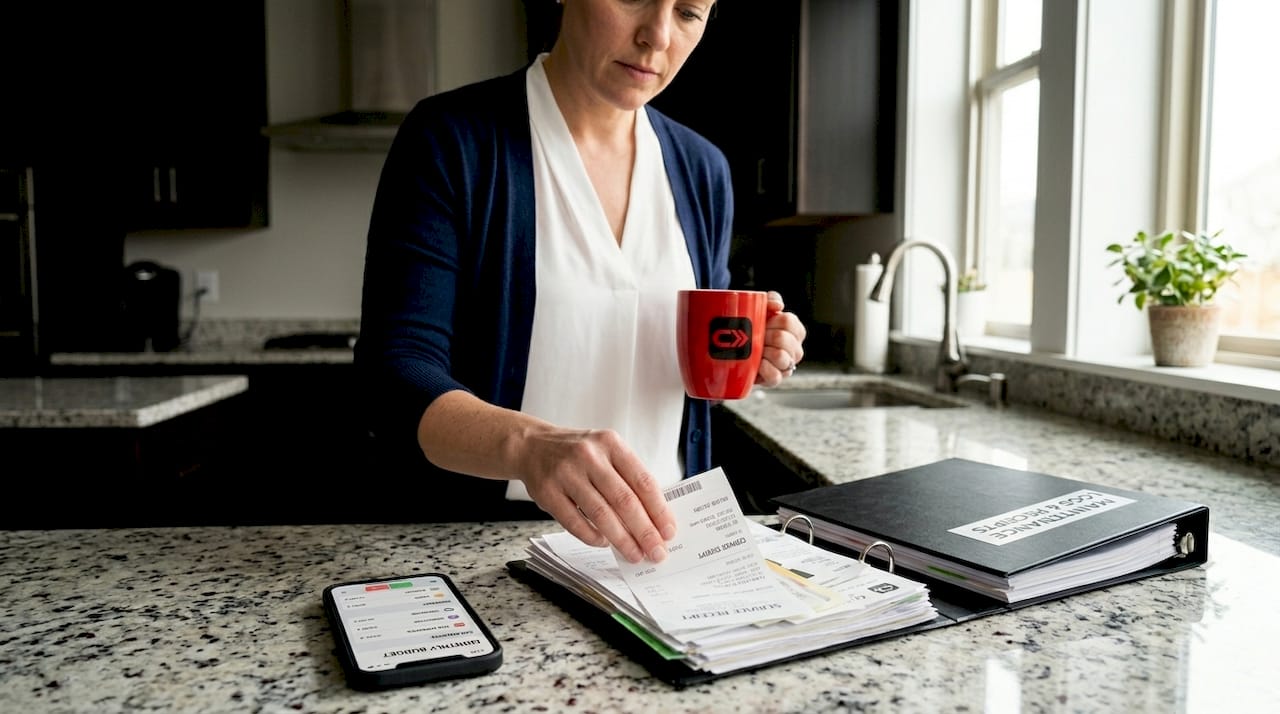
Most car owners know they should keep service records. Few actually do it well. If you’ve ever scrambled to find proof of an oil change before a warranty claim, or watched a buyer talk down your asking price because you couldn’t produce maintenance paperwork, you already know why learning how to organize car service records matters. The good news: vehicles with complete records sell for 10 to 20% more than comparable cars without them. The system doesn’t need to be complicated. It just needs to exist.
Table of Contents
- Key Takeaways
- How to organize car service records: what to gather first
- Setting up your record system step by step
- Common mistakes that undermine your records
- Why organized records pay off at resale time
- My take on keeping records without burning out
- Let CarJourney do the heavy lifting
- FAQ
Key Takeaways
| Point | Details |
|---|---|
| Records boost resale value | Organized service history can add 10 to 20% to your vehicle’s sale price. |
| Simple beats perfect | Consistent updates after each service matter more than having every single receipt. |
| Go physical and digital | Combining a physical binder with a digital backup protects against loss and makes records portable. |
| Recover gaps proactively | Missing records can often be retrieved from your mechanic or dealership before you sell. |
| Presentation wins buyers | A one-page summary of major services speeds up buyer confidence and reduces negotiation friction. |
How to organize car service records: what to gather first
Before you build any system, you need the right materials and the right mindset about what information actually matters. You don’t need an expensive setup. You need a few basic tools and a clear list of what to capture every time your car gets serviced.
Physical materials to have on hand
Start with a three-ring binder, a set of tabbed dividers, and a zip-lock pouch for loose receipts. A flatbed scanner or a smartphone with a decent camera covers digitizing. A small notebook in the glove box handles quick notes at the shop. That’s the whole kit.

What to record every single time
For every service visit, capture these seven data points:
- Date of service
- Current odometer reading (mileage)
- Type of service performed
- Parts replaced or fluids used
- Labor and total cost
- Name and contact info of the service provider
- Any advisory items flagged for future attention
That last one matters more than most owners realize. Advisory items noted on invoices build a documented record of issues flagged before they became critical. When a buyer sees that you caught a worn brake pad early and addressed it, trust goes up immediately.
Physical vs. digital tools at a glance
| Tool | Best for | Key benefit |
|---|---|---|
| Three-ring binder | Complete paper trail | Easy to hand to a buyer or inspector |
| Smartphone photo log | Quick backup of receipts | Always accessible, searchable by label |
| Cloud spreadsheet | Tracking trends over time | Free, shareable, works across devices |
| Maintenance tracking app | Full-featured logging | Reminders, mileage tracking, AI insights |
| Dealership portal | New vehicles under warranty | Already populated with dealer visit data |
Setting up your record system step by step
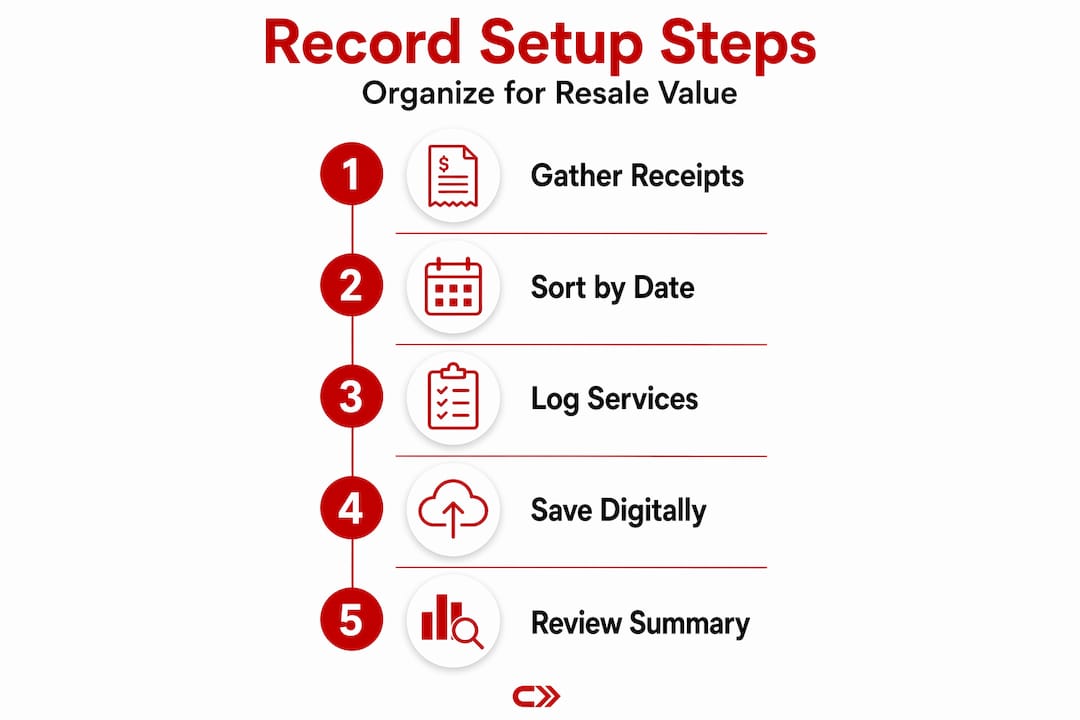
This is where most people stall. They gather the materials, then do nothing. The setup takes one afternoon, and once it’s built, maintaining it takes about three minutes per visit.
-
Collect everything you have right now. Dig through the glove box, the garage shelf, your email inbox, and any folders on your phone. Gather every receipt, invoice, or note you can find. Don’t worry about what’s missing yet.
-
Sort by date. Arrange everything chronologically, oldest first. This single step transforms a shoebox of chaos into a usable timeline.
-
Set up your binder with tabbed sections. Useful categories include: Oil Changes, Tires, Brakes, Major Repairs, Inspections and Emissions, and a catch-all tab called Other Services.
-
Photograph every paper receipt before filing it. Label each photo with the vehicle year, make, model, and service type. Smartphone photos labeled this way are searchable and create a permanent digital backup that survives a lost binder or a house fire.
-
Create a running log in a spreadsheet or app. A simple spreadsheet with columns for date, mileage, service type, cost, and provider works well. If you prefer an app, look for one that supports tracking vehicle maintenance with mileage-based reminders.
-
Back up your digital files. Save photos and spreadsheets to at least one cloud service. Google Drive, iCloud, and Dropbox all work. The point is redundancy.
-
Log each future service within 24 hours of the visit. This habit is where the best systems succeed and where neglected systems fail. The longer you wait, the less likely it happens.
Pro Tip: Keep a small notepad in your glove box specifically for car service notes. When you pull out of the shop, write down the mileage and what was done. This two-minute habit eliminates the “I think I got that done around 60,000 miles” guessing game.
For deeper reading on building the actual log structure, the car maintenance logs guide on the CarJourney blog covers templates and habits in detail.
Common mistakes that undermine your records
Even car owners who try to stay organized fall into a few predictable traps. Knowing them in advance saves you from starting over.
-
The shoebox system. Tossing receipts into a box with no order feels like saving them. It isn’t. When you need to find proof of a specific repair, you’ll spend 20 minutes hunting and still might not find it.
-
No digital backup. Paper receipts fade. Binders get left in sold cars. California’s tax authority recommends keeping repair invoices for at least four years, and you want those records protected against physical loss.
-
Updating in batches instead of in real time. Waiting until the end of the year to log six months of services means you’ll skip half of them or get details wrong. Immediate logging is the only habit that works.
-
Ignoring the VIN. Make sure every invoice has your vehicle identification number on it. Including the VIN on every invoice ties the work conclusively to your specific car and supports warranty claims later.
Pro Tip: If you’re missing records from past years, call your mechanic or dealership directly. Most shops retain service records for five to ten years. A quick phone call can recover years of documentation you thought was gone.
For practical guidance on which documents to prioritize, the CarJourney post on organizing car receipts is worth bookmarking.
Why organized records pay off at resale time
This is where all the effort converts into real money. Buyers of used cars are buying risk as much as they’re buying a vehicle. A clean, organized service history reduces that perceived risk and lets you ask more for the car with confidence.
Organized records act as a trust signal that separates your listing from every other car at the same price point. Buyers who don’t have to dig for information feel more confident and negotiate less aggressively.
The one-page summary that closes deals
A one-page summary of major services lets a buyer assess your car’s maintenance history in under a minute. Include the date, mileage, and service type for every significant event. Buyers don’t need to see the $12 wiper blade receipt. They do need to see the timing belt replacement, the brake job, and every oil change interval.
Here’s what belongs on that summary sheet:
| Record type | Why it matters |
|---|---|
| Oil change history | Shows consistent engine care and interval discipline |
| Tire replacements and rotations | Demonstrates proactive safety maintenance |
| Brake service records | Proves critical safety systems were maintained |
| Major repairs with parts used | Documents that quality parts were installed |
| Manufacturer recall completions | Shows compliance and up-to-date safety status |
| Inspection and emissions certificates | Confirms the car passed official checks |
Pair your summary sheet with the full binder and a vehicle history report. When a buyer sees your organized records align with the third-party vehicle history data, doubt disappears. That alignment alone can prevent a buyer from walking away or lowballing you.
Consistency in recordkeeping matters more than completeness. Buyers value a steady pattern of care over perfection. If you have 90% of your records and they show regular, attentive maintenance, that tells a better story than a spotty history with no gaps but no apparent pattern either.
My take on keeping records without burning out
I’ve watched a lot of car owners build perfect record systems in January that are completely abandoned by March. Here’s what I’ve learned: the system that wins is the boring one. Not the most elaborate, not the most technically impressive. The one you’ll actually do after a long day when the last thing you want is more admin work.
In my experience, the biggest shift happens when you stop thinking of records as paperwork and start thinking of them as money. Every time you file a receipt or log a service visit, you’re adding a dollar amount to your car’s resale value. That reframe changes the habit entirely.
I’ve also seen firsthand how buyers respond to a clean history at sale time. I once helped a neighbor sell a high-mileage truck that had no business commanding its asking price by any conventional logic. The binder of organized records, the one-page summary, the alignment with the vehicle history report: that combination got him full asking price. The buyer told him directly that the paperwork was the reason he didn’t negotiate.
The physical versus digital debate is real but minor. I keep both because they serve different moments. The binder lives in the car for inspections and buyer showings. The digital backup lives in the cloud for the moment the binder doesn’t. Neither is optional, in my view.
Start simple. Start today. File one receipt, take one photo, log one entry. The habit grows from there.
— Chally
Let CarJourney do the heavy lifting
Managing your vehicle’s service records shouldn’t require a filing system degree.
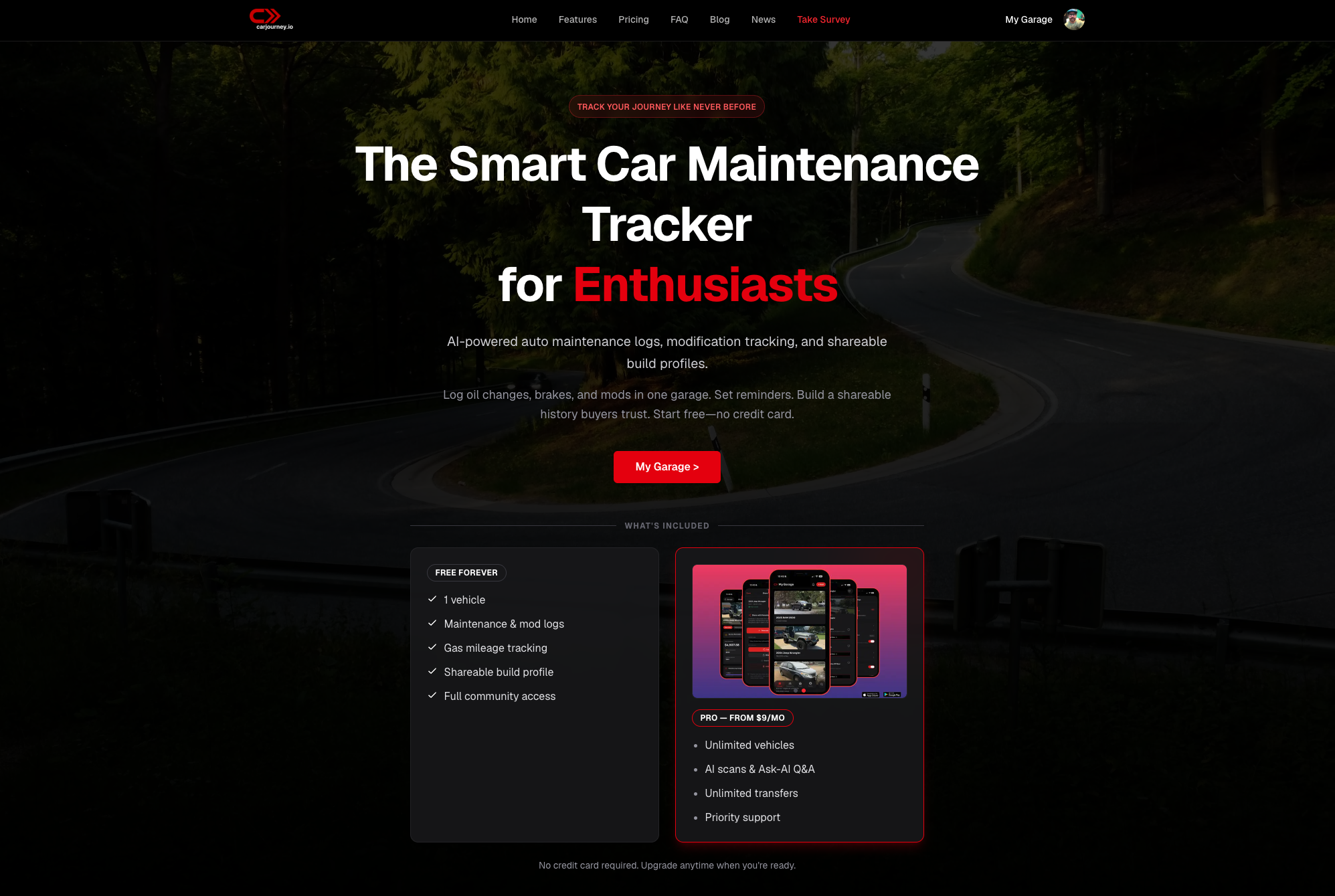
CarJourney was built specifically for car owners who want one organized, intelligent place for their vehicle’s entire life. The platform uses AI to scan your service documents, extract the relevant data, and build your history automatically. You can ask it questions about your exact vehicle, get maintenance schedule recommendations based on your specific build, and share your records with a buyer in seconds. If you’re ready to move past the shoebox, start with CarJourney and see how fast your records come together. For those who prefer to start with reading, the post on repair tracking apps explains exactly why a dedicated tool outperforms a spreadsheet over time.
FAQ
How often should I update my car service records?
Update your records within 24 hours of each service visit. Systems that are updated immediately after a visit produce the most accurate and reliable histories.
Can missing service records hurt my car’s resale value?
Yes. Incomplete or missing records reduce buyer confidence and can lower your sale price by 10 to 20% compared to cars with documented service histories.
What is the easiest way to store car service records digitally?
Take a photo of each receipt immediately after service, label it with the vehicle year, make, and model, and save it to a cloud folder. This method is searchable, free, and immune to physical damage.
How do I recover old service records I’ve lost?
Contact your mechanic or dealership directly. Most shops keep service records for five to ten years and can provide copies or printed summaries of past work on your vehicle.
Do I need to keep every single receipt to have a strong service history?
No. Consistent patterns of care build more buyer trust than a technically complete file. Focus on capturing every major service, and don’t let a few missing oil change receipts stop you from presenting what you do have.