 carjourney
From the CarJourney journal
How to Scan Repair Receipts Without Losing Records
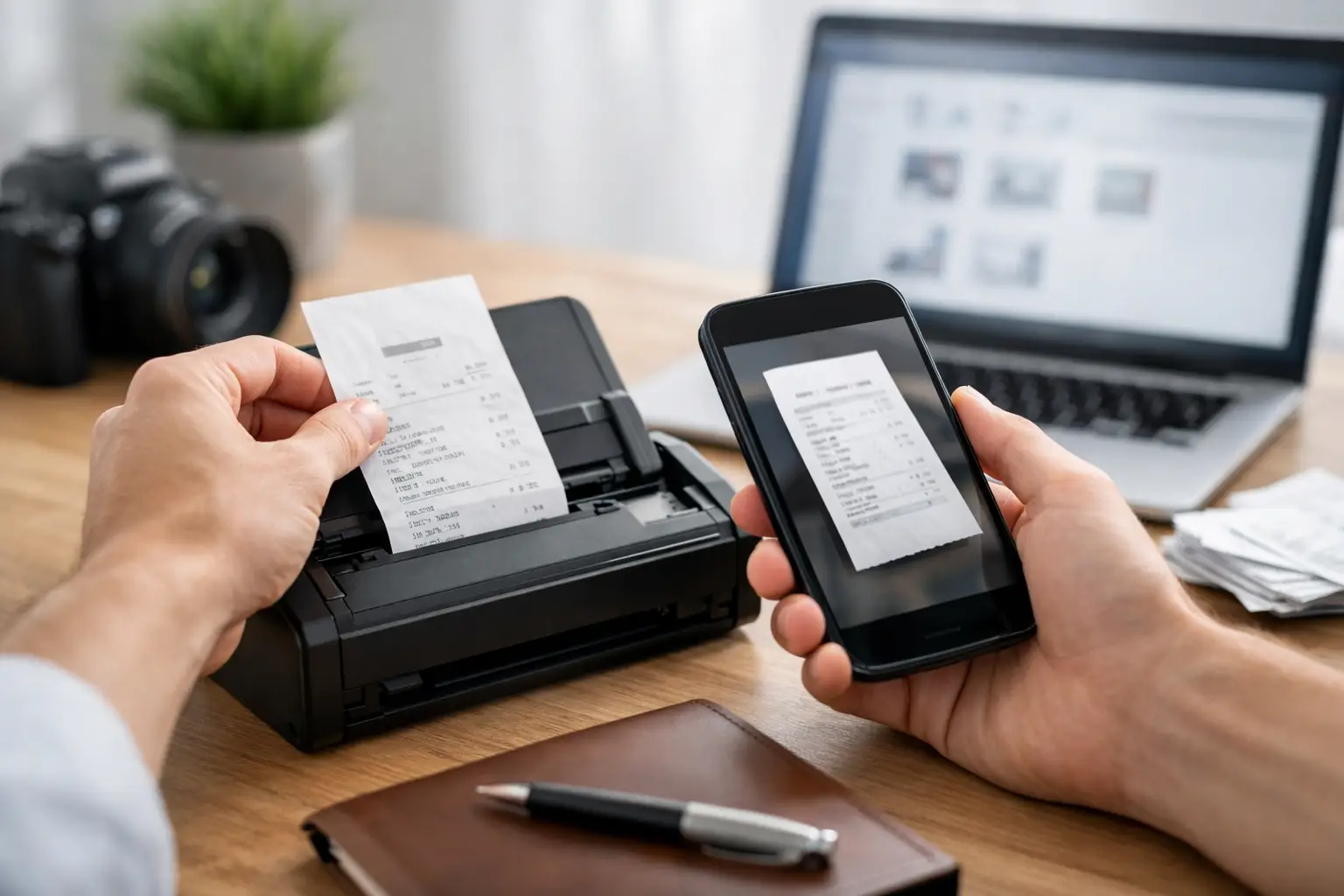
A $42 oil-change receipt can be easy to ignore until you need to prove when the service was done. The same goes for an alignment invoice, a stack of parts receipts from a build, or a warranty document you only think about when something fails. Learning how to scan repair receipts turns loose paper into a vehicle history you can actually use.
For enthusiasts, this is not just about staying organized. Clean records help you track real ownership costs, confirm service intervals, support warranty claims, and show a future buyer that the car was maintained with intention. The goal is not to save every blurry photo in your camera roll. It is to create legible, searchable records tied to the right vehicle, service, and mileage.
Start With a Receipt Worth Scanning
A scan can only preserve what is visible. Before you capture anything, flatten the receipt and check for faded thermal paper, folds, stains, or curled corners. Thermal receipts are especially time-sensitive. Heat, sunlight, and age can erase them, sometimes within months, so scan those immediately after leaving the shop.
If the receipt is crumpled, place it under a book for a few minutes. For a long receipt, lay it on a dark, non-reflective surface. Remove coupons, business cards, or other paper behind it that could confuse the camera. If the paper is heavily faded, use bright indirect light and try to improve contrast before the text disappears completely.
Do not rely on a single image for a receipt that contains critical warranty terms, a VIN, a parts list, or a large labor charge. Capture the complete document, then take a close-up of faded sections if needed. The full page provides context; the close-up protects the details that matter.
Choose a Scan Method That Keeps Text Readable
You can scan repair receipts with a phone, a home scanner, or a shop-provided digital invoice. For most owners, a phone scan is the fastest option because the receipt can be captured before it gets lost in a console, toolbox, or desk drawer.
A dedicated document-scanning mode is better than a normal camera photo when available. It detects edges, straightens the page, reduces shadows, and often creates a PDF. A standard photo still works for small receipts, but it is more likely to include glare, uneven lighting, or a warped perspective that makes the invoice harder to read later.
Use a flat surface and light the receipt evenly. Avoid direct overhead light if it creates a bright reflection across the ink. Hold the phone parallel to the paper rather than shooting from an angle. Let the camera focus before capturing the image, then zoom in and inspect the result. If you cannot read the date, total, mileage, shop name, and service description without pinching to zoom, scan it again.
For multi-page invoices, create one PDF rather than storing several disconnected images. This matters when an invoice has a work order on one page, parts on another, and warranty language at the end. Keeping them together prevents a future buyer, warranty administrator, or even your future self from guessing whether the pages belong together.
Verify the Details Before You File It
Optical character recognition can pull text from a receipt, but it is not infallible. Shop fonts, greasy paper, faded printing, and handwritten notes can all produce bad data. A scan that reads “8,000 miles” as “3,000 miles” can cause a reminder to trigger at the wrong time.
Review the scan and confirm the essentials: vehicle identity, service date, odometer reading, shop or seller, labor performed, parts used, total cost, and warranty information. For a modification, record the part brand and model, part number when available, installation cost, and whether the work was done by you or a shop.
A receipt does not always tell the whole story. If a shop invoice simply says “repair,” add a short note while the work is fresh in your mind. Note the concern, diagnosis, and result. For example: “Intermittent no-start. Replaced battery and cleaned corroded ground connection.” That context becomes valuable when troubleshooting the car years later.
Name Files So You Can Find Them Fast
Random names such as `IMG_4827.jpg` create a digital junk drawer. A useful file name should tell you what the document is before you open it.
A consistent format is: `YYYY-MM-DD - Vehicle - Service or Part - Mileage`. For example: `2026-07-18 - 2018 GTI - DSG Service - 62,410 mi.pdf`.
Put the date first so files sort in chronological order. Include enough detail to distinguish routine maintenance from larger repairs, but do not make the name so long that it becomes hard to scan. For a project car, use the same structure for modifications: `2026-07-18 - 1991 Miata - Coilovers Install - 118,220 mi.pdf`.
If a receipt covers more than one vehicle, save a copy under each vehicle only when it is genuinely relevant. Otherwise, attach it to the primary vehicle and make a note. Duplicating everything can make records harder to trust because you may later wonder which copy was updated or annotated.
Organize by Vehicle, Then by the Job
The best folder system is the one you will keep using. For a one-car daily driver, a simple vehicle folder with categories for maintenance, repairs, modifications, tires, and documents may be enough. Multi-vehicle households and collectors benefit from separate vehicle profiles first, with every receipt attached to the appropriate car.
Categories should match how you think about ownership. Routine maintenance includes oil changes, fluid services, filters, and inspections. Repairs cover failures and diagnostics. Modifications track upgrades, tuning, fabrication, wheels, suspension, audio, and cosmetic work. Documents can hold registration-related records, warranties, inspection reports, and purchase paperwork.
The trade-off is between simplicity and detail. Too few categories make it hard to spot spending patterns. Too many categories create filing friction, which is how receipts end up sitting unprocessed for six months. Start with broad buckets, then add detail only where it helps you make decisions.
A vehicle-record platform such as CarJourney can keep the scanned receipt attached directly to a service or modification log, alongside mileage, cost, photos, and reminders. That is more useful than a standalone cloud folder because the document remains connected to the work it proves.
Capture More Than the Final Invoice
The final paid receipt is the priority, but a few supporting documents can protect you from expensive gaps. Save estimates when a repair is substantial, especially if the final invoice changes. Keep warranty paperwork for batteries, tires, performance parts, and major repairs. For engine builds, paintwork, or custom fabrication, retain photos of the work in progress alongside invoices.
If you buy parts online and install them yourself, save the order confirmation and the packing slip if it identifies the exact part. Add a note with the installation mileage and date. A buyer may not care about every small consumable, but documentation for a turbo kit, suspension refresh, brake upgrade, or crate engine adds credibility to the build.
For cash purchases, ask for an itemized receipt. A handwritten note that says “$600 paid” is weak proof compared with an invoice that identifies the vehicle, parts, and labor. If the shop cannot provide a better record, scan what you have and write a detailed note of the work performed.
Build a Workflow You Will Actually Follow
The right time to scan a repair receipt is before the paper enters your glovebox. Make it part of the post-service routine: park, scan, verify the details, attach it to the vehicle record, and set or update the next reminder. This takes a few minutes and prevents the familiar pile of mystery receipts from becoming a weekend project.
For receipts already piled up at home, work in batches. Sort them by vehicle, then scan the oldest thermal receipts first. Match each one to bank transactions, old service stickers, email confirmations, or previous maintenance notes if the date or mileage is unclear. Do not invent missing details. Mark them as estimated or unknown instead of creating a record that looks more certain than it is.
Keep the original paper for major repairs, high-value modifications, active warranties, and any document that may be needed for a claim. Store those originals in a labeled envelope or binder away from heat and moisture. Digital files are easier to search and share; originals can still matter when a dispute involves faded ink, signatures, or official paperwork.
A well-documented car tells a better story than a car with a vague stack of invoices. The next receipt you scan may seem routine, but it is another clear line in the history of a vehicle you maintain, build, and take pride in.