 carjourney
From the CarJourney journal
How to Document Car Upgrades: A Complete Guide
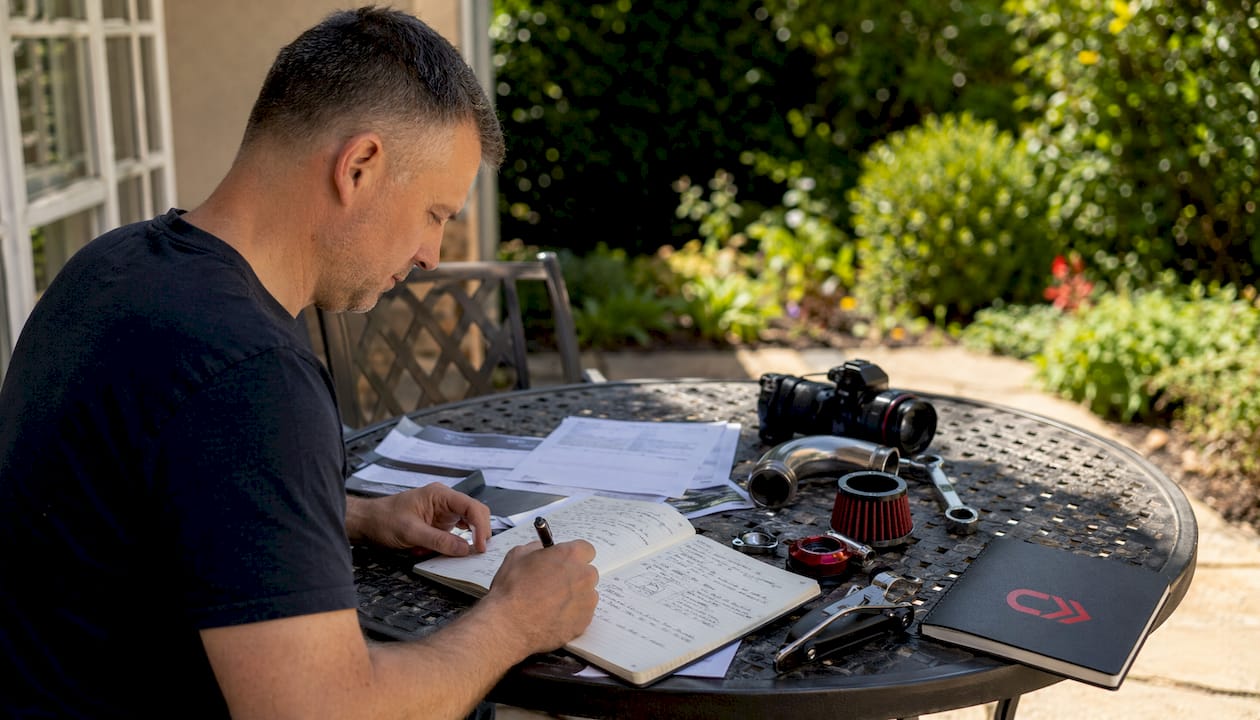
Documenting car upgrades is the process of creating organized, detailed records of every modification to your vehicle so you can track its value, verify work, and support future resale or insurance claims. Most enthusiasts skip this step entirely, then regret it when a buyer asks for proof, a tuner needs configuration history, or a shop can’t figure out what was done three builds ago. A solid modification record, sometimes called a build sheet or project car log, covers part names, installation mileage, receipts, photos, and configuration files. Carjourney was built specifically because this kind of information was always scattered. Getting it organized from the start changes everything about how you own and maintain a modified vehicle.
How to document car upgrades: what information to record
Every modification record needs the same core set of data points to be useful later. Skipping even one field creates gaps that are hard to fill after the fact.
For each upgrade, record the following:
- Part name, manufacturer, and part number. Generic descriptions like “cold air intake” are not enough. Write the brand, model name, and SKU.
- Exact mileage at installation. Mileage at the time of modification is a critical reference point for assessing wear relative to usage.
- Date and installer. Note whether you did the work yourself or which shop completed it.
- Cost and receipt. Shop invoices add credibility to your records and are the most trusted form of documentation for resale and insurance.
- Warranty and return policy details. Note the warranty period and any conditions that could void it.
- Performance notes. Record any gains, issues, or compatibility observations after installation.
- ECU and firmware details. For electronic mods, store firmware versions and tuner notes alongside physical logs. These are critical for future diagnostics.
- Known issues or deferred work. If you noticed a rattle or a fitment issue you planned to fix later, write it down now.
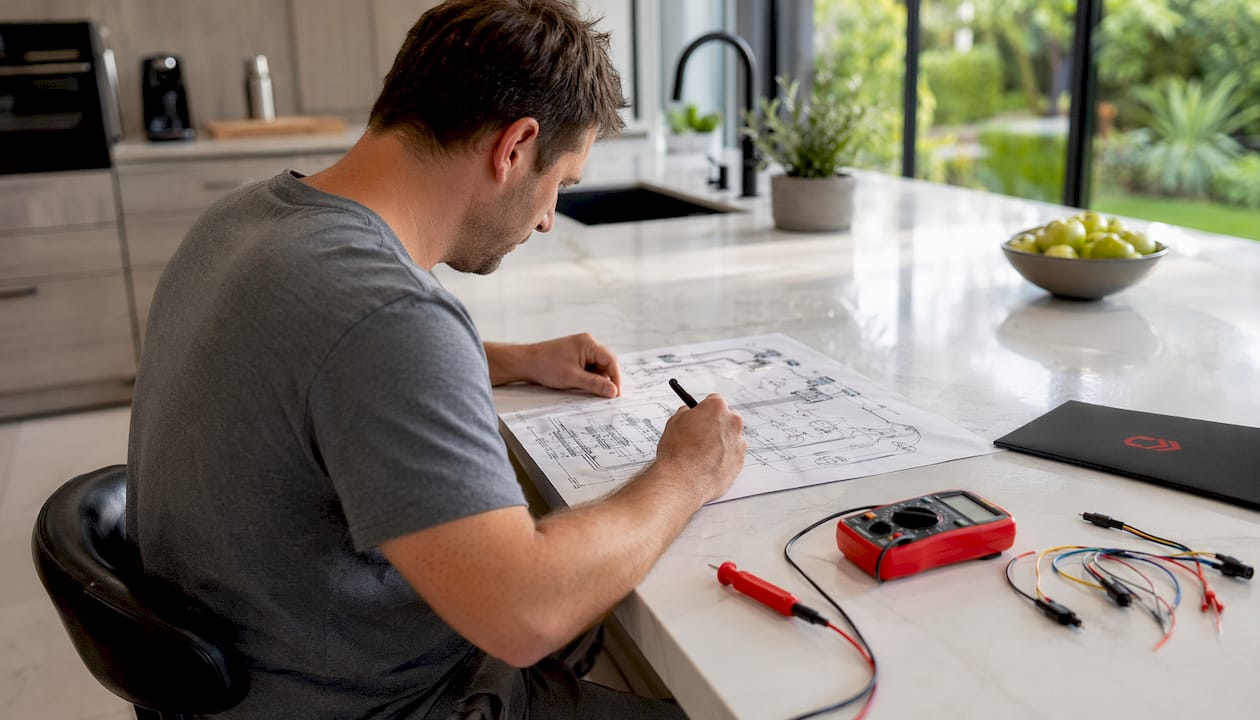
Wiring changes deserve special attention. Custom wiring loom diagrams, relay locations, and splice points are often more critical to document than mechanical mods. A mechanic working on your car two years from now will thank you for a simple hand-drawn diagram.
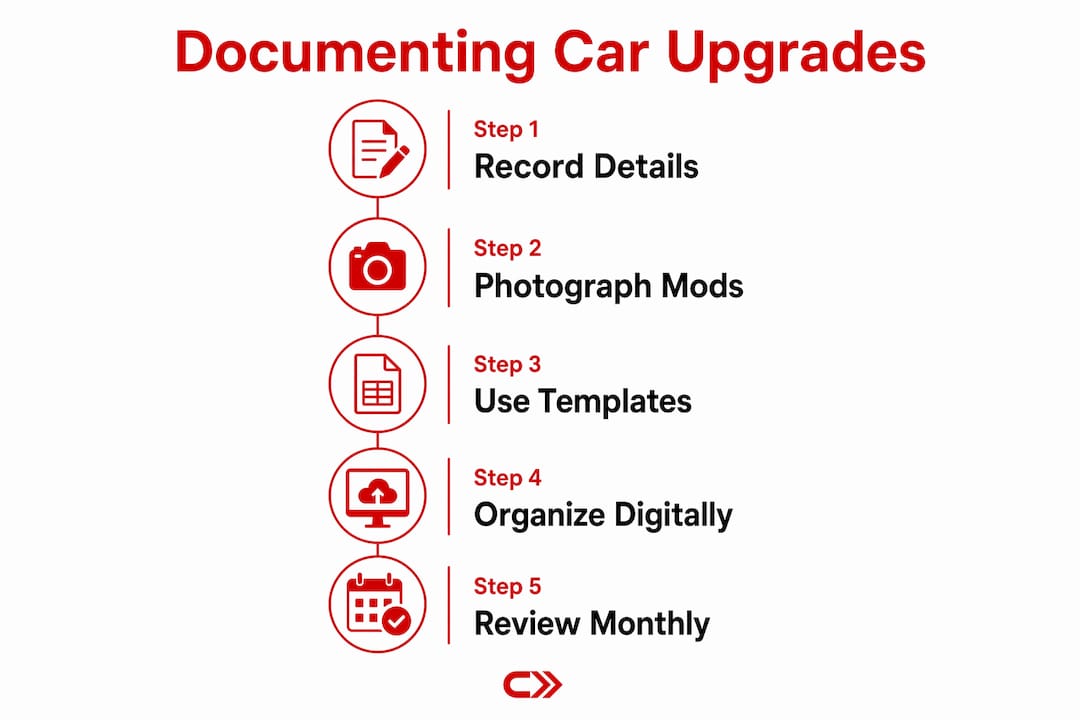
Pro Tip: Create a standard template for each modification entry and fill it out the same day you complete the install. Memory fades fast, and a 10-minute habit prevents hours of reconstruction later.
Which tools and methods work best for organizing records?
The best organization method is the one you will actually use consistently. That said, digital tools win on every practical measure: searchability, backup safety, and the ability to link photos and receipts directly to mileage entries.
| Method | Strengths | Weaknesses |
|---|---|---|
| Spreadsheet (Google Sheets, Excel) | Free, flexible, easy to filter | No built-in photo storage |
| Cloud folder (Google Drive, Dropbox) | Stores all file types together | Requires manual organization |
| Dedicated tracking app | Purpose-built fields, reminders | May require subscription |
| Physical binder | No tech required, tangible | Easily lost, hard to search |
Digital tools like spreadsheets and cloud apps improve organization through filter views, automation, and reliable backup. The key is linking every file to a specific mileage marker and date so records stay in chronological order. A folder named “2026-03 Coilover Install 47,200mi” is far more useful than one named “suspension stuff.”
For enthusiasts who want a purpose-built solution, Carjourney organizes receipts, photos, and mileage logs in one place and uses AI to answer detailed questions about your specific build. That matters when you are trying to remember whether a part is still under warranty or what tune was loaded before a track day.
Pro Tip: Set a recurring calendar reminder for the last day of each month to review and update your modification log. Incremental updates take five minutes. Catching up after six months takes an evening.
For a deeper look at what a dedicated app should actually do, the car modification log app guide on the Carjourney blog breaks down the features that matter most.
How can photos and digital files strengthen your records?
Photos are the most underused part of any modification log. A written description of a part is useful. A photo of the part number label, the installation in progress, and the finished result is proof.
For every upgrade, capture:
- Before photos. Show the stock component or area before you touch it.
- Installation progress shots. Document each major step, especially for complex jobs.
- After photos. Wide angle to show fitment, close-up to show detail.
- Serial numbers and labels. Photograph the part label directly. This eliminates any ambiguity about exactly which version you installed.
- Wiring diagrams. A photo of a hand-drawn pinout map is better than no map at all.
Before and after photos that include serial numbers and installation steps significantly strengthen upgrade records. That strength shows up most when a buyer questions a part’s authenticity or a tuner needs to verify what hardware is running.
Store tune files, ECU maps, and configuration exports in the same cloud folder as your photos. Linking digital receipts and photos to specific mileage markers creates a professional history file that buyers and insurers recognize immediately. Name files consistently: part name, date, and mileage in every filename.
Pro Tip: Photograph any known issues or deferred repairs at the time you notice them. A timestamped photo of a hairline crack or a loose connector protects you from future disputes about when a problem started.
For performance builds that include brake system upgrades, the brake bias adjustment guide is a useful reference for what technical details to capture when logging brake modifications.
What mistakes do enthusiasts make when logging modifications?
The most common documentation mistake is waiting. Enthusiasts install a part, drive the car, and plan to write it up later. Later never comes, and the mileage, receipt, and part number are gone.
- Skipping mileage. Recording a part name without the installation mileage makes it impossible to assess wear or plan future maintenance accurately.
- Losing receipts. Paper receipts fade and disappear. Photograph every receipt immediately and upload it to your cloud folder the same day.
- Inconsistent file naming. A folder full of files named “IMG_4821.jpg” is useless. Use a consistent naming convention from day one.
- Ignoring electronic configurations. Many enthusiasts document physical parts but forget to export and save their ECU tune files. Troubleshooting a modified vehicle is far faster when records include precise part numbers and configuration files.
- Relying on memory. “I’ll remember what I did” is the most expensive assumption in car building. Write it down.
When you discover gaps in existing records, reconcile them with physical evidence. Pull the part, photograph the label, check the receipt in your email, and cross-reference with your bank statement for the date and cost. It takes time, but one thorough catch-up session is worth it.
Pro Tip: Document modifications incrementally as they happen rather than in batches. Incremental documentation habits prevent data loss and keep records trustworthy over the life of the build.
For a practical framework on tracking mods from the start, the best ways to track mods guide on Carjourney covers methods that hold up over multi-year builds.
Key Takeaways
Thorough car upgrade documentation requires consistent mileage logging, organized digital storage, and photo evidence captured at the time of each installation.
| Point | Details |
|---|---|
| Record mileage every time | Log exact mileage at installation to accurately assess wear and plan future maintenance. |
| Save receipts digitally | Photograph and upload receipts immediately; shop invoices are the most credible proof of work. |
| Link files by mileage and date | Name folders and files with part name, date, and mileage for a searchable, professional history. |
| Document wiring and ECU changes | Save diagrams, firmware versions, and tune files alongside physical logs for electronic modifications. |
| Build the habit incrementally | Update records the same day as each install to prevent gaps and avoid costly reconstruction later. |
Why your build log is more valuable than you think
Most enthusiasts treat documentation as a resale task. They plan to write everything up before they sell the car. That framing is wrong, and it costs real money.
The actual value of a thorough build log shows up long before any sale. When a new shop works on your car, a complete record cuts diagnostic time dramatically. When you are chasing a boost leak or an intermittent misfire, knowing exactly what was installed, at what mileage, and with what tune loaded is the difference between a two-hour fix and a two-week nightmare. I have seen builds where the owner had every receipt and photo organized by mileage, and a shop resolved a complex electrical fault in one afternoon because the wiring diagram was right there in a shared folder.
The other underrated benefit is tuning continuity. If you switch tuners or upgrade your ECU hardware, having the previous firmware version and configuration file saved means the new tuner starts from a known baseline. Without it, they are starting from scratch and charging you for the time.
Digital tools have made this genuinely easy. A cloud folder, a consistent naming convention, and a five-minute habit after each install are all it takes. Carjourney adds AI on top of that, so you can ask questions about your specific build and get answers grounded in your actual records rather than generic forum advice. That is a different category of useful.
Start the log on the first mod. Not the second. Not after the build is “done.” The first one.
— Chally
Carjourney keeps your upgrade records in one place
Scattered receipts and forgotten part numbers are a solved problem. Carjourney’s service reminder app lets you log modifications alongside scheduled maintenance, attach photos and receipts directly to each entry, and track mileage across your entire build history.
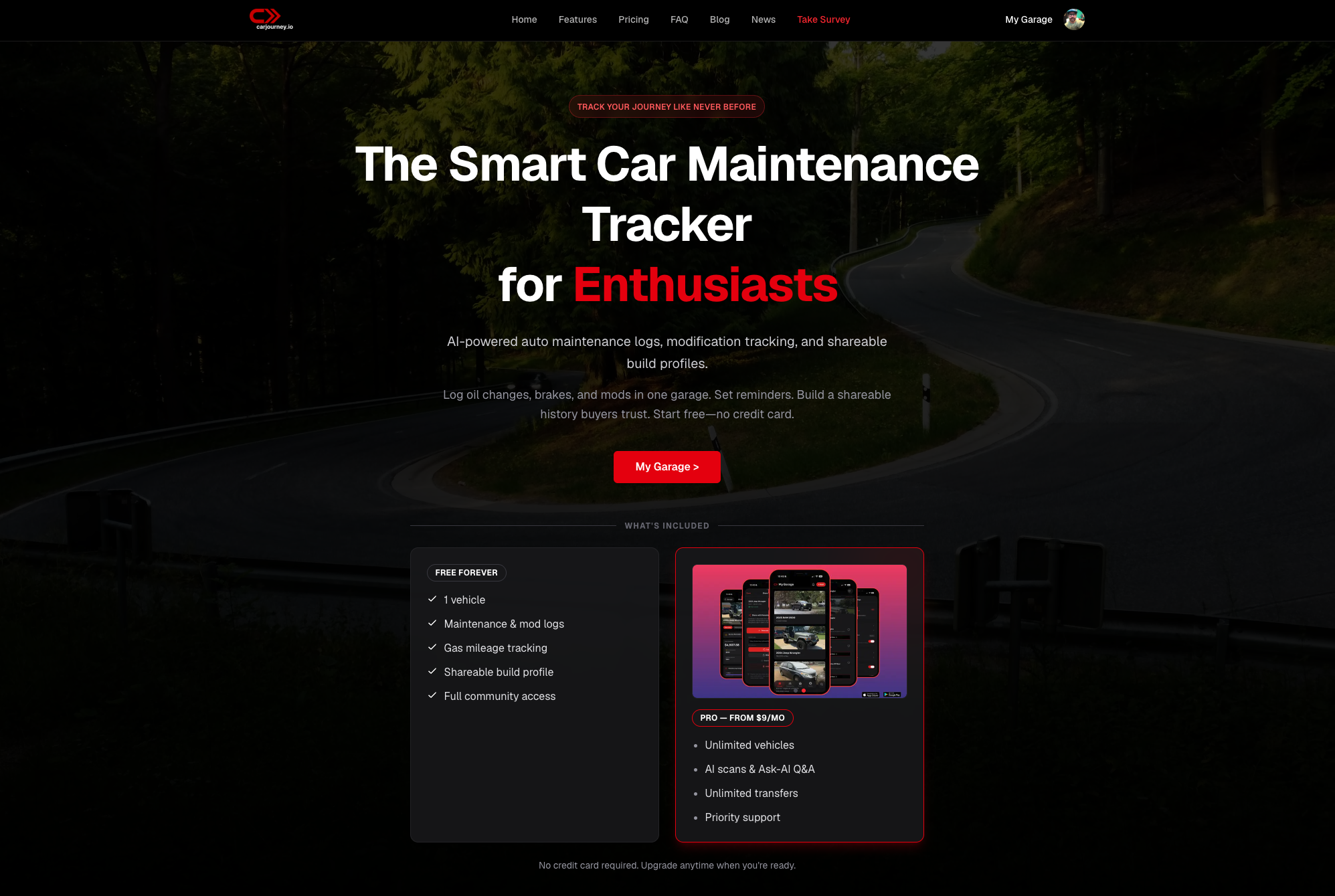
Carjourney uses AI to scan your service documents and answer detailed questions about your exact vehicle, so your records do more than sit in a folder. Whether you are preparing for a sale, heading to a tuner, or just keeping your build organized, Carjourney gives you a single, searchable history of everything done to your car. Set up takes minutes, and the car maintenance tracker guide walks you through getting started.
FAQ
What is the most important detail to record for each upgrade?
The exact mileage at installation is the single most critical data point. It lets you assess wear, plan future maintenance, and verify the timeline of your build.
How should I store photos of my car modifications?
Store photos in a cloud folder named with the part name, installation date, and mileage. Include wide-angle shots, close-ups of part labels, and serial number photos for each upgrade.
Do I need to document ECU tunes and firmware changes?
Yes. Save the firmware version, configuration file, and tuner notes for every ECU change. These files are critical for future diagnostics and for any tuner who works on the car after you.
How do I catch up on documentation for past modifications?
Pull each part, photograph the label, locate the receipt in your email or bank records, and reconstruct the entry with the best mileage estimate you can find. One thorough session covers the gaps.
Does good documentation actually increase resale value?
A complete build log with receipts, photos, and shop invoices adds credibility that buyers recognize. It removes doubt about the quality and timing of modifications, which supports a stronger asking price.