 carjourney
From the CarJourney journal
How to Set Up Maintenance Reminders for Your Car

Maintenance reminders are automated alerts triggered by time, mileage, or vehicle condition to prompt timely car servicing and prevent costly repairs. Knowing how to set up maintenance reminders correctly is the difference between catching a worn timing belt before it snaps and paying for a towed car and an engine rebuild. The process starts with three inputs: your last service date, your current odometer reading, and the manufacturer’s recommended service intervals. Get those right, and every alert you create from that point forward is accurate and trustworthy.
How to set up maintenance reminders: the core trigger types
Effective maintenance reminders combine three distinct trigger types, and understanding each one determines how well your system actually works.
Time-based triggers fire at fixed calendar intervals regardless of how much you drive. A reminder set for every six or twelve months works well for fluids that degrade with age, like brake fluid and coolant, even if your mileage stays low. Usage-based triggers count miles or kilometers driven and fire when you cross a threshold. The classic example is an oil change every 5,000 miles, though many modern synthetic-oil vehicles extend that to 7,500 or 10,000 miles. Condition-based triggers rely on onboard sensors and manufacturer algorithms to detect actual wear, not just elapsed time or distance.

The most reliable systems use whichever comes first logic, meaning a reminder fires when either the time threshold or the mileage threshold is reached, whichever happens sooner. This matters most for drivers with irregular patterns. Someone who drives 3,000 miles a year still needs an annual oil change because oil oxidizes over time, not just through use.
| Trigger type | Best used for | Example interval |
|---|---|---|
| Time-based | Fluids, belts, inspections | Every 6 or 12 months |
| Usage-based (mileage) | Oil, filters, tires | Every 5,000 to 10,000 miles |
| Condition-based | Brakes, battery, sensors | When sensor threshold is crossed |
| Combined (whichever first) | Most standard services | 6 months or 5,000 miles |
Pro Tip: Set every reminder to “whichever comes first” by default. It takes one extra click during setup and eliminates the most common gap in coverage for low-mileage drivers.
What baseline information do you need before setting reminders?
Failure to accurately establish the maintenance baseline is the most common reason automated reminder systems fail and get ignored. Before you touch any app or dashboard setting, you need two numbers: the date of your last service and the odometer reading at that service.
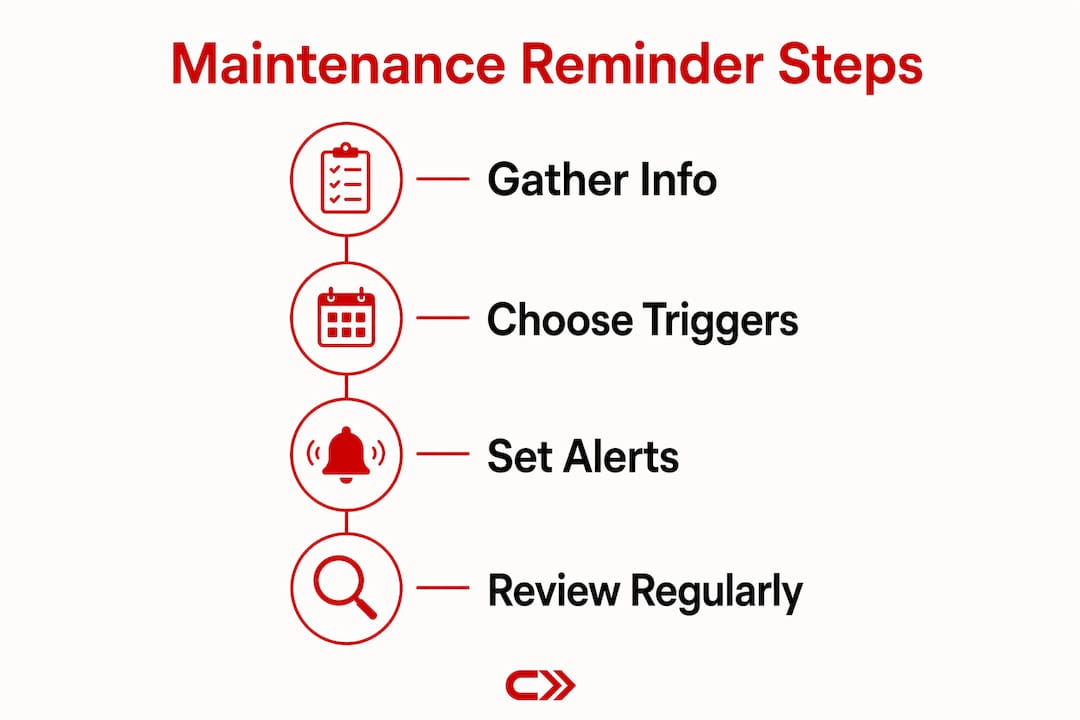
Here is what to gather before you start:
- Last service date for each maintenance item (oil change, tire rotation, brake inspection, cabin air filter, etc.)
- Odometer reading at last service for each item, not just the current reading
- Manufacturer service intervals from your owner’s manual or the manufacturer’s website
- Current odometer reading to calculate how many miles remain until the next service
- Any outstanding issues flagged at your last shop visit, like a note that your brake pads are at 40%
Without these inputs, reminder calculations are inaccurate, and you will either get alerts that fire too early, too late, or not at all. A reminder that fires 2,000 miles too early trains you to dismiss alerts. A reminder that fires 1,000 miles too late defeats the purpose entirely.
If you do not have records of your last service, check your glove box for shop receipts, look at your email for digital invoices, or call your regular shop and ask them to pull your history. Most shops keep records for at least three years.
Pro Tip: Take a photo of your odometer and the service sticker inside your driver’s door jamb right now. Those two images give you a reliable baseline even if your paperwork is incomplete.
How to set up reminders using different tools and methods
The setup process varies by tool, but the logic is identical across all of them: enter your baseline, define your trigger, set your lead time, and confirm the notification channel.
Using your car’s built-in system
Many modern vehicles include infotainment-based reminder systems. Manufacturer in-car systems like Lexus Enform or Subaru dashboard settings offer intuitive menu options linked directly to mileage or time. On most systems, you navigate to Settings, then Vehicle, then Maintenance Alerts, enter your next service mileage, and save. The system reads your odometer in real time and fires an alert when you approach that threshold.
Using a mobile app
Mobile apps are the most flexible option for most car owners. Apps that sync with your vehicle’s OBD-II port, like those compatible with Carjourney, pull live mileage data so you never have to update your odometer manually. The setup process typically follows these steps:
- Download the app and create a vehicle profile with your year, make, model, and trim.
- Enter your baseline data: last service date and odometer reading for each service type.
- Select the service items you want to track (oil, tires, brakes, filters, etc.).
- Set the trigger type for each item: time, mileage, or combined.
- Set your lead time. Alerts sent 3 to 5 days before the due date give you enough time to schedule an appointment and order parts if needed.
- Choose your notification channel: push notification, email, or SMS.
- Save and confirm each reminder individually.
Pro Tip: Set your oil change reminder to fire at 500 miles before your target interval, not on the exact mileage. That buffer gives you a real scheduling window without pushing into overdue territory.
Using a spreadsheet
Google Sheets works well for owners who prefer manual control. Create columns for service type, last service date, last service mileage, interval (months and miles), next due date, and next due mileage. Use a formula to calculate next due date by adding the interval to the last service date. Set a Google Calendar reminder linked to that date. It takes about 30 minutes to build and requires manual updates after each service, but it costs nothing and gives you full visibility.
Automated and predictive systems
Predictive maintenance goes further than standard reminders by analyzing sensor data to schedule services before failures occur. These systems reduce downtime and repair costs by catching degradation trends early. For individual car owners, this level of automation is increasingly available through AI-powered apps that read your OBD-II data and flag anomalies alongside scheduled reminders. A maintenance schedule by mileage combined with sensor-based alerts gives you the most complete coverage available today.
What mistakes should you avoid when managing reminders?
Most reminder systems fail not at setup but in the weeks and months after. These are the patterns that kill compliance:
- Fragmented records. Centralizing maintenance data into one system improves compliance because owners who split information across paper notes, text messages, and multiple apps lose track of what has been done and what has not. Pick one system and use it exclusively.
- Reminder overload. Experts warn that too many alerts cause owners to ignore all of them. If you set reminders for 15 different items with weekly check-ins, you will start dismissing everything. Limit active reminders to the services that actually matter for your vehicle’s current mileage and age.
- Static schedules. Maintenance schedules are living documents that need updating when your driving patterns change. If you start a long commute, your oil change interval shortens. If you move to a dusty climate, your air filter interval shortens. Review every interval at least once a year.
- Setting reminders too close to the due date. Recommended advance notification is 3 to 5 days or 500 miles ahead of the due service. A same-day alert gives you no scheduling window.
- Never updating after service. After every shop visit, log the new service date and odometer reading immediately. Skipping this step compounds errors over time until your entire reminder system drifts out of sync.
Treat your reminder system like your vehicle’s service log. It only works if you update it every time you turn a wrench or hand your keys to a technician.
Reviewing your maintenance schedule intervals annually based on actual driving patterns is the single habit that separates owners with reliable vehicles from owners with expensive surprises.
Key takeaways
A well-built maintenance reminder system combines accurate baseline data, the right trigger types, and realistic notification timing to keep your vehicle on schedule without overwhelming you with alerts.
| Point | Details |
|---|---|
| Start with a baseline | Record last service date and odometer reading before configuring any reminder. |
| Use combined triggers | Set reminders to fire on time or mileage, whichever comes first, for full coverage. |
| Set lead time correctly | Fire alerts 3 to 5 days or 500 miles before the due date to allow real scheduling. |
| Centralize your records | One system beats three. Fragmented data is the top cause of missed services. |
| Review intervals annually | Adjust reminder thresholds when your driving patterns or vehicle condition changes. |
Why I stopped treating reminders as a set-it-and-forget-it system
Most car owners set up a reminder once, feel good about it, and never touch it again. I did the same thing for years. The problem is that a reminder built on stale data is worse than no reminder at all. It gives you false confidence.
What changed my thinking was watching a friend ignore three consecutive oil change alerts because they kept firing “too early” based on his old driving patterns. He had switched jobs and was driving half as many miles per month. The app was still calculating on his old commute. He dismissed every alert, the oil went 11,000 miles between changes, and his engine started burning oil at 90,000 miles. That is a direct line between a stale reminder setup and a $3,000 repair.
The owners I have seen get the most out of reminder systems treat them as living schedules, not permanent configurations. They log every service immediately, review their intervals every fall, and adjust thresholds when their life changes. They also use tools that pull real mileage data automatically rather than relying on manual odometer entry, because manual entry is the first thing that stops happening when life gets busy.
The technology for reminder apps has gotten genuinely good. Predictive systems that read sensor telemetry are no longer just for fleet managers. They are available to individual owners right now. The gap is not the tools. The gap is the habit of treating your reminder system as something that needs maintenance too.
— Chally
Keep your car on schedule with Carjourney
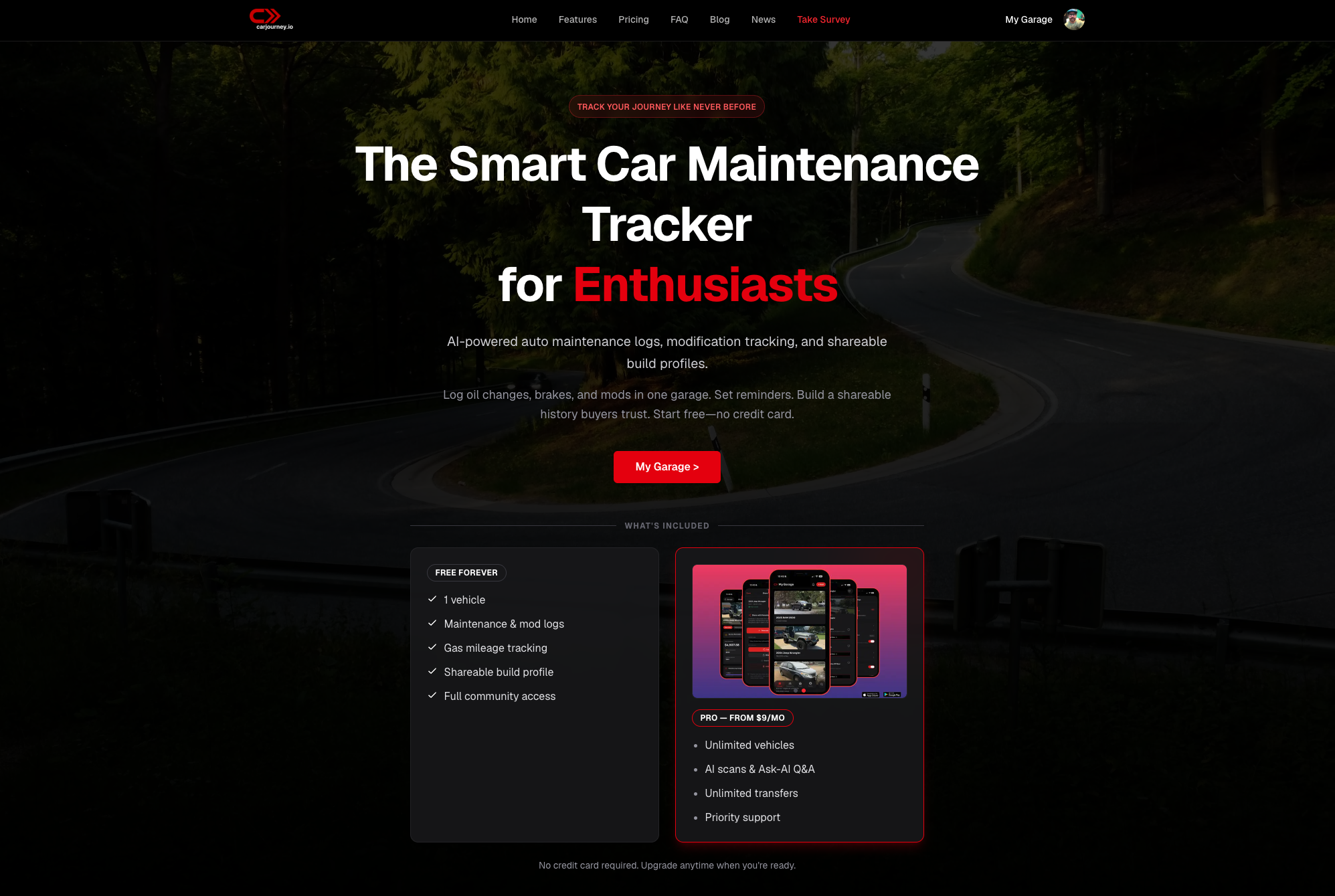
Carjourney is built for car owners who want one place to track every service, set automated alerts, and stop relying on memory or scattered receipts. The app logs your service history, reads your mileage automatically, and sends push notifications before your next service is due. You can set reminders by time, mileage, or both, and the AI-powered system flags when your intervals may need adjusting based on your actual driving data. Whether you own one car or a small fleet of personal vehicles, the CarJourney service reminder app gives you a maintenance system that works without constant manual upkeep. Start your vehicle profile today at CarJourney and never miss a service again.
FAQ
What is the best way to set up maintenance reminders?
The best approach combines time-based and mileage-based triggers set to “whichever comes first,” with alerts firing 3 to 5 days before the due date. Start by entering your last service date and odometer reading as your baseline before configuring any reminder.
How often should I review my maintenance reminder intervals?
Review your reminder intervals at least once a year, or any time your driving patterns change significantly. Rigid schedules that ignore changes in mileage or vehicle condition lead to either missed services or unnecessary trips to the shop.
Can I set up maintenance reminders without a smartphone app?
Yes. Google Sheets with a linked Google Calendar works well for manual tracking. Enter your last service date, calculate your next due date using a formula, and set a calendar event with a notification. The tradeoff is that you must update the spreadsheet manually after every service.
What information do I need before creating a maintenance alert?
You need your last service date, the odometer reading at that service, your manufacturer’s recommended interval, and your current odometer reading. Without this baseline, automated reminder calculations will be inaccurate from the start.
How do I avoid reminder fatigue with maintenance notifications?
Limit active reminders to the services that are actually due within your vehicle’s current mileage range, and set each alert to fire once with a 3 to 5 day lead time. Sending too many alerts too frequently trains you to dismiss them all.