 carjourney
From the CarJourney journal
How to Store Car Warranty Documents Effectively
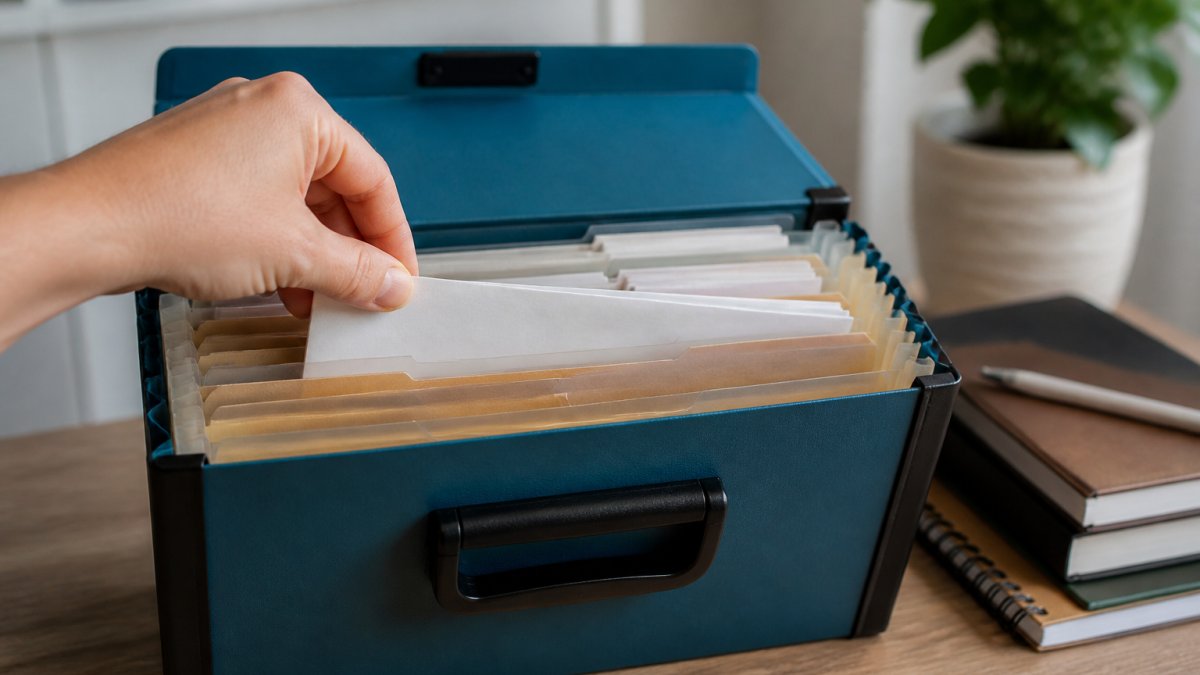
Table of Contents
- Why Organizing Car Warranty Documents Matters
- Documents Needed for a Car Warranty Claim
- How Long to Keep Car Repair Receipts and Warranty Records
- Setting Up Your Paper and Digital Record System
- Using a Car Maintenance Log Template to Track Service History
- Choosing a Vehicle Service History App for Centralized Storage
- Backing Up and Protecting Your Warranty Documents
- Preparing Your Records for a Warranty Claim
- Frequently Asked Questions
Last Updated: October 10, 2026
Why Organizing Car Warranty Documents Matters
Learning how to store car warranty documents protects your investment and proves proper maintenance. When you need to file a claim, having the right documents in the right place means the difference between approval and denial.
Most car owners scatter receipts and warranty paperwork across drawers and email folders, then spend hours searching for proof of maintenance when a claim arises.
Owners who organize from day one have zero stress when filing claims, they simply pull up organized records and submit.
Pro Tip Start organizing your warranty documents the day you buy your car, not the day you need a claim. Digital backups of every receipt protect you if originals fade or get lost.Documents Needed for a Car Warranty Claim
To file a successful warranty claim, you need documents proving ownership, maintenance, and the problem. Keep these in your warranty file: original purchase agreement and title, warranty paperwork, service receipts with dates and mileage, repair invoices, photos or videos of the defect, and the warranty claim form.
If your warranty requires scheduled maintenance at specific intervals, you need receipts proving you met them. Skipping an oil change can result in denial of engine-related claims, even if unrelated to the missed service.
Digital copies are valid for most warranty claims, but keep originals for the warranty duration plus one year.
Watch Out If you perform maintenance yourself (DIY oil changes, tire rotations), photograph the work with clear timestamps. Dealerships often won't honor claims if they can't verify the work was done properly, even if you have receipts for parts.How Long to Keep Car Repair Receipts and Warranty Records
For manufacturer warranties (typically 3-5 years), keep all receipts and service records for the warranty duration plus one additional year. Extended warranties have their own timelines, check your documentation. General rule: keep car repair receipts for a minimum of five years, which covers most warranty periods and provides a solid maintenance history if you sell the vehicle.
Setting Up Your Paper and Digital Record System
Effective storage requires both paper and digital components for redundancy. Establish a repeatable process from purchase day, not when a claim arises.
The Unified Workflow: Capture, Organize, Back Up, Verify
Every document follows the same four-step path:
Step 1: Capture at the point of service. Photograph receipts immediately with your smartphone. Use a scanning app (Adobe Scan, Microsoft Lens, or your phone's built-in scanner) to enhance readability. Save files as YYYY-MM-DD_ServiceType_Mileage.pdf for easy sorting.
Step 2: Organize in parallel systems. File original receipts in a physical binder with labeled dividers and upload scanned images to cloud storage in a mirrored folder structure.
Step 3: Back up using the 3-2-1 rule. Keep three copies on two different storage types, with one off-site: original paper in your binder, a digital copy on your computer, and a digital copy in cloud storage.
Step 4: Verify and update your retention checklist quarterly. Review your checklist every three months to confirm all documents are present and test your cloud storage access.
Warranty Document Retention Checklist
Use this checklist to ensure you keep the right documents for the right duration. Different warranty types have different retention periods.
| Document Type | Keep Until | Notes |
|---|---|---|
| Original purchase agreement and title | End of ownership | Proof of ownership and purchase date; required for any warranty claim |
| Manufacturer warranty paperwork | 1 year after warranty expires | Defines coverage limits, exclusions, and claim procedures |
| Service receipts (oil changes, tire rotations, filters) | Duration of warranty + 1 year | Proof of scheduled maintenance; manufacturers deny claims if maintenance is not documented |
| Repair invoices (dealership work) | Duration of warranty + 1 year | Proof that defects were addressed under warranty; needed if a component fails again |
| DIY maintenance photos and receipts | Duration of warranty + 1 year | Dealerships require photographic proof that DIY work was performed correctly |
| Extended warranty documentation | 1 year after extended warranty expires | Defines coverage terms and claim procedures for extended plans |
| Maintenance log (digital or paper) | End of ownership | Proof of consistent care; increases resale value and supports warranty claims |
| Warranty claim forms and correspondence | 3 years after claim resolution | Evidence of claim history; useful if a similar defect recurs |
| Photos of defects or damage | Duration of warranty + 1 year | Visual documentation of the problem; supports claim approval |
Organizing Paper Records in a Binder or File Organizer
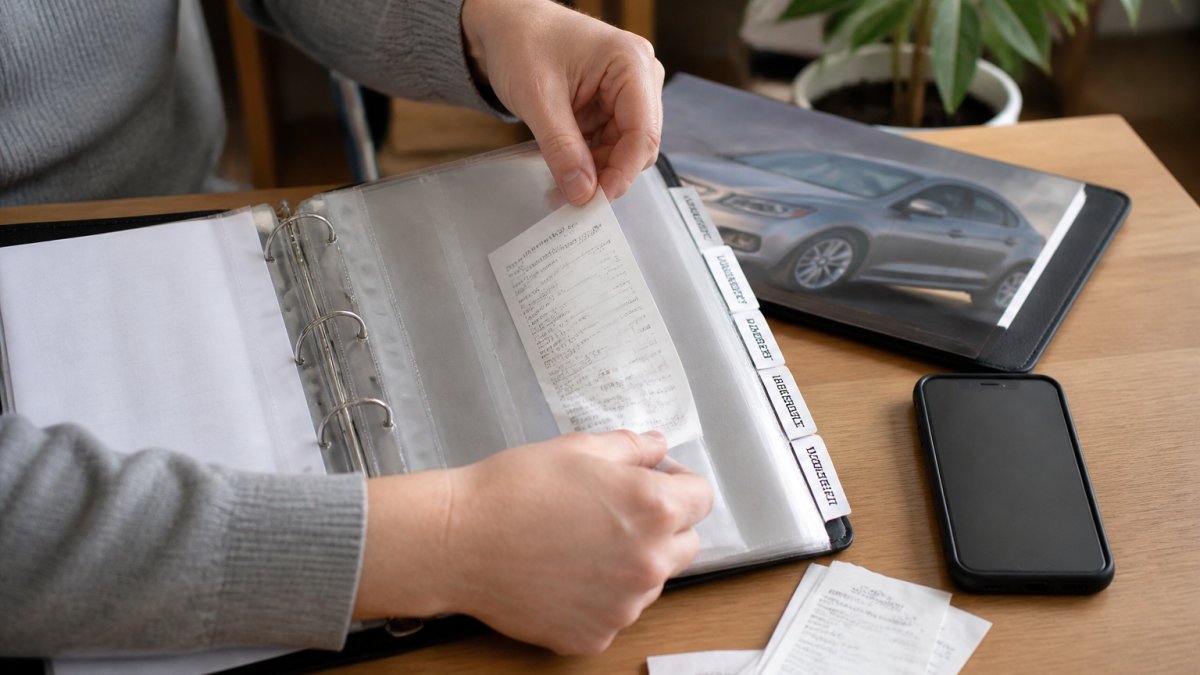
A physical binder keeps your most important documents in one place as a backup if digital systems fail.
Use page protectors to prevent fading. Write the date and mileage on the back of each receipt before filing. For already-faded receipts, write key information (date, service, cost, mileage) on the page protector in permanent marker.
Store the binder in a dry place away from direct sunlight and extreme temperatures. A home office shelf works well. Avoid attics, basements, and garages where humidity damages paper.
Scanning and Storing Digital Copies with Redundancy
Digital backups protect records if originals are damaged or lost. Scan every receipt and document on the day you receive it.
Use your smartphone camera to photograph receipts. Scanning apps (Adobe Scan, Microsoft Lens, Google PhotoScan) enhance images automatically. Store digital files in cloud storage (Google Drive, OneDrive, Dropbox) in folders mirroring your paper system, named with date and description: 2026-03-15_Oil_Change_5000mi.pdf.
Back up your cloud storage to a second location. Download critical files to your computer every six months. Store cloud storage login credentials in a secure password manager (1Password, Bitwarden, LastPass) to prevent lockout.
Handling Faded, Damaged, and Missing Records
When receipts fade, enhance them using a scanning app and save the digital copy as your primary record. For already-faded receipts, contact the service provider and request a duplicate. If you're missing a receipt, create a written statement with date, mileage, service type, and shop name, signed by the shop owner if possible.
Using a Car Maintenance Log Template to Track Service History
A maintenance log provides a clear record of every service and shows potential buyers you've maintained the car consistently. Use a simple spreadsheet or dedicated maintenance app with these columns:
| Date | Mileage | Service Type | Cost | Parts Used | Service Provider | Notes |
|---|---|---|---|---|---|---|
| 3/15/2026 | 5,000 | Oil Change | $45 | Synthetic 5W-30 | Local Shop | Changed filter, rotated tires |
| 6/22/2026 | 10,200 | Tire Rotation | $30 | N/A | Local Shop | Checked alignment |
| 9/10/2026 | 15,500 | Air Filter | $25 | OEM Filter | DIY | Documented with photos |
Update the log every time you perform maintenance, including DIY work. Keep the log in your digital files alongside scanned receipts to track service intervals and stay ahead of upcoming maintenance.
Key Takeaway A maintenance log is your proof of care. When a warranty claim is questioned, the log shows exactly when services were performed and at what mileage, making it hard for a manufacturer to deny a legitimate claim.Choosing a Vehicle Service History App for Centralized Storage
Vehicle maintenance apps consolidate all records in one place. Apps like CarJourney simplify how you store car warranty documents by centralizing maintenance records and repair history. Look for an app that uploads receipt photos, logs maintenance with automatic date/mileage entry, sets service reminders, exports records for claims or resale, and backs up to cloud.
Backing Up and Protecting Your Warranty Documents
Use the 3-2-1 backup rule: keep three copies on two different media types, with one off-site. Protect sensitive information with password-protected folders and two-factor authentication on cloud storage. Never share your complete warranty file except with authorized service providers or dealerships handling a claim. Establishing these rigorous digital security habits provides a reliable framework for storing vehicle-related information, a practice that remains equally vital when managing emergency contacts on a motorcycle.
Preparing Your Records for a Warranty Claim
How you organize and present documents directly affects warranty claim approval speed and likelihood.
Step 1: Gather and Verify All Required Documents
Compile a complete file using your retention checklist: original warranty paperwork, proof of purchase with VIN, complete maintenance records with dates and mileage, defect documentation (photos, videos, error codes), repair estimates or invoices if paid out of pocket, and dealership correspondence. If missing a document, contact the service provider immediately or create a written statement with as much detail as you remember.
Step 2: Organize Documents in Claim Order
Create a folder with documents in the order the dealership or manufacturer will review them: (1) Cover letter with VIN, purchase date, mileage, warranty type, and defect description; (2) Warranty documentation; (3) Proof of purchase; (4) Maintenance log with dates and mileage; (5) Service receipts chronologically; (6) Defect documentation; (7) Repair estimates or invoices; (8) Dealership correspondence. Number pages and include a table of contents.
Step 3: Prepare for Common Objections
Objection: "The defect is not covered under warranty." If the manufacturer claims the defect is excluded, cite the specific warranty language that contradicts this and include a highlighted copy of the relevant warranty section.
Objection: "The defect was caused by misuse or neglect." Provide evidence of proper use and maintenance: your maintenance log showing regular oil changes and scheduled services, and service records showing the vehicle was inspected and no issues were found before the defect appeared.
Step 4: Submit Digital Copies First, Originals by Mail
Email a single PDF file with all documents in order, named VIN_Warranty_Claim_[Date].pdf, and request confirmation of receipt. Follow up with originals by mail if requested, via certified mail with return receipt.
Step 5: Follow Up and Document the Process
Create a timeline of all communication. If no response within 30 days, follow up. If denied, request written explanation citing specific warranty language.
Step 6: If Your Claim Is Denied, Prepare an Appeal
If denied, appeal with additional evidence: independent diagnostic reports, manufacturer technical bulletins, evidence of similar defects in other vehicles, and expert statements. If the manufacturer continues to deny, file a complaint with your state's attorney general or consumer protection agency, which may have lemon law protections.
Key Takeaway A warranty claim is won or lost on the strength of your documentation. Organize your records in claim order, address common objections proactively, submit digital copies first for speed, and follow up in writing to create an audit trail. If denied, appeal with additional evidence and cite the specific warranty language that supports your case.Frequently Asked Questions
What documents should you keep for a car warranty claim?
Keep the original warranty document, proof of purchase, service records showing maintenance was performed, repair receipts with dates and mileage, invoices for parts and labor, and any communication with the dealership or service center. Digital copies of receipts are acceptable if they're clear and timestamped. Organize these by service date and vehicle component to make claim submission faster and more complete.
How long should you keep car repair receipts and warranty records?
Keep warranty documents for the entire duration of the warranty period, typically 3 to 10 years depending on coverage. Retain service records for at least as long as you own the vehicle, longer if you plan to sell it, as they prove maintenance history to buyers. For extended warranties, store records until the coverage expires plus one additional year to cover any delayed claims.
Can digital copies of receipts be used for a car warranty claim?
Yes, digital copies of receipts are generally accepted for warranty claims if they're clear, complete, and timestamped. Take photos of receipts immediately after service to preserve faded ink. Store digital copies in cloud storage with backup access, and include the date and mileage in the file name or metadata. Keep originals for at least 30 days in case the dealership requests them.
What's the best way to organize maintenance records for a used car?
Create a vehicle folder with labeled sections for warranty documents, service records by year, repair receipts, and maintenance logs. Use a spreadsheet or app to track service dates, mileage, and work performed. If you inherited records from the previous owner, add them chronologically at the start of your folder. Scan everything and back up digital copies to cloud storage so you have proof of continuous maintenance history.
Organizing your warranty documents from the start eliminates stress when you need them most. Whether you're filing a claim or preparing to sell your car, having everything in one place proves you've cared for your vehicle properly. At CarJourney, we help you track every service and store every receipt automatically. Start free with CarJourney and keep your entire vehicle history organized in one digital garage, complete with shareable build profiles that buyers trust.
Start free