 carjourney
From the CarJourney journal
A Digital Maintenance Binder for Cars: What It Is and Why It Works
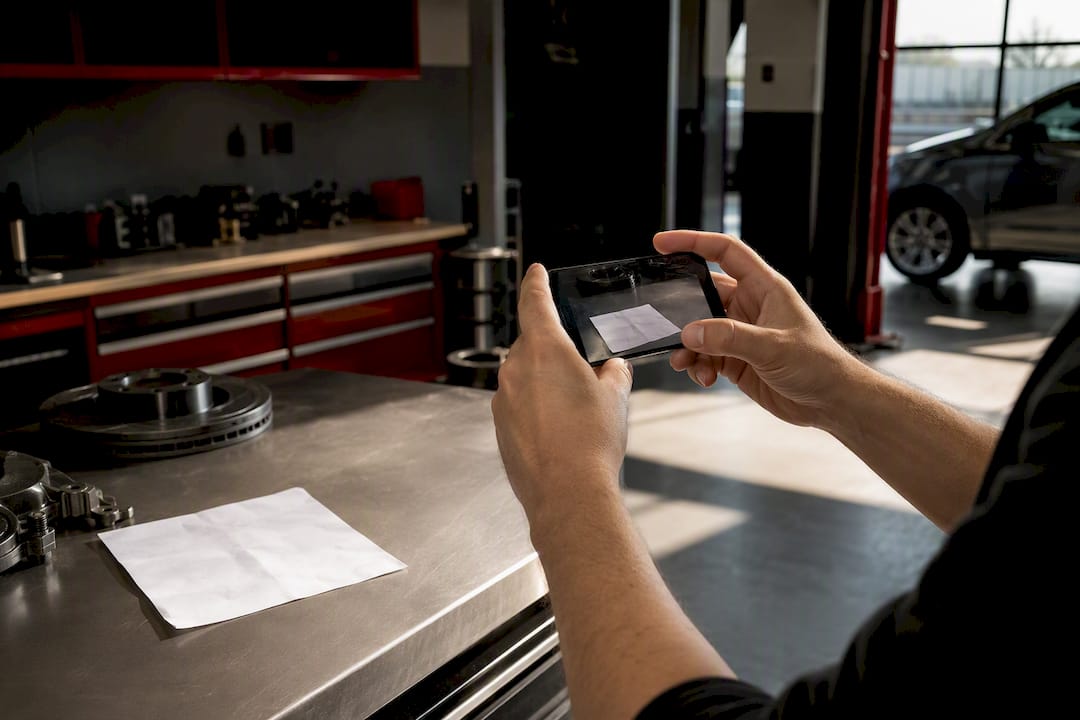
A virtual maintenance binder is a SaaS tool that scans and stores your receipts, tracks maintenance and modifications, sets reminders, and delivers AI-backed guidance on your specific vehicle. It replaces the shoebox, the glove-box folder, and the spreadsheet you forgot existed. For enthusiast owners juggling multiple builds, the job it does boils down to five things:
- Scan and store service receipts and documents with OCR
- Log every maintenance event with mileage, date, and shop
- Track modifications with photos and part numbers
- Send reminders based on mileage, date, or calendar
- Answer vehicle-specific questions using AI trained on your history
Carjourney does exactly this, purpose-built for people who track more than one car and care about getting the details right.
Key Takeaways
A maintenance binder for cars works when it combines scanned receipts, structured service logs, mileage-based reminders, and AI guidance into one searchable vehicle timeline.
| Point | Details |
|---|---|
| Capture minimum metadata | Log date, mileage, shop, and a one-line note for every service entry, no exceptions. |
| Migrate in stages | Spend about 15 minutes organizing old receipts, then 60 seconds per future visit. |
| Log mods with proof | Attach photos and part numbers to each modification entry, not just a text description. |
| Build a sale packet early | A one-page summary plus linked receipts can lift resale value by 10 to 20 percent. |
| Use Carjourney as the hub | Carjourney scans receipts, tracks mods, sends reminders, and cross-checks AI guidance for enthusiast owners. |
Table of Contents
- How Does a Car Maintenance Binder App Actually Work?
- What Features Should a Maintenance Binder App Include?
- How Do You Set Up and Migrate Old Records Fast?
- What Should You Log for the Best Long-Term Results?
- Where AI Guidance Helps, and Where a Mechanic Still Wins
- Can a Digital Binder Actually Help You Sell the Car?
- Is Your Vehicle Data Actually Safe in a Cloud Binder?
- Why We Built Carjourney
- Try Carjourney’s Free Plan Today
- Frequently Asked Questions
- Sources
How Does a Car Maintenance Binder App Actually Work?
The scanning workflow starts with a photo. Upload a receipt or invoice, and OCR extracts the date, mileage, shop name, and often the part numbers listed on the ticket. You confirm the fields, and the entry attaches to your vehicle’s timeline.
Each car gets its own profile, built around VIN, make, model, and year. That VIN matters beyond identification. It lets the app cross-reference recall data automatically, something a good maintenance hub should do without prompting.
You’ll toggle between two views depending on what you need. The timeline shows everything chronologically, useful when you’re proving a full service history. Folders group by category (brakes, fluids, mods), useful when you’re troubleshooting a specific system.
- Set mileage-based reminders for things like oil changes or timing belts, following a reliable car maintenance schedule checklist to extend vehicle longevity
- Set date-based reminders for items that degrade regardless of use, like brake fluid
- Sync reminders to your calendar so they land where you’ll actually see them
Pro Tip: Set your mileage reminders slightly early. A 5,000-mile oil interval reminder that fires at 4,700 miles gives you room to schedule around a busy week instead of missing the window entirely.
What Features Should a Maintenance Binder App Include?
A useful binder needs to do more than store PDFs. Before you commit to a workflow, or lean on Carjourney’s version of it, check for these capabilities:
- Searchable receipts. Every scanned document should be searchable by shop, date, or keyword, and attached directly to its service entry, not floating in a generic folder.
- Structured service logs. Each entry needs date, mileage, cost, and shop fields at minimum.
- Modification records with visual proof. Photos and part numbers turn a vague “upgraded suspension” note into something a future buyer or mechanic can actually verify.
- Automated reminders and recall monitoring. The app should watch mileage and calendar triggers, and ideally flag recalls tied to your VIN without you checking manually.
- AI Q&A grounded in your actual vehicle history. Generic advice is easy to find. Advice that references your last three oil changes and your specific modification list is not.
- Export and sharing tools. A one-page summary you can hand to a buyer or a shop, without exporting your entire account history.
Tools that combine photos, tags, and reminders into one searchable system consistently beat scattered paper for project cars and daily drivers alike, mainly because nothing gets lost between visits.
How Do You Set Up and Migrate Old Records Fast?
Getting started doesn’t require digging through years of glove-box clutter in one sitting. Do it in stages.
- Create your vehicle profile first. Enter the VIN, make, model, and year before anything else. This is what powers recall alerts and AI recommendations later.
- Batch-scan by year or service type. Sort your existing receipts into rough piles (oil changes, brake work, mods) before you start uploading. Scanning in batches is faster than jumping between categories.
- Add minimal metadata on the first pass. Date, mileage, and a one-line note per entry is enough to start. You can enrich records later; don’t let perfectionism stall the import.
- Log each modification as its own entry. Attach a photo, the part number, and the receipt. One mod, one entry, no bundling three upgrades into a single vague note.
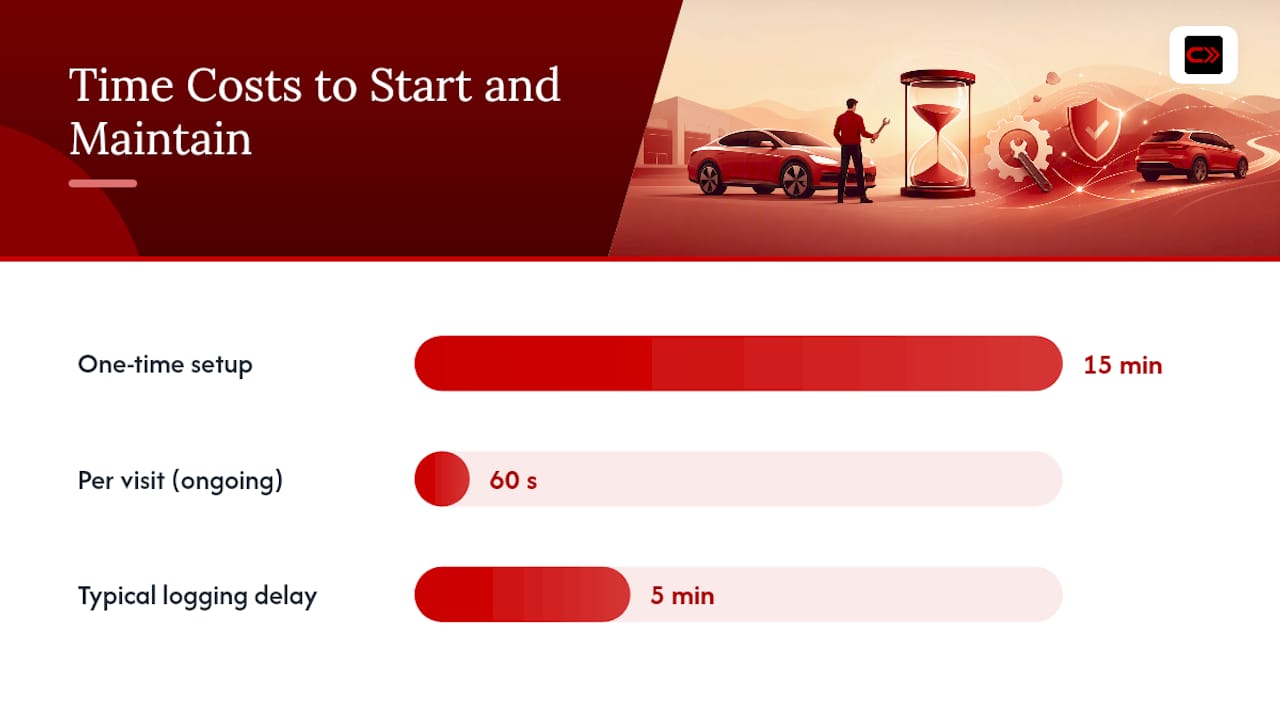
The realistic time cost: about 15 minutes to organize existing receipts into a usable starting point, and roughly 60 seconds per visit going forward. That second number is the one that matters. Fifteen minutes is a one-time tax. Sixty seconds is a habit you can actually sustain for years.
Pro Tip: Don’t wait until “later” to log a service visit. Do it in the parking lot before you drive off. Memory of exact mileage and cost fades fast, and a five-minute delay often becomes a three-week gap.
If you’re migrating a large backlog, a browser-based tool tends to handle bulk imports better than a phone screen, since you can drag, drop, and tab through multiple receipts at once.
What Should You Log for the Best Long-Term Results?
The fields you capture on day one determine how useful your binder is five years from now. Keep it consistent rather than exhaustive.
- Date and mileage, every single time, no exceptions
- Service type and a one-line description of the work
- Shop or mechanic name, even for DIY jobs (note “self” or your garage)
- A photo of the receipt itself, not just a typed summary
- Part numbers for anything you might need to reorder or reference later
Standard service-history fields like these are what buyers and mechanics expect to see, and skipping them creates gaps you’ll regret later. Tag conventions matter too: a consistent naming pattern (“brakes_front”, “brakes_rear”) makes searching across years of records instantly faster than free-text notes.
Small entries compound. Logging a $12 air filter swap feels pointless in the moment, but a complete record, down to the minor stuff, is what separates a credible service history from a suspicious one with mysterious gaps.
Where AI Guidance Helps, and Where a Mechanic Still Wins
AI does a specific set of jobs well: summarizing scattered receipts into a readable history, suggesting service intervals based on your actual mileage pattern, and answering questions like “when did I last replace the serpentine belt on this car” instantly.
- Summarize your service history into plain-language answers
- Suggest maintenance timing based on your logged mileage and past intervals
- Flag when a recommendation should be corroborated by a second source or model
- Prompt a follow-up inspection when symptoms suggest something beyond routine maintenance
When a noise, vibration, or performance issue can’t be explained by logged history alone, the right AI response isn’t a diagnosis. It’s a recommendation to get eyes and hands on the car.
Carjourney cross-checks its maintenance suggestions across multiple AI models before surfacing them, which reduces the odds of confidently wrong advice. But no software replaces a mechanic listening to a bad bearing or feeling a soft brake pedal. Treat AI guidance as a well-informed second opinion, not a diagnostic tool.
Can a Digital Binder Actually Help You Sell the Car?
Yes, and the mechanism is simple: buyers pay more for certainty. A complete, verifiable service history can improve resale outcomes by roughly 10 to 20 percent compared with a car that has incomplete or missing records.
Build a sale packet, not a data dump:
- A one-page summary of major services and mileage
- Linked receipts for the big-ticket items (timing belt, clutch, suspension work)
- A modification list with part numbers and install photos
- An exportable PDF or a shareable public link, so buyers can review before they even see the car
A buyer trusts a story they can verify, not one they have to take your word for.
Is Your Vehicle Data Actually Safe in a Cloud Binder?
Before trusting years of records to any platform, confirm the basics:
- Encryption in transit and at rest, standard for any legitimate SaaS handling personal records
- Export options in common formats like PDF and CSV, so you’re never locked in
- Automatic backups and multi-device sync, so a lost phone doesn’t mean a lost history
- Permissioned sharing with expiring links or view-only exports, so you control exactly what a buyer or shop can see
None of this is exotic. It’s baseline hygiene for any app asking you to trust it with a decade of receipts.
Why We Built Carjourney
We started this because a glove box full of faded receipts is a terrible way to prove you took care of a car. Enthusiasts told us the same thing repeatedly: they’d spend weekends on a build but couldn’t produce a clean history when it mattered, at sale time or when troubleshooting a repeat issue.
The 60 seconds it takes to log a visit now saves hours of digging later.
Try Carjourney’s Free Plan Today
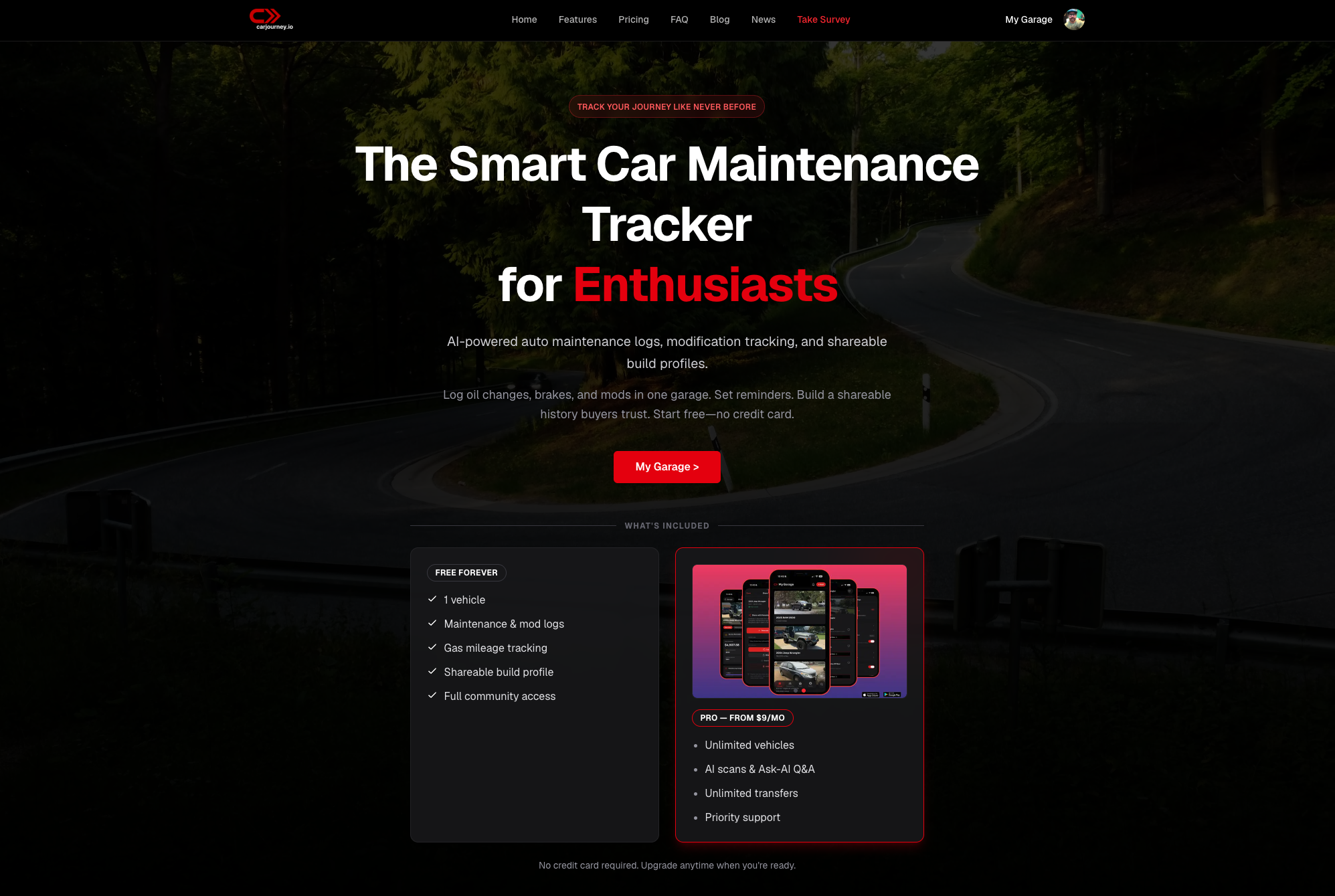
Carjourney gives you scanning, AI guidance, reminders, and a shareable sale packet in one place, built specifically for owners who track more than a single daily driver. The free plan covers the basics: scan receipts, log services, and set reminders on one vehicle. Pro unlocks unlimited vehicles, deeper AI-driven recommendations verified across multiple models, and full export tools for when you’re ready to sell.
If your records currently live in three different apps and a paper folder, consolidating them into one searchable timeline takes less time than you’d think. Start with the free tier at Carjourney, import your existing receipts in a single sitting, and see whether the AI guidance is worth the upgrade to Pro before you commit to anything.
Frequently Asked Questions
What is a virtual maintenance binder for cars? It’s a SaaS app that scans and stores service receipts, tracks maintenance and modifications, sets reminders, and offers AI guidance based on your specific vehicle’s history.
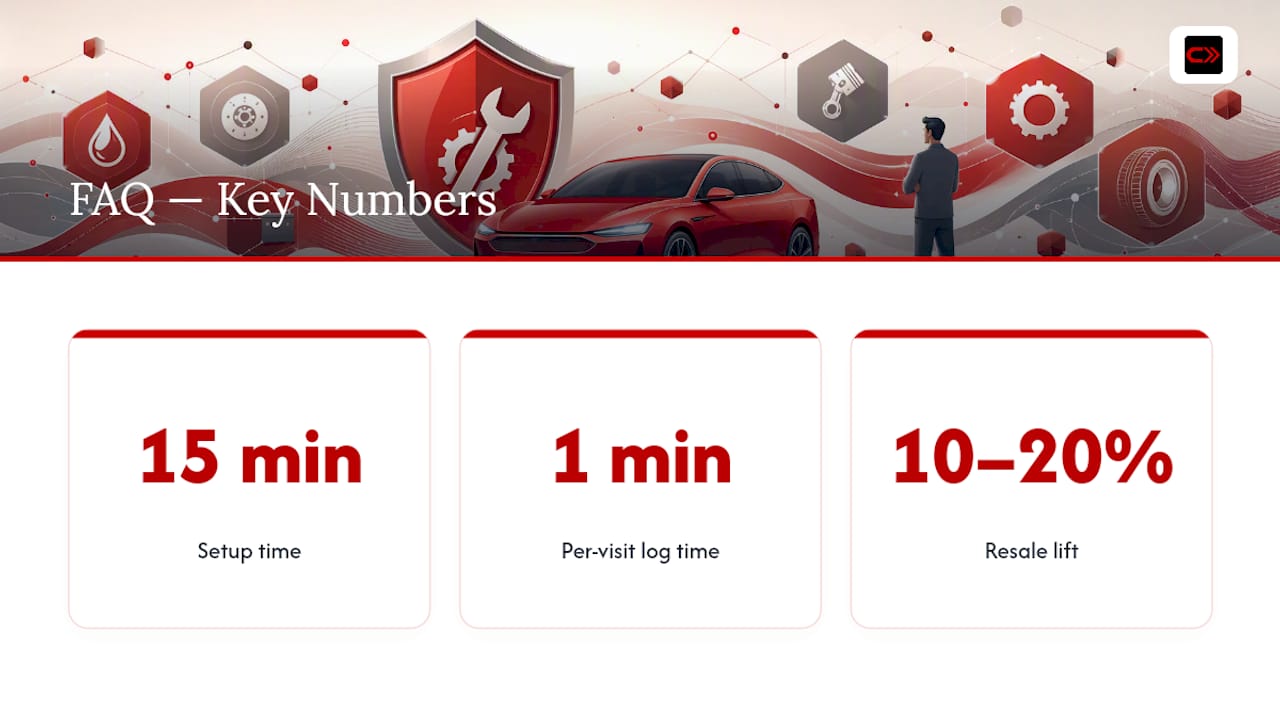
How long does it take to set up a digital car maintenance log? Expect about 15 minutes to organize and import existing receipts, then roughly 60 seconds per visit to log new service events going forward.
Can AI actually recommend maintenance for my specific car? Yes, within limits. AI can summarize your history and suggest intervals based on logged mileage, but it should point you to a mechanic when symptoms suggest a diagnosis beyond routine service.
Does a documented service history really increase resale value? Industry estimates commonly cite a 10 to 20 percent improvement in resale outcomes for cars with complete, verifiable service records compared with incomplete ones.
What metadata should I capture for every service entry? Date, mileage, shop or mechanic name, a brief work description, and a photo of the receipt itself, plus part numbers for any modifications.
Sources
This article draws on reporting from The Drive, Dib Blog, and Bumper. For setup help, see Carjourney’s guides on saving repair receipts and logging aftermarket parts.
- This free app is a godsend for anyone with a project car — The Drive
- The Best Way to Track Your Car’s Maintenance, Recalls, and Documents in One App | Dib Blog
- How to Keep a Car Service History That Actually Helps at Resale | Bumper
- Why consistent vehicle maintenance is essential for long-term performance and cost-saving | Midcoast Auto