 carjourney
From the CarJourney journal
Best Methods for Mileage Reminders That Work
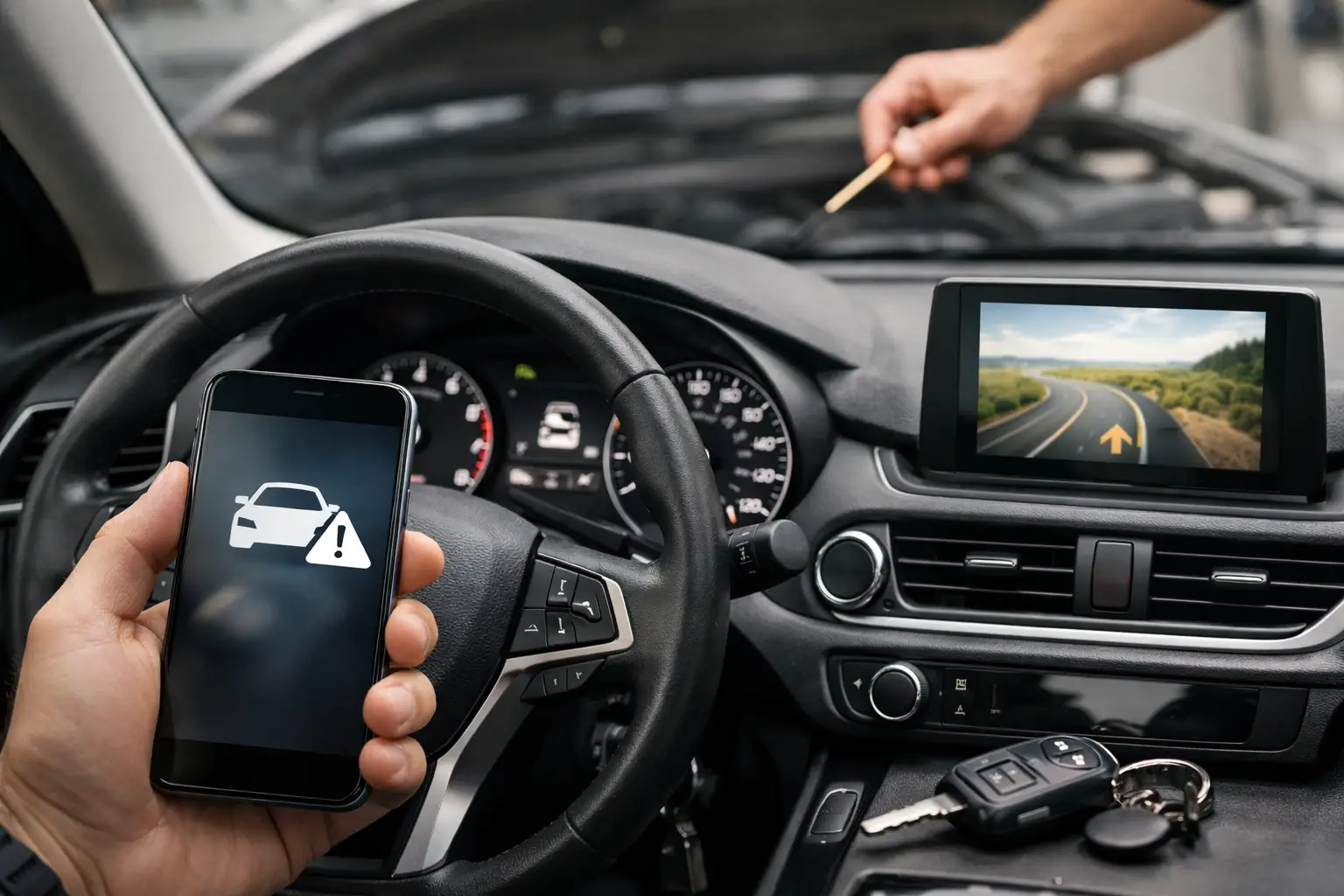
A reminder light that comes on 3,000 miles after an oil change may be convenient, but it is not a maintenance plan. It does not know which oil you used, whether the car sat for three months, how hard you drive it, or when you installed upgraded brakes. The best methods for mileage reminders give you a clear next action while preserving the history behind it.
For enthusiasts, that difference matters. A missed fluid service can turn into an expensive repair. A missing receipt can weaken a resale conversation. And a modification without a documented baseline can make it harder to troubleshoot the build later. The right reminder system should protect the vehicle and make ownership easier to manage.
What Makes a Mileage Reminder Actually Useful?
A useful reminder is specific. “Maintenance due” is better than nothing, but “change engine oil at 67,500 miles or November 15, whichever comes first” gives you a real decision point. The strongest systems connect a reminder to the last completed service, the exact interval, and the vehicle’s current odometer reading.
Mileage alone is not always enough. Oil, brake fluid, coolant, tires, batteries, and seasonal inspections can all depend on time as well as miles. A weekend car may only travel 2,000 miles a year but still need age-based attention. A daily-driven truck that tows may need shorter intervals than the owner’s manual assumes.
The goal is not to create a notification for every possible task. It is to build a schedule you can trust without having to remember the details every time you open the garage door.
1. Use the Factory Maintenance Monitor as a Backup
Most newer vehicles have an oil-life monitor or maintenance reminder built into the instrument cluster. It is easy to use, always visible, and often considers more than a fixed mileage number. Some systems estimate oil life based on temperature, engine load, trip length, and driving patterns.
That makes the factory monitor a solid first line of defense for routine service, especially on a newer daily driver. Reset it only after the work is actually completed, not when you buy supplies or schedule an appointment. Resetting too early is one of the fastest ways to lose track of what the car needs.
Still, factory monitors have limits. They typically focus on broad maintenance items and rarely track your exact oil brand, filter part number, tire rotation pattern, brake pad measurements, or modification-specific service needs. If you maintain more than one vehicle, the information also stays trapped in each vehicle rather than living in one organized record.
Use the dashboard reminder as a prompt, not as your only source of truth.
2. Set Mileage and Time Triggers Together
The most reliable approach for most owners is a dual-trigger schedule: complete service at a mileage target or by a calendar date, whichever comes first. This reflects how maintenance actually works.
For example, you might set engine oil for every 5,000 miles or six months, brake fluid every two years, and a tire rotation every 6,000 miles. The exact numbers should come from the owner’s manual, the parts manufacturer, your tuner or builder, and how the vehicle is used. A turbocharged car that sees track days does not live the same life as a stock commuter.
Time-based triggers are especially valuable for collector cars, seasonal vehicles, motorcycles, and project builds that spend long stretches parked. They also cover maintenance that mileage reminders tend to miss, such as checking battery condition, inspecting tires for age-related cracking, or changing fluids that absorb moisture over time.
When you log a completed service, record both the odometer and date. From there, the next due point should calculate itself. That removes mental math from the process and keeps the schedule consistent even when multiple people drive the vehicle.
3. Build Reminders Around How You Actually Drive
Manufacturer intervals are the starting point, not always the finish line. Your reminder schedule should reflect your ownership reality.
Short-trip driving can be hard on oil because the engine may not fully warm up. Dusty roads, extreme heat, towing, autocross, track use, aggressive street driving, and long periods of idling can all justify closer attention to fluids, brakes, tires, and filters. On the other hand, shortening every interval without a reason can waste money and create unnecessary work.
A practical way to handle this is to create separate service categories for normal use and severe use. Your daily driver may follow the manual. Your boosted weekend car may have more frequent oil changes, inspections after events, and reminders for components affected by added power. If you install coilovers, set a future reminder to inspect hardware and alignment. If you add performance brakes, log pad compound and rotor details so the next inspection has context.
This is where mileage reminders become part of build management, not just basic maintenance.
4. Keep the Reminder Attached to the Service Record
A phone calendar can remind you to change oil, but it cannot tell you what happened last time unless you write that information somewhere else. Spreadsheets can hold detailed records, but they depend on manual updates and are easy to ignore when you are standing in a parts store or at a shop.
The better method is a vehicle-specific digital log where reminders and records live together. Each completed job should include the date, odometer, cost, shop or DIY notes, parts used, and photos or receipts when relevant. The reminder for the next interval then grows out of verified history instead of a vague estimate.
That structure is valuable when diagnosing problems. If the car develops a vibration, you can check when tires were rotated, when suspension work was completed, and whether an alignment followed the install. If you sell the vehicle, you have a clean history that shows responsible ownership rather than a pile of disconnected invoices.
CarJourney brings those pieces into one garage, allowing owners to log services and modifications while setting reminders by mileage, time, or schedule. The benefit is simple: the next task is visible, and the evidence behind the last task stays with the vehicle.
5. Use Notification Timing That Gives You Options
A reminder should arrive early enough to be useful. If your oil-change alert appears only when you are already overdue, it is not helping you plan around shop availability, parts shipping, or a busy week.
Set a lead time based on the work. For a routine oil change, a reminder 300 to 500 miles early may be enough. For tires, major fluids, timing-belt work, or a pre-track inspection, more notice is smarter. You may need time to order parts, compare quotes, or coordinate a trusted shop.
Avoid notification overload. If every small item sends repeated alerts, the important ones become background noise. Prioritize safety-critical services, manufacturer-required maintenance, and jobs with meaningful cost or lead time. Keep lower-priority checks visible in the vehicle record without turning your phone into a warning light.
6. Review Your Garage at Consistent Milestones
Even a good reminder system benefits from a quick review. Many owners do this at the start of each season, before a road trip, after a track event, or when a vehicle reaches a clean mileage milestone such as every 5,000 or 10,000 miles.
Use that review to check upcoming services, open tasks, and records that need receipts or notes added. For multi-vehicle households, this prevents the common problem of one car getting all the attention while another quietly falls behind on tires, registration, or fluid age.
It is also the right time to update the plan after a major change. New wheels, a suspension refresh, forced induction, a tow setup, or a new driving routine can all change what the vehicle needs next. Your maintenance schedule should evolve with the build.
The Best Method Is the One You Will Keep Updating
Dashboard alerts, calendar reminders, spreadsheets, and maintenance apps can all work in the right situation. A factory monitor is easy. A calendar is flexible. A spreadsheet gives detail. A dedicated vehicle record gives you the strongest combination of reminders, documentation, and ownership history.
Choose a system that makes logging the completed work nearly as easy as receiving the alert. Then be disciplined about recording the mileage, date, and what was done before you toss the receipt in the console. A vehicle with a documented past is easier to maintain, easier to troubleshoot, and far easier to trust when it is time for the next owner to take the keys.