 carjourney
From the CarJourney journal
Top 5 Autoservicelogger.com Alternatives 2026

Finding a vehicle maintenance tracker that fits multiple cars, preserves private records, and handles detailed logs without platform restrictions is needlessly hard. Many trackers limit features to single vehicles, require upgrades for advanced logging, or restrict access by device or account type. You can match the best maintenance tracker alternative to your budget, privacy needs, and vehicle count without settling for missing features.
Table of Contents
CarJourney
At a Glance
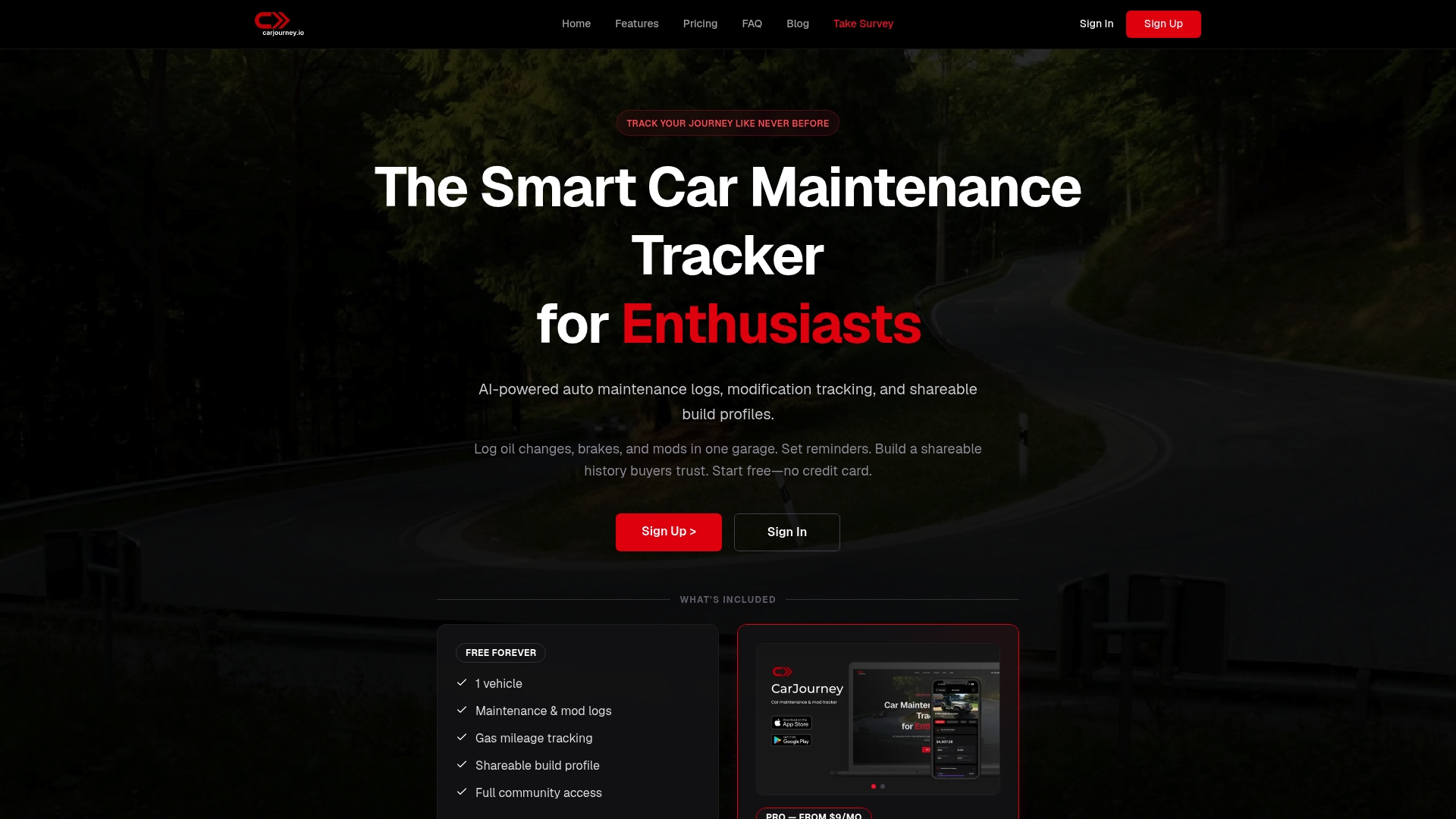
Paid plans let you store unlimited vehicles in a single digital garage. The app combines maintenance logs, modification records, and community build pages in one place. CarJourney was built and owned by Blue Shed Digital, LLC, a small team of gearheads and software engineers based in Virginia.
Core Features
CarJourney uses AI to extract service details and populate maintenance logs automatically, and it tracks modifications with shareable build profiles. The platform issues maintenance reminders based on mileage and time and offers AI assistance to answer vehicle specific questions. You can manage multiple cars across web and mobile, with unlimited garage slots on paid plans.
Key Differentiator
The single feature that separates CarJourney is its AI powered automatic logging and insights tuned for enthusiasts. That system reads service documents, turns receipts into structured history, and links recommendations to a specific vehicle build. This focus on document scanning plus model aware suggestions targets hobbyists who modify or restore cars.
Pros
Car enthusiasts get a detailed record keeper that covers both maintenance and modifications. The interface works across desktop and mobile, which keeps logs and reminders accessible when you are at the shop or at a meet. Community features let members share builds and advice, while the AI reduces manual data entry by scanning documents and suggesting schedules. Pricing mixes a free tier, monthly Pro at $9 per month, yearly plans, and a lifetime option for those who prefer a single purchase.
Cons
- AI features require paid upgrades for full access, which limits the free plan to one vehicle and basic tools.
Who It’s For
CarJourney fits hobbyists who run multiple projects, owners who want clear service histories, and clubs that publish shared builds. It also suits buyers who want an organized maintenance record before purchase. Casual drivers who only need a simple mileage log may find the interface more detailed than they want.
Unique Value Proposition
The platform ties document scanning to vehicle specific advice so you see a maintenance timeline that matches your exact build. That approach reduces hours of manual entry and improves accuracy when tracking aftermarket parts. For owners who swap parts or follow staged builds, the time saved on data entry and follow up reminders changes how you keep a car long term.
Real World Use Case
A hobbyist restores a 1999 sedan and uploads receipts after each service. CarJourney extracts the dates, parts, and mileage, then updates the build profile and sets the next reminder. The owner shares the build page with a local club to get feedback on part choices and repair approaches.
Pricing
A free tier covers a single vehicle and basic logs. Pro plans start at $9/month and include expanded AI features and multiple vehicles. The vendor also offers yearly and lifetime purchase options for people who prefer one time payment.
Website: https://carjourney.io
CARPORT
At a Glance
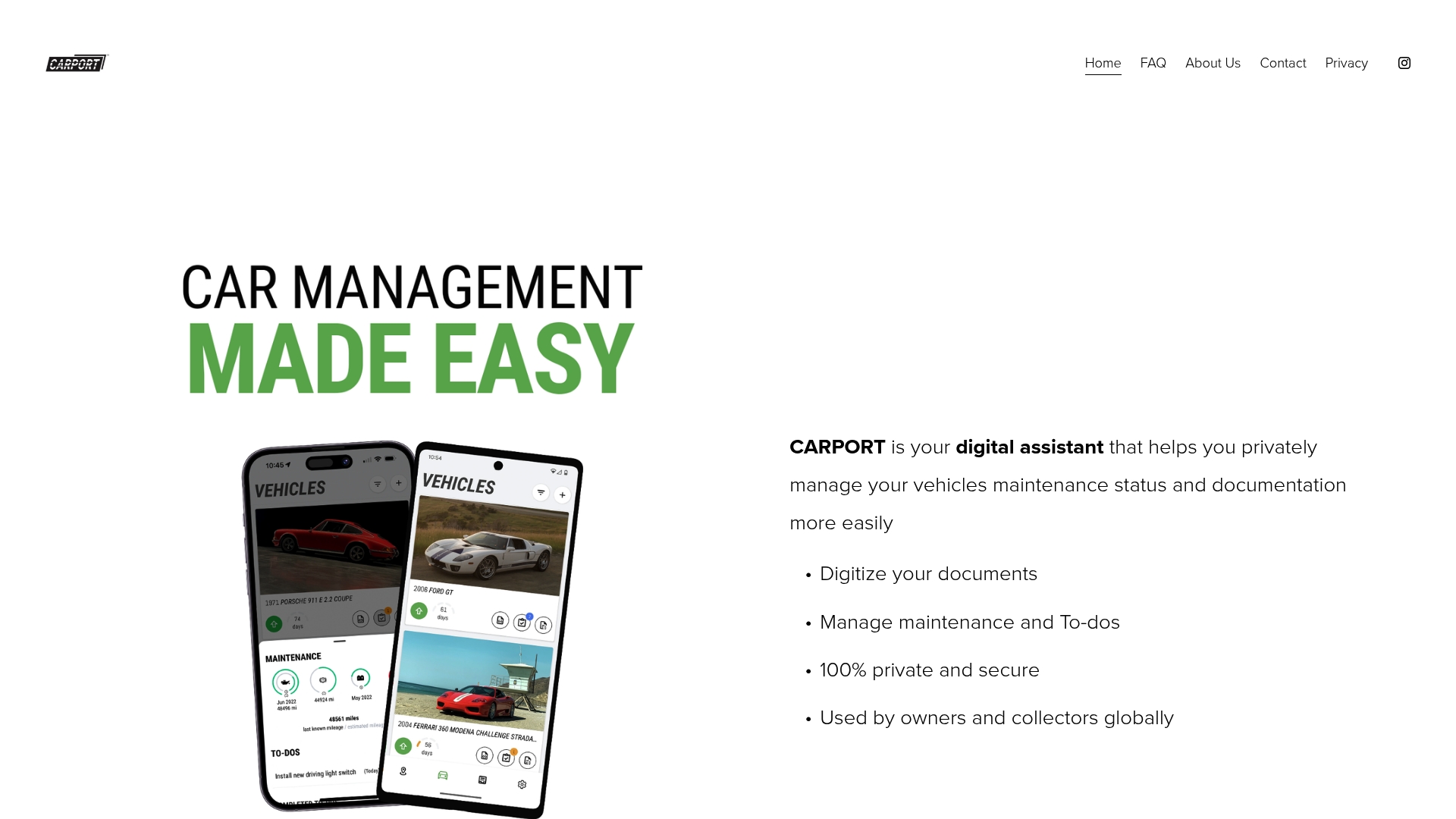
Free to use and built with privacy in mind, CARPORT does not sell user data or connect to social networks. The app stores digitized documents, receipts, and photos for multiple vehicles on mobile and desktop. The current release focuses on private, single user vehicle management with planned optional subscription features later.
Core Features
CARPORT lets you digitize vehicle documents, receipts, and photos and keep them grouped by vehicle. The app tracks maintenance schedules and To Do lists, logs drives and photos, and records vehicle history and investment details. You can also build and export organized vehicle reports for sale or record keeping.
Key Differentiator
CARPORT centers user control and privacy by avoiding data sharing and social integrations while still offering thorough vehicle record keeping. That emphasis on privacy narrows its audience to owners who prefer a private store of service records and documents. The product positions itself for people who do not want cloud social features attached to vehicle data.
Pros
The app is free to use, which lowers the barrier to entry for owners and collectors who want a single place to keep records. Its privacy stance means no social sharing and no data sales, which suits owners who value control over their information. The interface organizes multiple vehicles, supports drive logging, reminders, and report exports, and runs on iOS, Android, and desktop on Apple Silicon.
Cons
-
No web based platform yet. These limits access from Windows PCs without Apple Silicon and from Chrome OS devices.
-
Only free features exist now. Details about future paid features or subscription levels are limited.
-
Single user accounts only. There is no built in sharing or multi access for family members or workshop staff.
When It May Not Fit
If you need a web app for a Windows laptop or a Chrome OS device, CARPORT may not meet that requirement. Teams or families who need shared accounts or permissioned access will find the single user model restrictive. If you depend on integrations with other services, the lack of third party connectors will be a drawback.
Who It’s For
Car owners and collectors who want a private, organized place to store documents and service history will get the most from CARPORT. Enthusiasts who manage multiple vehicles and want exportable reports for sale or insurance value will appreciate the organization tools. People who expect shared access or broad platform coverage should look elsewhere.
Real World Use Case
A collector uses CARPORT to digitize titles, service receipts, and appraisal documents for several classic cars. The collector sets maintenance reminders, logs drives, and exports a tidy report when selling a car. The result is a clean, private file set that travels with the vehicle record rather than a public feed.
Website: https://carport.app
AUTOsist Fleet Maintenance Software
At a Glance
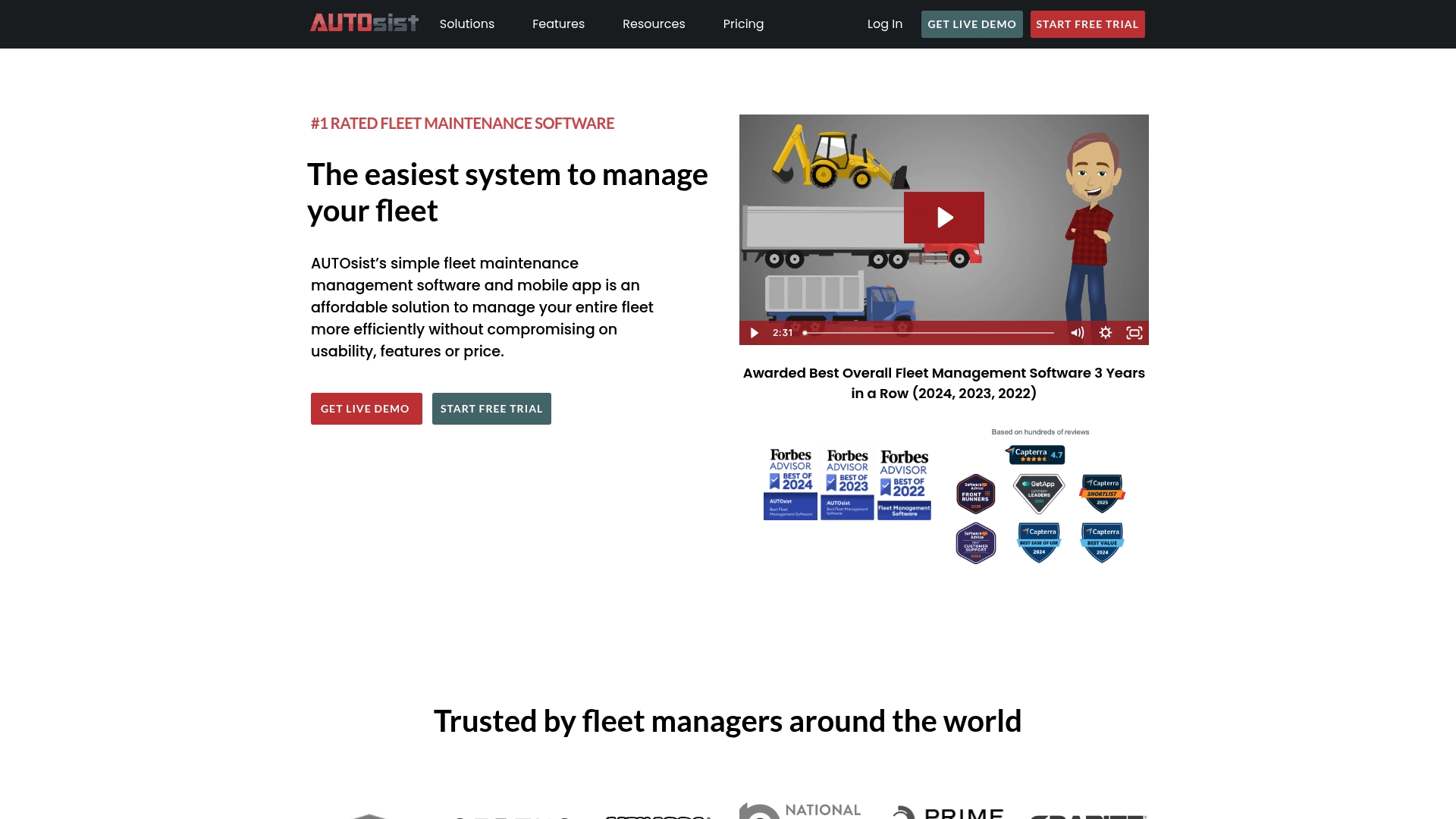
AUTOsist’s marketing materials state it was named best overall fleet management software for three consecutive years. The platform bundles maintenance scheduling, digital inspections, GPS tracking, and safety dash cams into a single dashboard. Mobile and desktop access make it practical for field technicians and office-based fleet managers across construction, government, and school bus fleets.
Core Features
AUTOsist provides preventative maintenance schedules, digital inspections, and maintenance reminders that help keep service history and documents organized. The system also handles work orders, fuel and parts inventory, and user management for fleet and equipment records. Telematics features include GPS tracking, trip logs, real-time alerts, safety camera support, and customizable reports.
Key Differentiator
That recognition reflects a clear emphasis on usability combined with integrated safety and telematics. AUTOsist aims to put maintenance, GPS, and camera data in one place so fleet teams can reduce paperwork and find issues faster. The product focuses on affordability for small to mid-sized fleets while offering optional telematics and camera add-ons.
Pros
The interface is straightforward on both desktop and mobile, so technicians can complete inspections and upload receipts from the field. AUTOsist has a strong industry reputation tied to that award, which may reassure procurement teams. Its feature set covers maintenance, safety cameras, GPS, fuel tracking, and reports, and plans scale from small fleets to larger accounts with volume discounts. The vendor also advertises 24/7 support and training resources for new deployments.
Cons
- Pricing scales with vehicle count and can include minimums, making costs less transparent for very small fleets or individual users.
- GPS and telematics features often require integration and setup, which can add configuration work for IT or operations teams.
- You must confirm compatibility with existing GPS or tracking devices, although an open API is available for custom connections.
When It May Not Fit
AUTOsist is primarily designed for small to medium fleets and equipment pools. Very large enterprise operations that need deep customization or dozens of third-party system ties may find the platform limiting. Organizations with complex, enterprise-grade telematics requirements should evaluate integration depth before committing.
Notable Integrations
- GPS tracking devices
- Fuel card systems
- Open API for custom integrations
Who It’s For
Fleet managers in construction, government, public works, and small commercial fleets will find AUTOsist easy to roll out. Teams that need maintenance scheduling plus optional GPS and camera features without a long vendor selection process are a strong match. Smaller operations that value straightforward pricing per vehicle will move faster with this product.
Real World Use Case
A construction firm uses AUTOsist to schedule preventative maintenance and keep service records for equipment and trucks. Dispatchers track vehicle location with GPS and generate reports for budgeting and compliance. Field crews complete digital inspections and upload photos to reduce follow-up visits and unplanned downtime.
Pricing
The basic maintenance plan starts at $6 per vehicle per month when billed annually. Higher tiers add GPS, telematics, and safety camera support for an increased monthly fee. Custom enterprise and equipment plans are available with pricing that varies by fleet size and feature set.
Website: https://autosist.com
MyRide901
At a Glance
Supports up to 10 vehicles in a single account, which helps owners track multiple builds or family cars. The app includes cloud storage for receipts, photos, and documents capped at 2GB per account. The mobile interface centers on a chronological, shareable timeline for maintenance and repairs.
Core Features
MyRide901 collects service records, receipts, photos, and modification notes into one mobile interface. You can plan upcoming maintenance, track repair costs, and create timelines to share with mechanics or buyers. The app provides cloud backup and supports multiple vehicles with straightforward document upload and viewing.
Key Differentiator
The standout feature is the consolidated timeline that bundles every service event into a single, shareable history. That focus narrows the product toward owners and dealers who need clean documentation rather than automated diagnostics. The design aims to replace paper folders with a phone based record that is easy to export.
Pros
Digital records reduce paper clutter and make service history easier to present to buyers or shops. The timeline view organizes events clearly, supports up to 10 vehicles, and keeps files backed up in the cloud. Sharing features and simple cost tracking make selling or diagnosing a vehicle more transparent for owners.
Cons
- Limited or no integrations with third party diagnostic tools or shop management systems reduce automation opportunities.
- Pricing details are not published, so total cost for long term use may be unclear before you commit.
- No explicit customization for different vehicle types or specialized use cases limits owners with commercial or atypical vehicles.
When It May Not Fit
If you need automated OBD diagnostics or direct shop billing, this app likely will not meet that workflow. Large fleets that exceed ten vehicles will quickly outgrow the account limits and should consider fleet oriented systems. Owners who want tailored maintenance schedules tied to build specifics should look for a different tool.
Who It’s For
Individual owners, hobbyists, and small dealers who want tidy, shareable maintenance records will get the most value. People preparing a vehicle for sale or routine maintenance checks will find timelines and receipts especially useful. Owners who prefer a mobile first record keeper over desktop software will appreciate the simplicity.
Real World Use Case
A private seller compiles two years of service visits and receipts into the app before listing a car for sale. They share a read only timeline link with prospective buyers to answer questions without scanning or mailing documents. A neighborhood mechanic receives the timeline and verifies past repairs quickly, saving time at the first appointment.
Pricing
Pricing is not specified on the public site. A free trial is offered so you can test record keeping before paying. Contact the vendor for current plans and fees.
Website: https://myride901.com
Fuelly
At a Glance
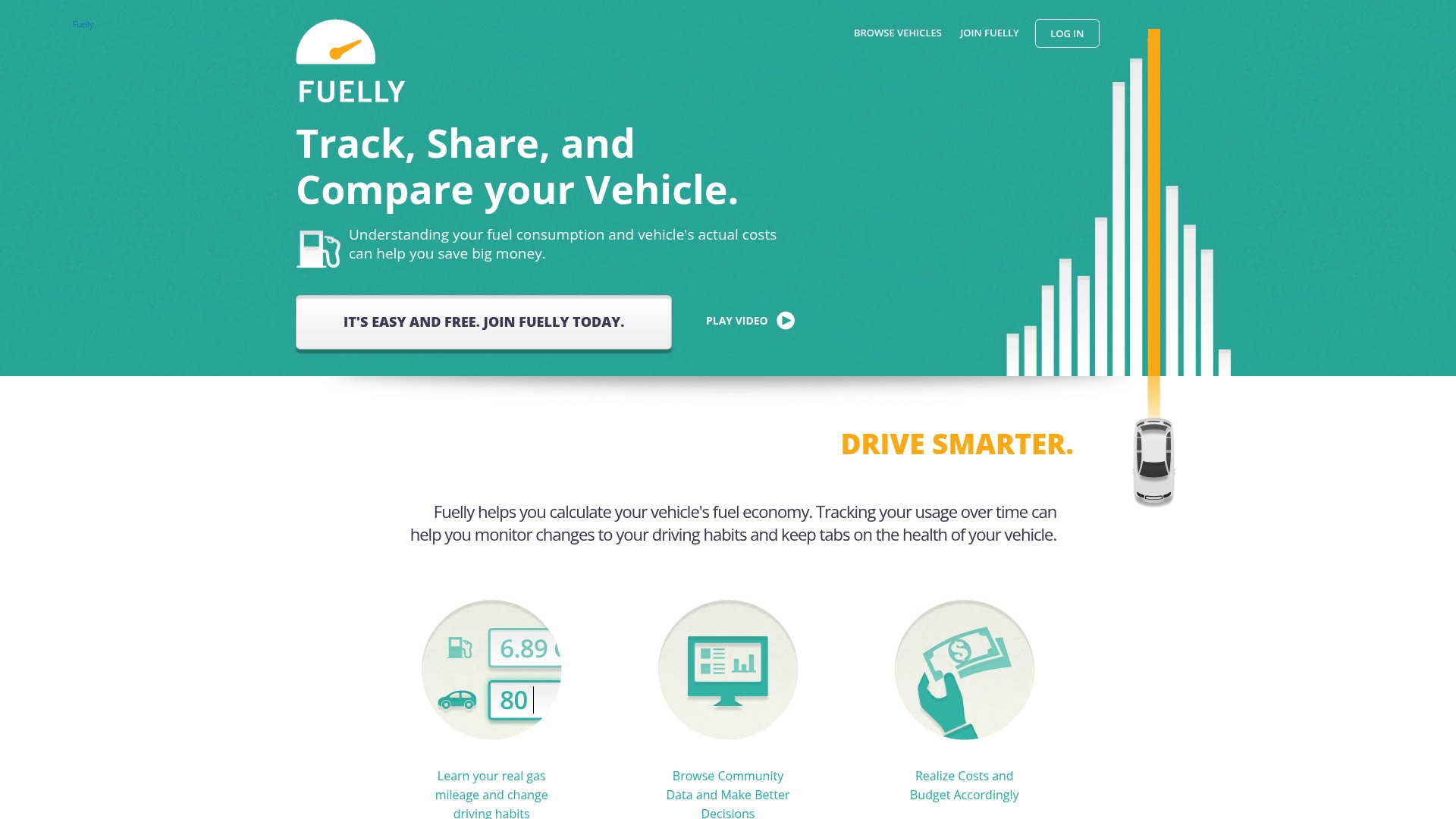
Fuelly reports billions of miles tracked across its community. It focuses on fill-up logs and fuel economy reporting via web, mobile app, or SMS. Reports show fuel efficiency trends, estimated costs, and allow vehicle-to-vehicle comparisons.
Core Features
Fuelly collects fill-up entries and calculates fuel mileage over time, then produces visual reports on efficiency and expenses. You can add vehicles through the website, mobile app, or by sending SMS entries and maintain multiple vehicle profiles. Community-contributed data lets you compare your vehicle with similar makes and models.
Key Differentiator
The service centers on shared user data to reveal real-world fuel performance rather than relying on manufacturer figures. That reported coverage supports model-level comparisons and cost estimates drawn from many individual logs. This crowd-sourced angle is the feature that separates it from simple single-vehicle trackers.
Pros
A large pool of user-submitted fill-up logs gives practical comparisons that reflect everyday driving. Multiple entry paths via web, app, or SMS make logging quick for drivers who do not want to open an app every time. Support for many vehicle types and the visible community contributions help you judge long-term fuel costs for a specific model.
Cons
- Page not accessible or incomplete pages limit available details. This reduces confidence when you search for specific features.
- No clear information on integrations or advanced features. Developers and fleet operators will find that unclear.
- Limited disclosure about data security and privacy practices. That raises questions for users who need tighter controls.
When It May Not Fit
If you need documented integrations with telematics or fleet software, Fuelly does not list those connections. If enterprise-grade data security and privacy controls are a requirement, the public information is insufficient. If you expect built-in maintenance reminders or expense categorization beyond fuel, Fuelly appears focused primarily on mileage and cost tracking.
Who It’s For
Vehicle owners who primarily want to monitor fuel economy and reduce fuel expense will find Fuelly useful. Drivers who log fill-ups manually or by SMS benefit from the flexible entry methods. People comparing real-world costs across similar models will get the most value from the community dataset.
Real World Use Case
A car owner records every fill-up through the mobile app and web interface. They review monthly reports to spot inefficient driving habits and estimate fuel costs for the year. They then compare their vehicle against the community to see whether their results match similar models.
Pricing
Pricing is not applicable because Fuelly is informational only. The site does not list paid subscription tiers or commercial plans.
Website: https://fuelly.com
Comparison of alternatives
CarJourney establishes itself as a notable option for automotive enthusiasts seeking AI-driven data management tools. However, competitor platforms like CARPORT and AUTOsist Fleet Maintenance Software meet distinct user needs with privacy-focused usage and fleet solutions, respectively.
Automation and AI Features
CarJourney uniquely integrates intelligent document scanning and AI-driven automatic logging, enabling maintenance reminders tailored to specific vehicle builds and service history. These features significantly minimize manual record-keeping efforts, appealing strongly to vehicle enthusiasts who modify or restore cars. However, these AI capabilities are only available on the platform’s paid tiers, which users should consider when evaluating their required budget.
Privacy Prioritization and System Integration
While CarJourney excels at automated record-keeping and customizable options, CARPORT distinguishes itself with its commitment to privacy, abstaining entirely from data sharing or social media integrations. On the other hand, AUTOsist provides industry-recognized fleet management tools such as GPS tracking, safety cameras, and telematics integrations, making it a solid choice for commercial fleet managers. These dimensions showcase the software’s ability to make fleet operations more efficient.
Best fit
- For hobbyists managing project cars or enthusiasts who document every detail, CarJourney offers AI-driven data extraction and insight generation designed to simplify vehicle maintenance and modification tracking.
- For owners valuing privacy and data control, CARPORT delivers a secure, locally organized platform for retaining and maintaining vehicle documents and history.
- For fleet management teams spanning several vehicles and requiring telematics integration, AUTOsist meets the objective with a suite of tools and intuitive scaling options.
Our pick
CarJourney is the preferred platform for automotive enthusiasts and restoration hobbyists desiring in-depth, AI-enabled vehicle history tracking and maintenance guidance. Nevertheless, for users whose primary concerns are strict privacy controls or support for large fleets, CARPORT and AUTOsist respectively serve as alternatives.
Efficiency and user-specific features define the choice between these alternatives for tracking vehicle maintenance and service history.
| Product | Designed For | Key Feature | Pricing | Limitation |
|---|---|---|---|---|
| CarJourney | Car enthusiasts | AI-powered automatic logging | Free tier, Pro $9/month | Limited AI features on free tier |
| CARPORT | Owners valuing privacy | Privacy-focused document storage | Free | Lacks web access |
| AUTOsist | Fleet managers | Integrated GPS and telematics features | From $6/vehicle/month | Costs scale with fleet size |
| MyRide901 | Small dealers and hobbyists | Shareable service history timelines | Price not published | Limited vehicle capacity (maximum 10) |
| Fuelly | Drivers tracking fuel economy | Community fuel data analytics | Price not applicable | Focused on fuel tracking; lacks other features |
Why Choose Carjourney Over Other Autoservicelogger.com Alternatives?
Many car enthusiasts and owners want a single place to track maintenance, modifications, and service history without manual data entry. Carjourney solves that by using AI to scan your service documents and provide personalized maintenance schedules and build-specific advice. This reduces the hassle of scattered receipts and generic logs common to autoservicelogger.com alternatives.
Carjourney also connects you with a community of gearheads who share real-world data and build information. This makes it ideal for hobbyists managing multiple projects or owners wanting clear, reliable vehicle records.
Explore Carjourney to see how AI-powered automatic logging and tailored reminders can keep your vehicles in top condition. Visit the site today and start importing your service documents for an organized and shareable maintenance history.
FAQ
How does Carjourney handle service logging for multiple vehicles?
Carjourney provides unlimited garage slots to store multiple vehicles on paid plans. This feature allows users to manage maintenance logs, modification records, and community build pages in one convenient location. Carjourney is ideal for car enthusiasts who have several projects or family vehicles to track.
What is the difference between Carjourney and CARPORT in terms of user privacy?
CARPORT prioritizes user privacy by not selling data or connecting to social networks, which makes it suitable for owners who value control over their information. In contrast, Carjourney focuses on offering comprehensive vehicle maintenance tracking and community features, which are beneficial for hobbyists looking for detailed service histories. Users should choose Carjourney if they want strong community integration alongside vehicle management capabilities.
Can I use Carjourney if I don’t need advanced AI features?
Yes, Carjourney still provides essential vehicle maintenance tracking and reminders even if you opt for the free plan. While the free plan limits you to one vehicle and basic tools, it allows you to manage service records and set reminders without the AI assistance. This makes it a suitable entry point for those who may not require advanced features immediately.
What features make Carjourney a good option for car enthusiasts?
Carjourney’s standout feature is its AI-powered automatic logging, which scans service documents and turns receipts into structured history. This capability specifically caters to hobbyists, allowing them to track modifications and receive tailored maintenance suggestions, making it a valuable tool for those who regularly work on their vehicles.
How does Carjourney’s maintenance reminder system work?
Carjourney issues maintenance reminders based on both mileage and time, ensuring that users stay on top of required services for their vehicles. This system helps prevent missed maintenance, contributing to the long-term health of the vehicle and making it a reliable choice for organized car owners.