 carjourney
From the CarJourney journal
Digital vs Physical Car Maintenance Record Keeping
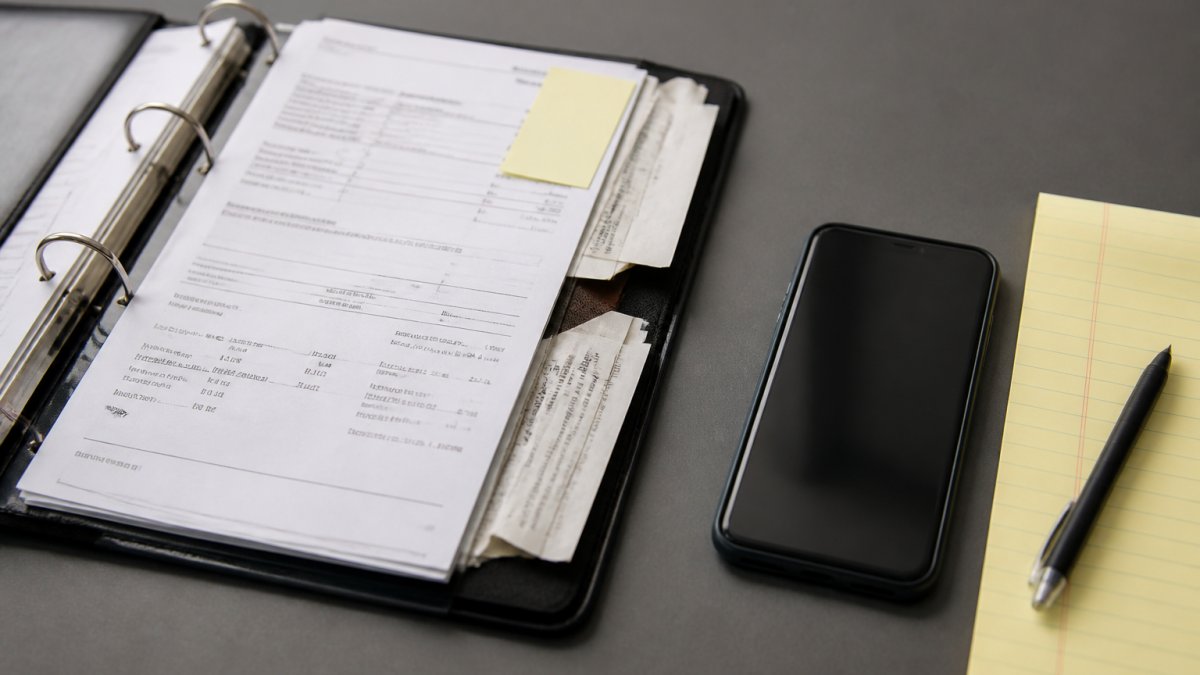
Table of Contents
- Paper Logs vs Digital Records: A Side-by-Side Comparison
- What Every Car Maintenance Log Should Include
- Using a Car Maintenance Record Template
- How Long to Keep Car Maintenance Records
- What a Digital Car Maintenance App Offers That Paper Can't
- Building a Hybrid Record-Keeping Workflow
- Frequently Asked Questions
Last Updated: October 6, 2026
Paper Logs vs Digital Records: A Side-by-Side Comparison
The best car maintenance record keeping system is the one you will actually update every time you change the oil.
A complete service history is the difference between a buyer trusting your asking price and walking away, and between a warranty claim getting approved and getting denied.
A vehicle maintenance log is a chronological record of every service, repair, and modification performed on a vehicle, including dates, mileage, and supporting documentation.
Where Paper Records Still Win
Paper wins on instant access and zero dependency. A physical log lives in the glovebox, needs no battery, login, or signal.
Paper also carries a psychological weight that digital files rarely match. A binder of stamped service pages and handwritten notes feels like proof in a way a screenshot does not. Some buyers still ask to flip through it.
The drawbacks are real.
Watch Out The most common paper-record mistake is storing the log in the car itself. A break-in or a totaled vehicle takes the documentation with it, right when you need it most for an insurance claim.Where Digital Records Pull Ahead
Digital records pull ahead on search, backup, and transferability.
Searchable records let you filter by service type, date range, or mileage, exactly what you need when selling or filing a warranty claim.
The trade-off is friction: every digital entry requires unlocking a device, opening an app, and typing, which is why so many people abandon tracking apps within a few months.
| Factor | Paper Log | Digital Record | Winner |
|---|---|---|---|
| Entry speed in the moment | Instant, pen and paper | Requires device and login | Paper |
| Searchability | Manual paging | Instant keyword and filter search | Digital |
| Backup and recovery | None by default | Cloud and multi-device backup | Digital |
| Proof for buyers | Tangible, familiar | Shareable, verifiable profile | Digital |
| Risk of total loss | High | Low with proper backup | Digital |
| Cost to start | Minimal | Free tiers available | Tie |
What Every Car Maintenance Log Should Include
A complete car maintenance log includes six core fields: date, odometer reading, service type, parts used, labor performed, and cost. Miss any one and the record loses value as proof, especially during a warranty dispute or resale negotiation.
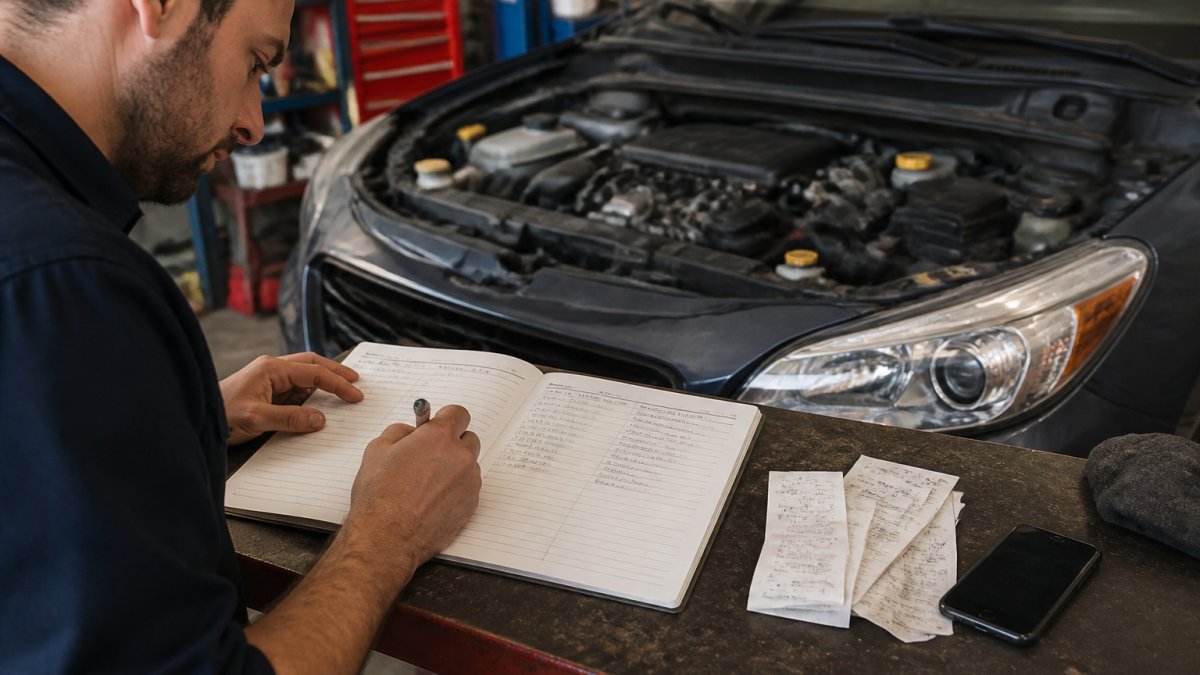
Core Fields: Date, Odometer, and Service Type
The service date establishes the timeline. Warranty coverage often hinges on whether service happened within a specified window, so an undated entry is nearly worthless.
The odometer reading is the field owners skip most often and the one that matters most.
Service type should use consistent language. If you write "oil change" one time and "lube service" the next, your records become hard to search.
Repair Details, Parts, and Labor
Repair details turn a log into a service history. Record what was replaced, the brand and part number when you have it, and who did the work.
Labor deserves its own line. Note whether the work was done by a shop, a dealership, or you personally.
Keep every invoice, receipt, and photo receipt attached to its entry. A receipt with a matching log entry is far stronger evidence than either alone.
Using a Car Maintenance Record Template
A car maintenance record template saves you from reinventing your log format every time you add an entry. The template below covers the fields that matter for resale, warranty, and insurance. Copy it into a notebook, a spreadsheet, or your tracking app.
Vehicle Maintenance Log Template
- Vehicle: [Year / Make / Model / Trim]
- VIN: [17-character VIN]
- License plate: [Plate number]
| Date | Odometer | Service Type | Parts Used | Labor (Shop/DIY) | Cost | Receipt Attached |
|---|---|---|---|---|---|---|
| [MM/DD/YYYY] | [Miles] | [Oil change, tire rotation, etc.] | [Brand, part number] | [Shop name or DIY] | [$] | [Yes/No] |
| [MM/DD/YYYY] | [Miles] | [Brake pads] | [Brand, part number] | [Shop name or DIY] | [$] | [Yes/No] |
| [MM/DD/YYYY] | [Miles] | [Custom mod] | [Part and source] | [Shop name or DIY] | [$] | [Yes/No] |
Print this template and keep a stack in the glovebox, or replicate the columns in a spreadsheet. The key is consistency: same columns, same order, every entry.
Pro Tip Add a "Next Due" column at the far right. When you log an oil change at 62,000 miles, write "67,000" in that column. Your next service interval is now visible at a glance without doing math at the shop counter.How Long to Keep Car Maintenance Records
Keep car maintenance records for as long as you own the vehicle, and hand them to the buyer at sale. There is no universal legal retention period for personal vehicles, but service history supports warranty claims, insurance disputes, and resale pricing. The harder question is what a record actually proves, and to whom.
What Records Prove, and What They Don't
A well-kept log is useful evidence, but it is not a guarantee of acceptance anywhere.
- Warranty claims. Manufacturers generally require scheduled maintenance within the specified time or mileage window. A dated, mileage-stamped entry with a matching receipt is strong support; a handwritten note with no receipt is weaker. A warranty cannot typically be voided simply because you did the work yourself, but you may be asked to show the work was done and appropriate parts were used.
- Insurance disputes. After a collision or mechanical failure claim, an adjuster may look at whether the vehicle was maintained. Records help establish you were not negligent, but they do not guarantee a payout, coverage terms govern.
- Resale. A complete history supports your asking price and reduces haggling, but it does not guarantee the buyer will pay more or substitute for an inspection.
The honest framing: records shift the conversation in your favor. They rarely end it on their own.
A Practical Retention Schedule
Treat records in three tiers based on how much they can prove:
- Permanent (life of the vehicle): Title, VIN documentation, major repair records, and any records tied to a warranty or service contract. These are the documents you would need years later in a dispute.
- Long-term (duration of any warranty or service contract, plus a year): Routine service entries and receipts. Keep them at least as long as any coverage could apply, then keep them one more year as a buffer.
- Short-term (about a year): Minor consumable receipts such as wiper blades, bulbs, and top-off fluids. These rarely matter for anything, but a year of history costs nothing to keep.
When You Sell
The full record set transfers with the car. A buyer who receives a complete, organized history is more likely to accept your asking price without haggling over unknowns. Two practical steps make the handoff clean:
- Give the buyer a copy, keep the original. Photocopy or export the full set. You keep your copy in case a dispute arises later; the buyer gets everything they need.
- Include a one-page summary. A single sheet listing major services by date and mileage is far more useful to a buyer than a thick binder they will not read.
What a Digital Car Maintenance App Offers That Paper Can't
A digital car maintenance app offers three things paper cannot replicate: automated backup, instant search, and long-term access that survives moves, damage, and device changes. But "app" covers a wide range of tools, and the differences between them matter. Here is a driver-focused comparison of the three realistic options, paper logs, spreadsheets, and dedicated maintenance apps, with the decision criteria that actually separate them.
The Three Realistic Options, Compared
| Criterion | Paper Log | Spreadsheet | Maintenance App |
|---|---|---|---|
| Entry effort per service | Lowest (pen, glovebox) | Medium (open file, type row) | Low to medium (depends on setup) |
| Search by service type or date | Manual paging | Filters and sort | Instant keyword and filter |
| Backup and recovery | None by default | Only if cloud-synced | Cloud sync typical |
| Receipt attachment | Staple or folder | Link or embedded image | Photo upload per entry |
| Reminders for next interval | Manual calendar note | Formula or manual | Time- and mileage-based |
| Multi-vehicle support | One binder per car | One tab per car | Built-in garage |
| Export and portability | Photocopy | Native file format | Varies, check before committing |
| Cost to start | Minimal | Free with existing software | Free tiers common |
How to Choose Based on Your Situation
Choose paper if you maintain one vehicle, do most work yourself, and value zero setup. The failure mode is loss and search friction, so pair it with a phone photo of each page every few months.
Choose a spreadsheet if you are comfortable with formulas and want full control over your data.
Choose a dedicated app if you maintain more than one vehicle, want mileage-based reminders, or plan to sell and want a shareable history.
The Criteria That Actually Predict Whether You'll Stick With It
Most people abandon tracking within a few months, and the reason is almost always entry friction, not features. Three questions predict success better than any feature list:
- How many taps or fields does a typical oil change entry take? If it is more than about a minute of typing, you will skip it.
- Does the tool capture mileage automatically or prompt you for it? Mileage is the field owners skip most, and it is the one that matters most for warranty and resale.
- Can you get your data out? A record you cannot export is a record you do not fully own.
Backup, Search, and Long-Term Access
Backup is the feature that quietly saves owners. A record stored only on one phone is barely better than paper.
Search is what makes the history useful. When a shop asks about your last transmission service, you want an answer in ten seconds, not ten minutes.
Long-term access covers the scenarios nobody plans for: switching phones, changing operating systems, or handing records to a buyer who uses different software.
Key Takeaway The right tool is the one with the least entry friction that still lets you export your data. Features matter less than whether you will actually log the next oil change.Building a Hybrid Record-Keeping Workflow
The hybrid workflow is the one we recommend for most drivers: capture on paper in the moment, digitize within a week, and back up continuously.
Here is the workflow, step by step:
- Capture immediately. Keep a small notepad in the glovebox. Write date, odometer, and service performed the moment work finishes.
- Photograph the receipt. Snap a photo of every invoice and receipt before it goes in a folder or the trash.
- Digitize within seven days. Transfer the handwritten entry into your app or spreadsheet, and upload the receipt photo to the same entry.
- Verify the entry. Check that date, mileage, and service type are correct. Data entry errors are the most common source of corrupted records.
- Back up. Confirm your records sync to a cloud account or an external drive. Never rely on a single device.
- Review quarterly. Once every three months, scan your log for gaps and upcoming service intervals.
This workflow addresses the two failure modes that kill most record-keeping systems: entries that never get written down, and entries that get written down but never organized.
One more consideration: privacy and ownership. Before uploading vehicle data to any platform, check how the service handles your information and whether you can export your records.
Best For The hybrid workflow suits daily drivers and project car owners who want fast capture without sacrificing long-term, searchable records. If you only maintain one vehicle and never plan to sell it, a simple paper log may be enough.Frequently Asked Questions
Are digital car maintenance records as useful as paper receipts?
Digital records match paper receipts for most practical purposes and often exceed them. A scanned or photographed receipt stored in a car maintenance log stays readable for years, while thermal paper receipts fade within a few years. Digital records are also searchable by date, mileage, or part number, which paper cannot do. The main requirement is a backup plan: store copies in at least two places so a lost phone or corrupted file does not erase your service history.
What information should I include in a car maintenance log?
At minimum, record the service date, odometer reading, service type, and who performed the work. Add repair details such as parts replaced and labor performed, plus the invoice or receipt. Include your vehicle identification number (VIN) so records tie to the correct car. If you do your own work, note the parts brand and part numbers. These fields make the log useful for warranty claims, resale, and your own maintenance schedule.
How long should I keep car maintenance records?
Keep records for as long as you own the vehicle, and pass them to the buyer at sale. For warranty purposes, retain documentation at least until the warranty expires, which can run 5 years or 60,000 miles on many new-car powertrain warranties. For tax or insurance disputes, keep receipts for the period your insurer or tax preparer requires. A digital car maintenance app makes long-term storage easy because files don't take up physical space or fade.
Can digital maintenance records help when selling a car?
Yes. A documented service history gives buyers verifiable proof of care, which supports a higher asking price than an undocumented vehicle. Digital records are easy to share: you can export a summary or send a link to a build profile. Buyers trust records that show consistent service dates, mileage, and receipts. Paper records work too, but they can be lost, damaged, or incomplete, which weakens your negotiating position.
Can I use a spreadsheet to track car maintenance?
A spreadsheet works for basic tracking: columns for date, mileage, service, cost, and notes. It is free and familiar. The limits show up over time. Spreadsheets don't send reminders, don't store receipt images well, and become hard to manage across multiple vehicles. A digital car maintenance app adds reminders tied to time and mileage, photo receipt storage, and VIN-based setup that a spreadsheet cannot match.
Keeping a complete service history is one of the few maintenance habits that pays you back directly, at resale, at the warranty desk, and at the repair shop. CarJourney makes that habit easier with a digital garage that organizes every vehicle, AI-powered logs that reduce data entry, VIN-based setup, and shareable build profiles that prove your care to any buyer. Start free and turn your scattered receipts into a history you can actually use.
Start free