 carjourney
From the CarJourney journal
How to Create a Digital Car Maintenance Log

Table of Contents
- Why a Digital Car Maintenance Log Matters
- Essential Data Points to Track in Your Maintenance Log
- Best App for Tracking Car Maintenance vs. Spreadsheets
- Step-by-Step Guide to Building Your Digital Log
- Car Maintenance Log Template Excel Setup
- DIY Car Repair Documentation and Custom Modifications
- Backup, Data Migration, and Resale Value Impact
- Frequently Asked Questions
Last Updated: September 25, 2026
Why a Digital Car Maintenance Log Matters
A digital car maintenance log is a centralized record of every service, repair, and modification your vehicle receives, stored in digital format for easy access and sharing. Instead of hunting through scattered receipts and emails, you have everything in one place.
You stop wondering when your last oil change was, know exactly what parts you've replaced, and have proof of maintenance for warranty claims or resale.
The real difference shows up when you sell. A buyer sees your complete service history. They trust the vehicle more. That trust often translates to a higher price or faster sale.
Many car owners realize too late that scattered documentation across filing cabinets, email folders, and old phone photos is nearly impossible to organize. A digital approach prevents that mess from starting.
Pro Tip Start your digital log before you need it. A log created after five years of ownership is better than none, but one you've maintained from day one is worth more at resale.Essential Data Points to Track in Your Maintenance Log
Your maintenance log should capture specific information that matters to mechanics, buyers, and your own decision-making.
Core data to record:
- Date of service
- Mileage at service (odometer reading)
- Type of service (oil change, tire rotation, repair, modification)
- Cost
- Service provider or location
- Parts replaced or installed
- Next scheduled service date
Many digital tools also let you track warranty information, diagnostic codes, fuel economy trends, custom modifications, and photos. A note saying "Mobil 0W-20 synthetic, Fram filter, 45,000 miles, $65" is far more valuable than "oil change."
Best App for Tracking Car Maintenance vs. Spreadsheets
The choice between a dedicated app and a spreadsheet depends on whether you want automated data capture from your vehicle's computer or manual entry only.
How to Create a Car Maintenance Tracker in Microsoft Excel - Never Miss a Service Again!
Mile High Misfits
Spreadsheet approach: Free, full control over layout, but requires manual entry, no automatic reminders, difficult to sync across devices, and no vehicle diagnostic integration.
Dedicated maintenance app: Automated reminders, cloud sync, professional formatting, shareable records, OBD-II integration, and better security.
The OBD-II advantage: Apps that integrate with OBD-II readers (small Bluetooth adapters, $25-$100) pull diagnostic data automatically from your car's computer. Fault codes, mileage, and fuel economy trends log without manual entry.
This matters because: accuracy (no manual errors), completeness (automatic tire pressure and battery tracking), resale credibility (actual vehicle health metrics), and preventive insight (early problem detection).
Check whether your chosen app connects to common OBD-II adapters like Viecar, Carista, or BlueDriver. Some apps let you switch one adapter between multiple vehicles.
For most car owners, an app saves time and reduces mistakes. For the most complete and credible record, especially for resale, an app with OBD-II integration captures data that spreadsheets cannot.
Key Takeaway Apps with OBD-II integration win for accuracy and completeness. Standard apps win for convenience and reminders. Spreadsheets win for control and cost. Most people underestimate how much time manual tracking takes and switch to an app within months.Step-by-Step Guide to Building Your Digital Log
Building a maintenance log takes less than an hour to set up and minutes to maintain each time you service your vehicle.
Setting Up Your Vehicle Information
Gather your vehicle's VIN, year, make, model, and current mileage. Most digital tools auto-populate details from the VIN. For spreadsheets, create columns for vehicle name, VIN, year, make, model, engine type, and mileage.
Check your owner's manual for recommended service intervals (oil changes, tire rotations, inspections). These become your baseline for reminders.
Recording Service Intervals and Mileage
Record the date, mileage, service type, parts replaced, cost, service provider, and next recommended service date. Mileage tracking is critical, some services depend on time, others on mileage. Recording both ensures you never miss an interval.
Many digital platforms let you set dual reminders. You'll get an alert when either the time interval or mileage threshold approaches, whichever comes first.
Organizing Receipts and Documentation
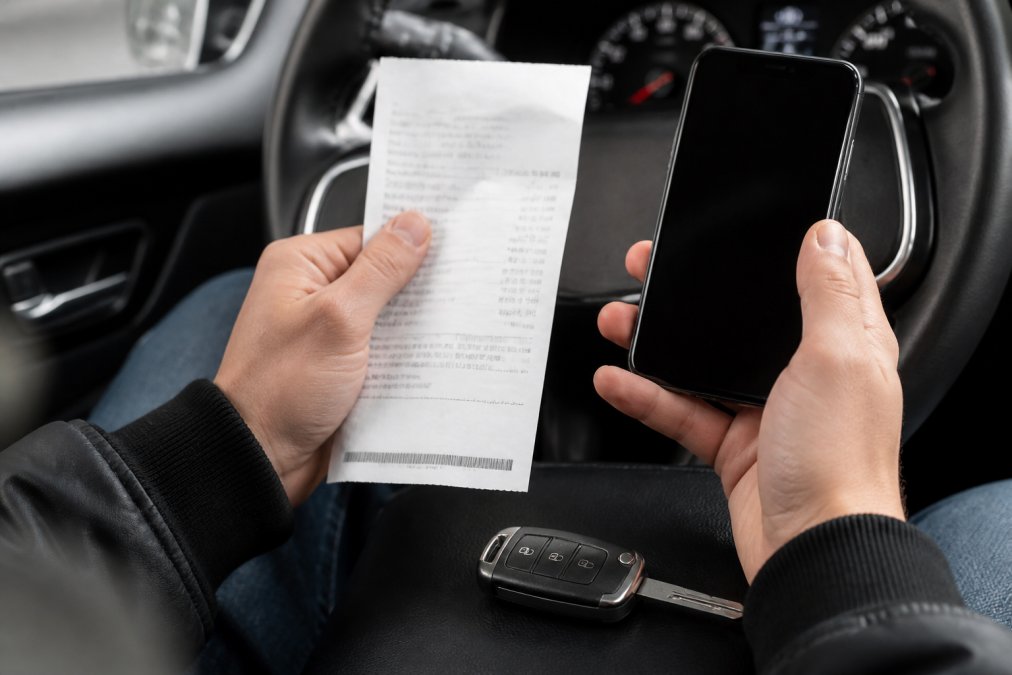
Keep digital copies of every receipt and invoice. Take a photo of paper receipts or download email receipts from service providers.
Store these files in a folder structure that matches your log. Create folders by year or by service type. Name files clearly: "2026-03-15_Oil_Change_$65_45000mi" is far more useful than "receipt.pdf". Consistent documentation of these repairs also provides a clearer history for preventing electrical damage when troubleshooting recurring sensor malfunctions or battery issues.
Most digital maintenance apps let you attach photos and documents directly to each service record. This keeps everything connected. A buyer can see the service entry and the receipt in one place.
For warranty documentation and part information, keep those organized too. When you replace a part with a warranty, file the warranty card with the receipt. If you need to make a claim, you'll have proof of purchase and installation date.
Watch Out Paper receipts fade and get lost. Digitize them immediately. Use a scanner app on your phone or photograph them with good lighting. Store duplicates in cloud storage.Car Maintenance Log Template Excel Setup
If you prefer a spreadsheet, a well-structured template saves time and reduces errors.
Essential columns:
- Date
- Mileage (odometer reading)
- Service Type
- Description
- Cost
- Service Provider
- Next Service Due (date or mileage)
- Notes
- Receipt/Photo (link or attachment)
How to build it: Start with headers in the first row. Freeze the header row so it stays visible when scrolling.
DIY Car Repair Documentation and Custom Modifications
Project car owners and DIY enthusiasts need to track more than routine maintenance. Custom modifications and one-off repairs tell the story of your build.
What to document:
- Parts installed (brand, model, specifications)
- Labor hours (yours or a shop's)
- Cost of parts and labor
- Before and after photos
- Performance changes or improvements
- Compatibility notes (what works with what)
- Lessons learned or issues encountered
Backup, Data Migration, and Resale Value Impact
Your maintenance log is valuable data. Protect it, organize it strategically, and use it to prove your vehicle's value when you sell.
Backup strategies:
- Use cloud storage (Google Drive, Dropbox, iCloud) with automatic sync
- Export your log as a PDF or CSV file quarterly and store offline
- Keep a physical printed copy in your vehicle's glove compartment
- Store receipt photos in a separate cloud folder with redundant backup
- Use apps with built-in cloud backup that survives device loss or replacement
-
Export the complete record. Most digital platforms let you export records as a PDF, CSV, or shareable link. Generate a clean, professional document that shows every service from the vehicle's first day in your ownership.
-
Organize by category. Group services by type (preventative maintenance, repairs, modifications, inspections). This helps buyers see at a glance that you stayed on top of routine care.
-
Include receipts and photos. Attach scans of major repair invoices, parts warranties, and before-and-after photos of work completed. A buyer seeing the actual receipt for a $1,200 transmission service is far more confident than a log entry alone.
-
Highlight warranty coverage. Note which parts still carry manufacturer or aftermarket warranties. If you installed a new alternator with a 5-year warranty, document it. A buyer inherits that coverage.
-
Share proactively. Don't wait for a buyer to ask. Include the maintenance summary in your listing or provide it during the first showing. This signals transparency and builds trust before negotiation begins.
-
Newer vehicles (0-5 years): Buyers expect complete service records. Missing documentation raises red flags about hidden problems.
-
Mid-age vehicles (5-10 years): Documentation becomes critical. A vehicle with a complete service log showing routine maintenance, major repairs, and parts replacements is far more attractive than one with spotty records. Buyers trust that expensive systems (transmission, engine, suspension) were serviced properly.
-
Older vehicles (10+ years): Comprehensive records are rare and highly valued. A 12-year-old vehicle with a complete digital log showing every oil change, repair, and modification is a significant selling point. Buyers see proof that the vehicle was maintained, not just driven. This can be the difference between a quick sale and months on the market.
Practical example:
Watch Out When you sell, provide the maintenance log proactively. Don't wait for a buyer to ask or doubt your vehicle's history. A transparent seller with complete records closes faster and at a higher price.Frequently Asked Questions
Can I create a car maintenance log in Excel or Google Sheets?
Yes, you can build a basic digital car maintenance log using a spreadsheet. Create columns for date, mileage, service type, cost, and notes. Google Sheets syncs across devices, making it accessible from your phone at the service station. However, spreadsheets lack automated reminders, receipt storage, and integration with vehicle diagnostic tools. For tracking complex modifications and multiple vehicles, a dedicated app often saves time and reduces data entry errors.
What is the best free app for tracking car maintenance?
The best app depends on your needs. Look for one that offers automated service reminders tied to both mileage and time intervals, cloud synchronization for access anywhere, receipt digitization, and VIN-based vehicle setup. Free versions typically cover basic maintenance tracking. Premium features often include unlimited vehicle support, advanced reporting, and integration with diagnostic tools. Evaluate whether the free tier meets your needs or if paid features justify the cost for your situation.
How does tracking DIY car repairs and modifications help with resale value?
A documented service history and modification record builds buyer confidence and can increase resale value. Detailed records prove preventative maintenance was performed on schedule, reducing concerns about hidden damage. For modified vehicles, documentation shows quality parts used and professional workmanship. Digital archives with photos and receipts are more credible than verbal claims. Buyers willing to pay premium prices for well-maintained vehicles often request this proof before negotiating.
Will organizing old receipts and photos in a digital log actually save me time?
Yes, if you use a system with receipt digitization and cloud storage. Instead of searching through boxes for proof of service, you can retrieve records in seconds during resale negotiations or warranty claims. Organizing receipts by service category and date makes it easy to track spending patterns and plan future maintenance. The initial setup takes time, but ongoing data entry is minimal, especially with systems that auto-populate mileage and service intervals based on your vehicle's VIN.
Start free