 carjourney
From the CarJourney journal
Organizing Vehicle Service History for Resale
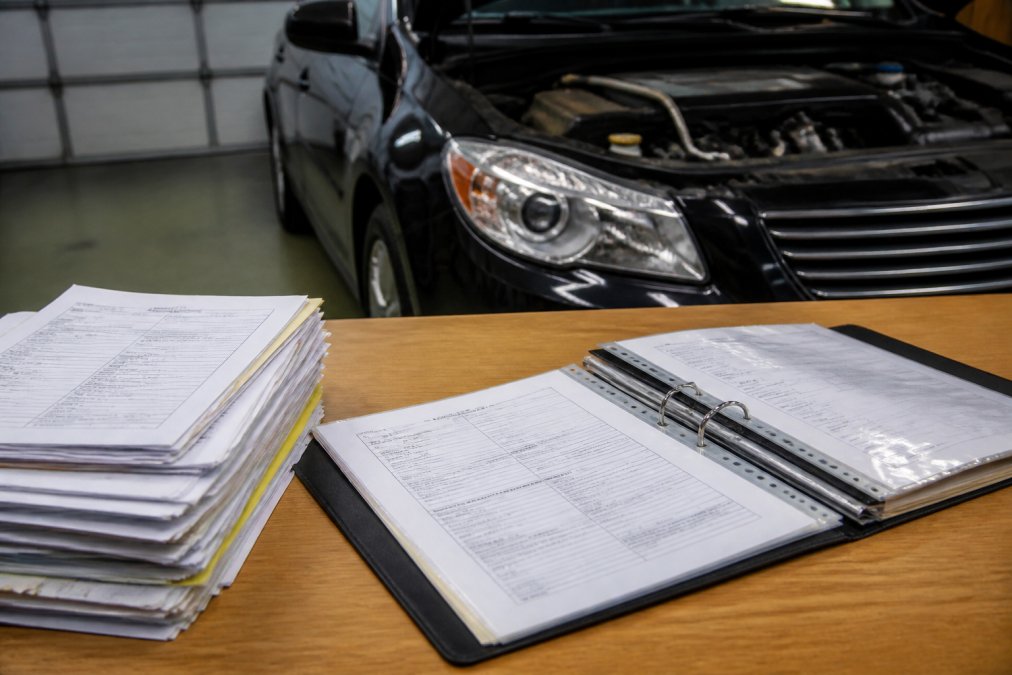
Table of Contents
- Why Vehicle Service History Matters for Resale Value
- Step 1: Gather All Your Maintenance Documentation
- Step 2: Choose Your Record-Keeping Method
- Step 3: Create a Car Maintenance Log Template
- Step 4: Organize Receipts and Service Invoices
- Step 5: Track Mileage and Service Intervals
- Best Practices for Vehicle Record Keeping
- How Service History Builds Buyer Confidence
Last Updated: August 5, 2026
Why Vehicle Service History Matters for Resale Value
A well-documented vehicle service history can increase resale value by thousands of dollars. Buyers trust vehicles with proof of regular maintenance because it signals reliability and reduces the risk of hidden problems. The difference between a car with documented service history and one without can be dramatic, a buyer seeing complete maintenance records feels confident making an offer, while one without will either walk away or demand a steep discount.
Consumer Reports' vehicle buying guide emphasizes that maintenance history is one of the top factors used car buyers evaluate. Your records become proof of stewardship, evidence that you didn't skip oil changes, ignore warning lights, or defer critical repairs.
Step 1: Gather All Your Maintenance Documentation
Start by collecting every piece of paper related to your vehicle's maintenance: service receipts from dealerships, independent mechanics, tire shops, and any work you've done yourself. Check your glove compartment, home files, email receipts, and credit card statements for charges related to your car. Look for invoices from oil changes, tire rotations, brake service, fluid flushes, filter replacements, and repairs.
Digital receipts matter just as much as physical ones. Search your email for service confirmations, download PDFs from mechanic websites, and check bank and credit card statements for service transactions. If you've used a maintenance tracker app, export those records now.

What Documents to Include in Your Service History File
Your service history file should contain every document proving work was performed on your vehicle. Oil change receipts are essential, include the date, mileage, oil type, and filter used. Tire service documentation should show rotation dates, pressure checks, and repairs. Brake service records prove you've maintained critical safety systems. Fluid flushes, battery replacements, wiper blade changes, and spark plug service all belong in your file.
Warranty work documentation shows that manufacturer-covered repairs were completed properly. Major work like transmission service, engine work, or suspension repairs are particularly valuable to buyers. Inspection reports from state safety testing or emissions testing prove your car passed official standards at specific points in time.
Step 2: Choose Your Record-Keeping Method
You have two fundamental approaches: physical files or digital systems. Physical filing works well if you prefer tangible documents and have fewer than 20 service records. A simple folder or binder organized chronologically is easy to show buyers in person. The downside is that physical files are easy to lose, damage, or misplace.
Digital systems offer flexibility and durability. Your records exist in the cloud, accessible from any device, and impossible to lose. Digital files are easier to share with buyers via email or a shareable link.
Physical vs. Digital Record-Keeping Systems
Physical filing works best for owners with fewer than 20 service records. A three-ring binder with plastic sheet protectors keeps documents safe and organized. Label each page with the service date, mileage, and type of work performed. Include a table of contents at the front listing all services chronologically.
Digital filing systems offer superior organization and shareability. Cloud storage platforms like Google Drive or Evernote let you upload scanned receipts, organize them into folders, and search by date or service type. CarJourney's platform combines digital storage with AI-powered maintenance logging, automated reminders tied to both time and mileage, and the ability to generate shareable build profiles that prove your vehicle's care history to potential buyers.
Step 3: Create a Car Maintenance Log Template
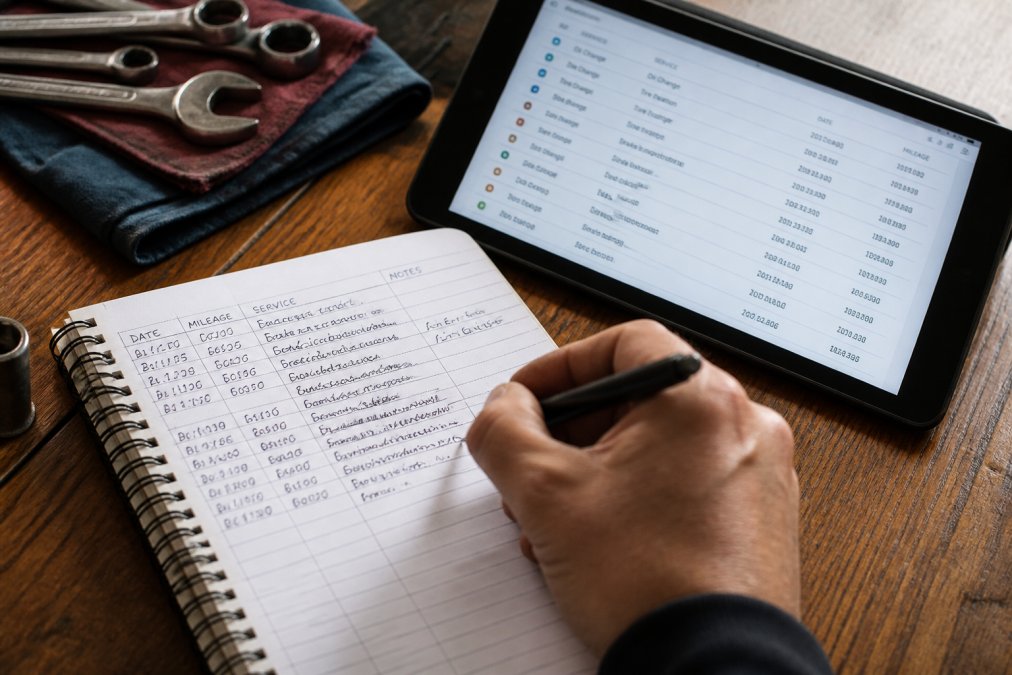
A maintenance log is your master record, a chronological list of every service performed on your vehicle. Your log should include six essential fields: date of service, odometer reading, type of service performed, parts replaced (if any), cost, and mechanic or service location.
Start your log with your vehicle's purchase date and initial mileage. Add every service from that point forward. If you're inheriting a vehicle with years of history already completed, backfill the log with information from your gathered receipts, working chronologically from oldest to newest.
Building Your Chronological Service Log
A chronological log answers the fundamental question buyers ask: "What work has been done on this vehicle, and when?" Organize entries from oldest to newest, creating an unbroken timeline of care.
| Service Date | Mileage | Service Type | Parts/Details | Cost | Service Provider |
|---|---|---|---|---|---|
| 3/15/2022 | 42,300 | Oil change | 5W-30 synthetic, filter | $65 | Joe's Auto |
| 6/22/2022 | 48,100 | Tire rotation | All four tires rotated | $40 | Discount Tire |
| 9/10/2022 | 54,800 | Brake inspection | Pads 7mm, rotors good | $0 | DIY |
| 12/3/2022 | 61,200 | Transmission fluid flush | Full fluid and filter change | $180 | Dealership |
This table format makes it easy to scan your vehicle's service history. Buyers can immediately see whether you've followed recommended intervals. Digital logs offer advantages over spreadsheets by automatically timestamping entries and tracking mileage, reducing manual data entry errors.
Step 4: Organize Receipts and Service Invoices
Your receipts are the primary evidence supporting your maintenance log. Organize them in the same chronological order as your log, making it easy to cross-reference specific services.
Create a filing system, physical or digital, that mirrors your log structure. If using a physical binder, include receipts in chronological order with tabs marking each year. If using digital storage, create folders by year, then by month within each year. Name each scanned file with the service date and type: "2024-03-15_Oil_Change_Joes_Auto.pdf" makes it immediately clear what the document contains.
For digital files, ensure your scans are legible. Use a document scanning app to capture receipts at high resolution. Include not just the final invoice but any supporting documentation, such as inspection reports showing brake pad thickness measurements or diagnostic reports that identified problems.
Step 5: Track Mileage and Service Intervals
Mileage is the heartbeat of your vehicle's service history. Every maintenance entry should include the odometer reading at the time of service. This creates a verifiable timeline that buyers can cross-check against the vehicle history report.
Mileage tracking proves you haven't tampered with the odometer, shows whether you follow manufacturer service intervals, and helps you predict when the next service is due. Most vehicle manufacturers publish service schedules recommending maintenance at specific mileage intervals, typically oil changes every 5,000 to 10,000 miles, tire rotations every 5,000 to 7,500 miles, and major services like transmission flushes every 30,000 to 60,000 miles.
Track your current mileage in your maintenance log. When you perform a service, record the exact odometer reading. Over time, this creates a clear pattern that buyers can verify. Use your log to identify upcoming services and prevent accidentally skipping maintenance.
Best Practices for Vehicle Record Keeping
Consistency matters more than perfection. Update your maintenance log immediately after each service, while the details are fresh. Keep your original receipts, even after entering them into your log, buyers sometimes want to see the actual invoice to verify details.
Document DIY work just as thoroughly as professional service. If you changed your own oil, record the date, mileage, oil type, and filter used. Back up your digital records regularly. If you're using cloud storage, your files are automatically backed up. If you're using a local spreadsheet, regularly save copies to an external drive or cloud service.
Redacting Sensitive Information Before Sharing
Before sharing your maintenance records with potential buyers, review them for sensitive information. Your personal information, full name, address, phone number, email, should be redacted from invoices before sharing. Use a PDF editor or image editing tool to black out this information.
Credit card numbers, if visible on any invoice, must be fully redacted. Bank account information or payment method details have no place in documents you're sharing publicly. The service date, mileage, work performed, and cost are all the buyer needs.
Using Vehicle History Reports to Validate Your Records
Vehicle history reports from services like Carfax or AutoCheck provide independent verification of your maintenance history. Run a vehicle history report on your own car before selling and compare it against your own log. If the report shows services you performed, it validates your records. If the report is missing services you performed at independent shops, that's normal, many independent mechanics don't report to national databases.
Carfax vehicle history report guide explains how these reports are compiled. Your maintenance log is likely more complete than any single third-party report, and your receipts prove services were performed.
How Service History Builds Buyer Confidence
A buyer's primary concern when purchasing a used vehicle is hidden problems. Your service history answers that question directly. Complete records showing regular oil changes, tire rotations, and preventative maintenance prove that you've invested in the vehicle's health.
Transparency is powerful. The more information you provide, the less suspicious a buyer becomes. Digital platforms like CarJourney make this transparency effortless. Instead of handing a buyer a thick folder of receipts, you can generate a shareable build profile showing your complete service history in an organized, professional format.
This transparency also protects you. If a buyer later claims you didn't disclose a maintenance issue, your documented records prove otherwise. You've shown exactly what work was done and when.
Organizing your vehicle service history takes time upfront, but it pays dividends when you sell. Buyers reward transparency with faster sales and better offers. Whether you use a simple physical folder or a digital platform, the key is consistency and completeness. Start gathering your records today, and you'll be ready to prove your vehicle's care history to the next owner. CarJourney makes this process simple by centralizing your maintenance logs, automating reminders, and generating shareable profiles that build buyer confidence. Get started free and transform scattered receipts into a compelling narrative of vehicle care.
Frequently Asked Questions
What documents should I include in a vehicle service history file?
Include oil change receipts, tire rotation invoices, brake service records, fluid top-ups, filter replacements, warranty documentation, and any major repair receipts. Add your vehicle identification number (VIN), odometer readings at each service, and the date of service. Keep records of preventative maintenance performed, scheduled maintenance completed, and any warranty work. This complete documentation proves your vehicle maintenance history to potential buyers and supports resale value.
How does a car maintenance log template help organize my records?
A car maintenance log template provides a standardized format to track each service in chronological order. Record the date, mileage, service type, cost, and service provider for every maintenance event. This creates a clear, verifiable proof of ownership and maintenance that buyers trust. A well-organized log shows preventative care patterns, helps you avoid missing scheduled maintenance intervals, and makes it easy to share your vehicle's complete service history when selling.
Does having a complete service history increase car resale value?
Yes. A documented service history typically increases resale value by demonstrating that the vehicle has been properly maintained. Buyers are willing to pay more for a car with proof of regular oil changes, fluid services, and scheduled maintenance. A complete vehicle service history reduces buyer concerns about hidden problems, builds confidence in the vehicle's condition, and can help your car sell faster. Vehicles with gaps in maintenance records often sell for less or take longer to sell.
What's the best way to digitize old car service receipts?
Use a smartphone camera or document scanner to photograph or scan each receipt, then organize files by year or service type in cloud storage like Google Drive or a dedicated maintenance app. Name files clearly (e.g., '2024-03-15-Oil-Change-$45'). Store originals safely in case buyers want to verify them. Digital copies are easier to share with potential buyers and protect against loss. For best results, create a chronological service log that references each receipt, making your vehicle's maintenance history transparent and easy to verify.
Start freeThis article was written using GrandRanker