
How to track car mileage for maintenance and resale
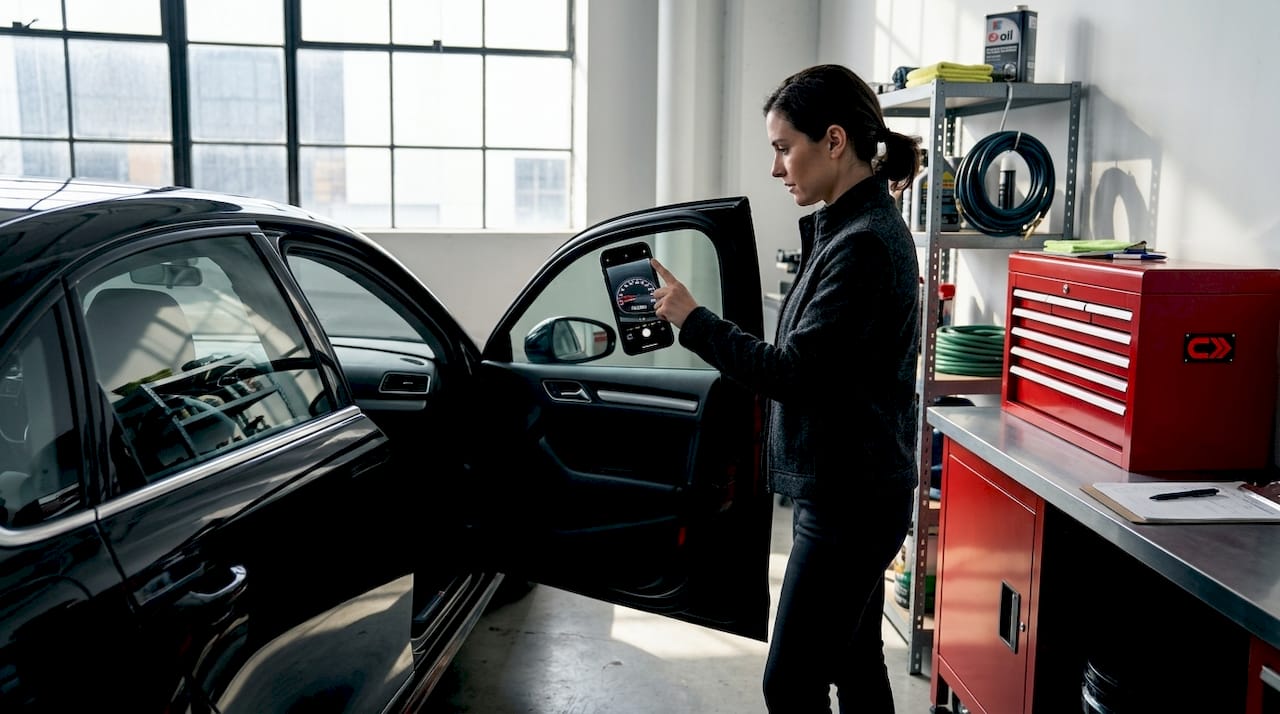
Skipping a service interval or handing over a vehicle with a spotty mileage history can cost you real money. Buyers discount cars with incomplete records, and mechanics often find damage that a timely oil change or brake check would have prevented. Whether you drive a daily commuter or a weekend project, knowing exactly where your odometer stands at all times is the difference between a car that holds its value and one that bleeds it. This guide covers every practical method, from a simple notebook to AI-powered apps, so you can pick the approach that actually fits your life.
Table of Contents
- Understanding car mileage tracking essentials
- Step-by-step: Manual car mileage tracking
- Using automatic apps and digital tools
- Avoiding mistakes and verifying your mileage
- Maintaining timely service with automated reminders
- A smarter, simpler way: What most owners overlook about mileage tracking
- Ready to simplify your mileage tracking?
- Frequently asked questions
Key Takeaways
| Point | Details |
|---|---|
| Accurate tracking matters | Precise mileage logs prevent costly missed services and maximize resale value. |
| Manual logs are accepted | Simple notebooks or spreadsheets work but require diligence and are prone to errors. |
| Automatic apps are superior | GPS-enabled apps streamline tracking, boost compliance, and save time. |
| Verification is essential | Cross-check records and use odometer photos or service receipts for audit protection. |
| Reminders avoid service lapses | Automated alerts ensure you never miss important maintenance tasks. |
Understanding car mileage tracking essentials
Before you pick up a pen or download an app, it helps to understand exactly what you’re measuring and why it matters so much. Your odometer is the legal record of how far your vehicle has traveled. Car owners can track mileage using the built-in odometer, which counts wheel rotations via mechanical or electronic sensors to display total distance traveled. That number is not just a curiosity, it’s used by insurers, the IRS, potential buyers, and mechanics to make decisions about your vehicle.
People track mileage for three core reasons: scheduling preventive maintenance on time, monitoring fuel efficiency to catch problems early, and protecting resale value with a clean documented history. Neglect any one of these and the financial consequences can stack up fast. A buyer who sees a gap between service records and current mileage will either walk away or negotiate aggressively.
Your main tracking options break down into two categories: manual and digital. Here’s a quick comparison to help you decide where to start:
| Method | Tools needed | Accuracy | Best for |
|---|---|---|---|
| Paper log | Notebook, pen | Moderate | Minimal tech users |
| Spreadsheet | Computer or phone | Moderate to high | Organized, detail-oriented owners |
| Mileage tracking app | Smartphone | High | Busy drivers, multiple vehicles |
| OBD scanner | Plug-in device | Very high | Verification and resale prep |
Following a solid car maintenance schedule guide becomes much easier when your mileage data is clean and current. And if you want quick reference on when specific services should trigger, check out these mileage service tips for interval-by-interval guidance.
“Your odometer reading is the single most important number on your vehicle outside of the VIN. Everything from warranty coverage to resale offers flows from it.”
Step-by-step: Manual car mileage tracking
Manual tracking is the oldest method, and it still works when done consistently. The problem is that consistency is exactly what most people struggle with after the first two weeks. Manual tracking uses notebooks or spreadsheets: record the date, destination, purpose, and miles at each trip’s end. The IRS accepts this method if logs are kept contemporaneously, meaning you record them at the time of travel, not reconstructed later. However, manual records are more prone to errors and create higher audit risk than digital alternatives.
Here’s how to set up a manual log the right way:
- Choose your format. A dedicated notebook kept in the glove box or a Google Sheets template on your phone both work. Pick one and commit to it.
- Record your starting odometer. On day one, write down your current odometer reading. This is your baseline.
- Log every relevant trip. For tax purposes, record the date, starting location, destination, purpose, and ending odometer reading. For maintenance, you only need the total running mileage.
- Calculate interval miles. Subtract your last service mileage from your current reading to know exactly when your next oil change, tire rotation, or inspection is due.
- Review monthly. Sit down at the end of each month, confirm the numbers make sense, and note which services are coming up in the next 1,000 to 2,000 miles.
- Store backups. Keep a digital photo of each completed log page in a cloud folder so you never lose your history.
Pro Tip: Snap a photo of your odometer at every service visit and save it with the date in a dedicated phone album. It takes five seconds and gives you a timestamped visual record that backs up everything in your log.
The biggest failure mode with manual tracking is retroactive entry. If you wait until the weekend to fill in a week’s worth of trips, accuracy drops immediately. Even small errors compound over time and can create the exact kind of inconsistency that flags a tax audit or makes a buyer suspicious during a resale inspection. If manual tracking sounds like too much discipline, the next section has you covered.

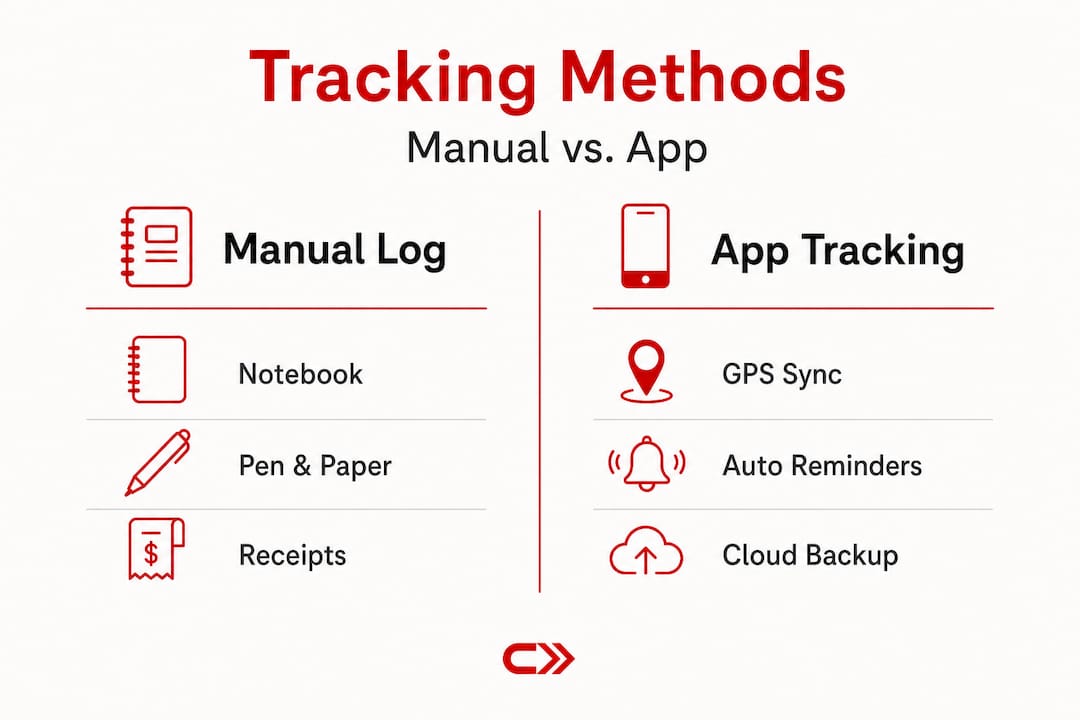
You can also weigh the two approaches side by side using this breakdown of manual vs app tracking to see which one fits your habits.
Using automatic apps and digital tools
For drivers who want less paperwork and more peace of mind, digital tools offer powerful alternatives. Automatic apps use GPS for precise routes and timestamps, classify trips as business or personal, and generate IRS-compliant reports automatically, making them far superior to manual methods for both compliance and completeness.
The best apps share a handful of features worth prioritizing:
- Automatic trip detection via GPS or Bluetooth so you never forget to log a drive
- Trip classification for business versus personal use
- IRS-compliant report exports in PDF or CSV format
- Cloud backup so your data survives a lost or broken phone
- Multi-vehicle support for households with more than one car
- Maintenance reminders tied directly to your current odometer reading
- OBD-II integration for real-time data pulled straight from your car’s computer
Here’s a quick comparison of apps worth considering based on their core strengths:
| App | Key feature | Maintenance alerts | Multi-vehicle | Star rating |
|---|---|---|---|---|
| CarFAX Car Care | Vehicle history integration | Yes | Yes | 4.8 |
| Simply Auto | Fuel economy and MPG vs EPA | Yes | Yes | 4.6 |
| MileIQ | Auto GPS trip detection | No | No | 4.5 |
| Everlance | Expense and mileage combo | No | Yes | 4.4 |
| TripLog | Multi-vehicle fleet focus | Yes | Yes | 4.3 |
Recommended apps for mileage and maintenance tracking include options like CarFAX Car Care, Simply Auto, GarageHub, MileIQ, Everlance, Driversnote, and TripLog, each targeting slightly different user needs from fuel efficiency to fleet management.
If you want an integrated solution that connects mileage data to your full service history, take a look at how smart maintenance tracking works alongside these apps. For a broader view of your options, this maintenance tracker guide breaks down the full landscape. And if budget is a concern, there are solid options covered in this roundup of free log apps that will get the job done without a subscription.
Pro Tip: Before granting an app location access, read its privacy policy. Choose apps that store data locally or in encrypted cloud accounts. Also enable automatic cloud sync from day one so a dead phone never erases months of records.
If you’re financing your vehicle and want to understand how mileage affects your long-term ownership costs, an auto loan calculator can help you model the full picture of what you’re spending per mile driven.
Avoiding mistakes and verifying your mileage
Having logged your mileage, it’s crucial to avoid common mistakes and regularly verify your records for confidence and compliance. Even the best tracking system develops blind spots, and catching them early protects you at sale time and during any IRS review.
Watch for these warning signs that your log has reliability problems:
- Missing date ranges with no trips recorded during periods you were clearly driving
- Round number entries like exactly 500 miles every week, which suggest estimates rather than actual readings
- Totals that don’t match service receipts from your mechanic
- App gaps caused by a dead phone battery, expired location permissions, or app updates that reset settings
- No starting or ending odometer photo to anchor each period
Apps may miss trips if battery dies or permissions lapse. You can recover some gaps using Google Timeline import or by manually adding missed trips, but both require vigilance. For resale, verify your odometer with an OBD scanner across multiple ECUs, cross-reference service records, and pull VIN history reports to detect tampering. Discrepancies greater than 50 miles between sources are considered suspicious by used vehicle inspectors.
“A mileage discrepancy of just 50 miles between an ECU reading and a service record is enough to raise a red flag for professional vehicle inspectors and reduce your sale price significantly.”
Before any major service appointment or sale listing, do a quick three-point verification: physical odometer reading, OBD scanner data, and your most recent service receipt. These three numbers should align closely. If they don’t, investigate before a buyer does.
Learning to maximize vehicle lifespan starts with data integrity. When your mileage records are clean, every other maintenance decision becomes easier. For a complete look at record-keeping habits that support long-term reliability, this guide on proper maintenance tracking is worth bookmarking.
Maintaining timely service with automated reminders
Once your mileage is accurately tracked, you can use it to simplify car care and protect your investment. The real payoff of good mileage data is not just the record itself, it’s the proactive alerts that keep your car running reliably and prevent small problems from becoming expensive repairs.
Manufacturers publish specific interval recommendations in your owner’s manual. Follow manufacturer schedules like oil changes every 12,000 to 15,000 miles for modern synthetic oil vehicles, and rely on apps that send dual reminders triggered by both time elapsed and miles driven. That dual trigger matters because a car that sits mostly in a garage may need a time-based service before it hits the mileage threshold, while a high-mileage commuter will hit the mileage interval first.
Services that should never be skipped based on mileage milestones:
- Oil and filter changes: The foundation of engine health, especially on turbocharged or high-performance engines
- Tire rotation: Every 5,000 to 7,500 miles to prevent uneven wear that kills handling and shortens tire life
- Brake pad inspection: Every 12,000 miles or whenever braking feel changes
- Cabin and engine air filters: Every 15,000 to 20,000 miles, more frequently in dusty climates
- Transmission fluid: Often overlooked, but critical every 30,000 to 60,000 miles depending on your driving style
- Coolant flush: Every 30,000 miles or as recommended to prevent corrosion in the cooling system
- Spark plugs and belts: Major intervals between 60,000 and 100,000 miles that are easy to forget without a mileage log
Using your mileage data alongside a maintenance by mileage guide means you’re never guessing when the next service is due. And when you want personalized recommendations based on your specific vehicle and how you actually drive it, these maintenance recommendations give you a starting point grounded in real data rather than generic advice.
A smarter, simpler way: What most owners overlook about mileage tracking
Here’s the take most articles won’t give you: the biggest enemy of mileage tracking is not technology or effort. It’s the belief that you only need to track when something feels wrong.
Manual logs absolutely work. We’re not dismissing them. But the human tendency to round numbers, skip entries during busy weeks, and reconstruct records from memory introduces errors that compound quietly over months. By the time you’re prepping a vehicle for sale or sitting across from an auditor, those small gaps have become a liability.
Automatic apps solve the consistency problem, but they create a false sense of security. An app running in the background does not guarantee complete data. Battery failures, permission resets after software updates, and cellular dead zones all create gaps that you won’t notice until you need the records most.
The hybrid approach wins. Use an automatic GPS app as your primary tracking method to capture the routine. Then once a month, take 60 seconds to photograph your odometer, compare it to the app’s logged total, and note any gap. If the numbers drift by more than a handful of miles, investigate and correct it immediately rather than letting the discrepancy grow.
We’ve seen owners come to CarJourney with years of app data that looked complete but had silent gaps from an iOS update that quietly killed background location access. A simple monthly odometer check catches that before it becomes a problem. That combination of automation plus a brief human verification step is what actually produces reliable records over the long term.
The goal of using smart trackers is not to add another task to your week. It’s to remove the mental load of remembering service intervals, mileage totals, and documentation requirements entirely. When tracking runs in the background and you verify it monthly, mileage management takes less time each month than it takes to find a parking spot.
Ready to simplify your mileage tracking?
Managing your vehicle’s mileage, maintenance schedule, and service history doesn’t have to live across three apps, a glove box folder, and your memory.
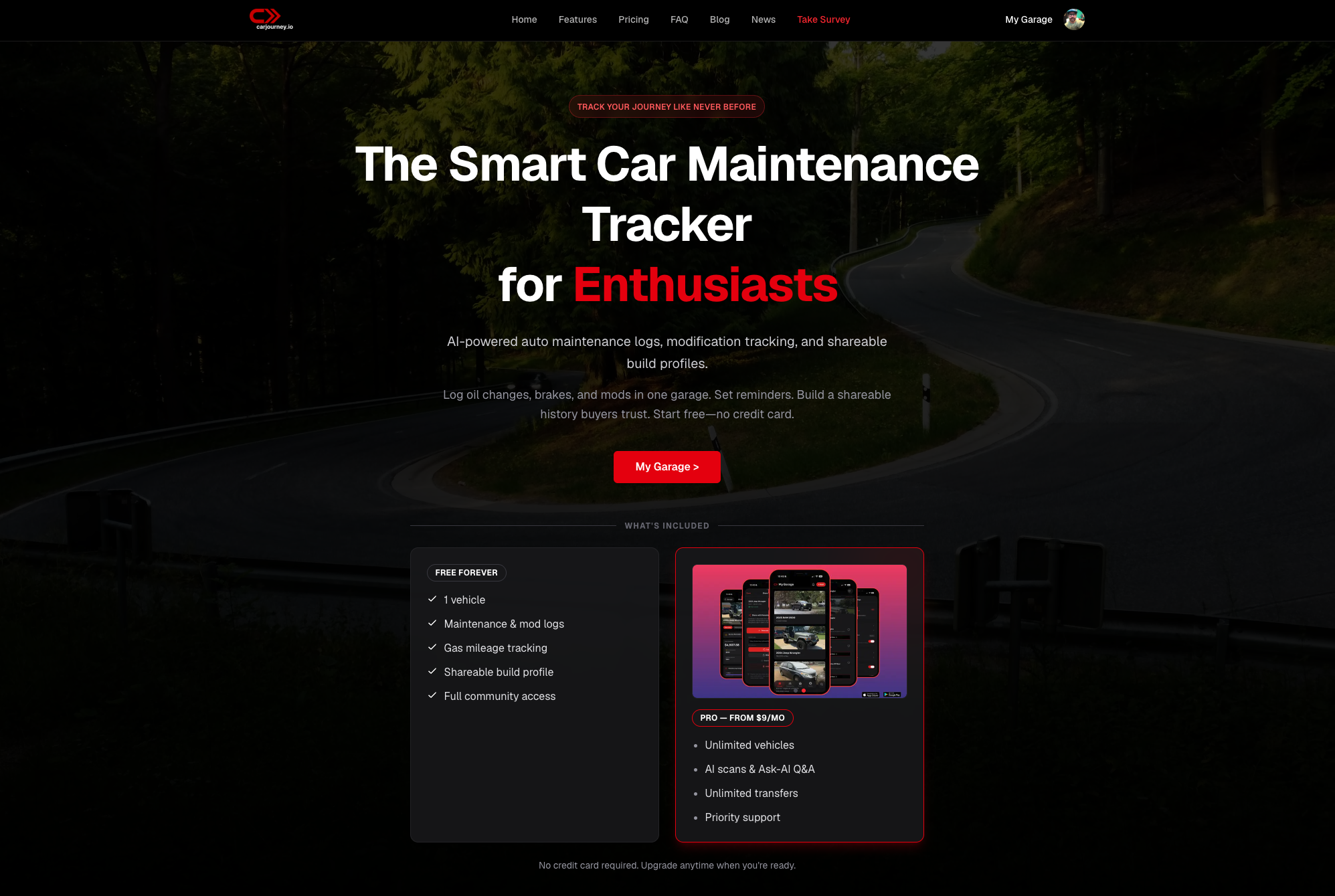
CarJourney brings everything together in one place. Our AI scans your service documents, tracks your mileage, sends you maintenance reminders based on your actual vehicle and driving patterns, and connects you with a community of owners who share real-world data. We built it because we were tired of the same scattered, generic tools that don’t account for your specific build or how you drive. If you’re ready to manage your vehicle the smart way, CarJourney is where to start. One platform, one history, no guesswork.
Frequently asked questions
What is the most accurate way to track car mileage for taxes?
Automatic GPS-enabled apps provide the highest accuracy for IRS mileage records because they capture precise routes, timestamps, and trip classifications automatically without relying on human memory.
How often should I update my mileage log for maintenance?
Record mileage after every significant trip or at minimum once a month so your maintenance reminders stay accurate and service intervals are never accidentally skipped.
Can I use a spreadsheet to track mileage for the IRS?
Yes, a spreadsheet is IRS-accepted as long as it’s updated contemporaneously and consistently, but it carries higher error risk than automatic digital tools and may invite closer scrutiny during an audit.
How do I verify my odometer reading for resale?
Cross-check your odometer against OBD scanner data across multiple ECUs, your service receipt history, and a VIN-based vehicle history report to confirm all sources agree before listing the vehicle for sale.
What maintenance tasks are most affected by mileage tracking?
Oil changes, tire rotations, brake inspections, and major service milestones all depend directly on accurate mileage data; following manufacturer interval schedules ensures none of these critical tasks get missed.