 carjourney
From the CarJourney journal
Top Apps for Project Cars That Keep Builds Moving
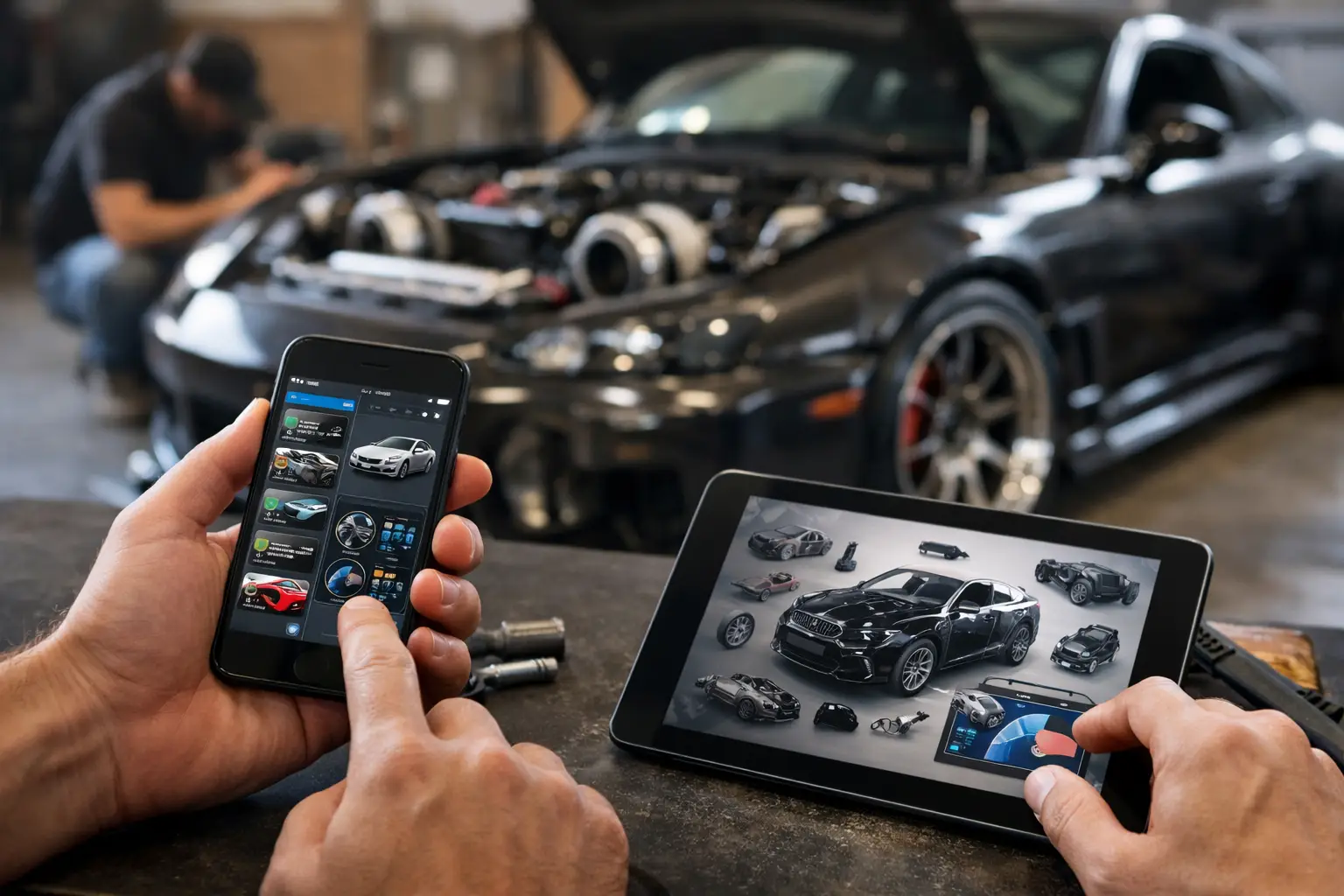
A project car rarely stalls because the owner lacks ambition. It stalls because the parts list lives in one note, receipts are buried in email, the last fluid change is a guess, and the real budget disappeared three upgrades ago. The top apps for project cars solve different parts of that problem, from finding a cheap donor part to documenting every dollar and every turn of the wrench.
The right setup depends on how you use your car. A weekend autocross build needs service intervals and alignment notes. A restoration needs photos, receipts, and part numbers that may matter years from now. A daily-driven project needs reminders that keep the fun from turning into a tow bill.
What the best project car apps should actually do
An app is useful only when it replaces a habit that is currently costing you time, money, or confidence. For project car owners, that usually means keeping maintenance records, modification details, costs, documents, and research in one place.
Start with the basics: vehicle-specific service logging, mileage tracking, reminders, and photo attachments. Those features create a history you can trust when you are trying to remember which brake fluid you used, when the timing service was done, or whether that noise started before or after the suspension install.
Then look at build-focused features. The best tools let you record the parts installed, labor performed, purchase cost, install date, and supporting photos. This matters because a list that says “turbo kit” does not tell a future buyer, shop, or even future you which kit it was, how it was configured, or what else changed with it.
Cloud syncing is also worth prioritizing. Project cars create paperwork over a long timeline. A system that works on your phone in the garage and on a larger screen when you are reviewing a build protects the record better than a single spreadsheet saved to an old laptop.
Top apps for project cars by job to be done
No single app is the best at every task. Most serious owners use one central recordkeeping app, then add a diagnostic tool and a marketplace or parts source as needed. Here is where each type earns its place.
CarJourney for the complete ownership and build record
CarJourney is built for owners who want maintenance, modifications, documents, costs, reminders, and vehicle history in a single digital garage. It is a strong fit when the car is more than transportation and you want the work behind it to be visible, organized, and easy to carry forward.
Log an oil change, brake job, or cooling-system repair with mileage, notes, photos, and receipts. Track aftermarket parts and build changes the same way, so the history shows not just that money was spent, but where it went. Reminders based on time, mileage, and service schedules help prevent basic maintenance from slipping while the larger build is taking your attention.
The practical advantage is continuity. Instead of piecing together a sale listing from old invoices and camera-roll photos, you have a structured record that can support a shareable build profile. That can make a real difference when it is time to sell, insure, transfer, or simply prove the level of care behind a vehicle.
Car Scanner or Torque Pro for live diagnostics
An OBD-II app paired with a compatible Bluetooth adapter belongs in the toolkit of almost every modern project car owner. Apps such as Car Scanner and Torque Pro can read trouble codes, display live data, and help you verify what the car is doing before you start replacing parts.
They are particularly useful after modifications. If you changed intake plumbing, added forced induction, installed larger injectors, or are chasing an intermittent drivability issue, live readings for coolant temperature, fuel trims, boost, and sensor behavior can point your diagnosis in a better direction.
There are limits. Generic OBD apps are not a substitute for factory-level software, a quality scan tool, or professional diagnosis when a system is complex. Vehicle compatibility and available data also vary. Still, they can stop a small warning light from becoming a parts-cannon exercise.
Fuelly or Drivvo for fuel use and operating costs
Fuel-tracking apps such as Fuelly and Drivvo make sense when you want to understand the running cost of a build over time. They can log fill-ups, calculate fuel economy, and show trends that may reveal a problem after a tune, tire change, or mechanical repair.
For a performance car, a sudden drop in fuel economy is not proof of a fault. More boost, more spirited driving, winter fuel, and short trips all affect the number. But a consistent change is useful context, especially when it appears alongside new maintenance notes or diagnostic codes.
These apps are best for owners who enjoy data or manage multiple vehicles. If you only want a reliable maintenance record, fuel logging can become another chore. Use it when the information will influence your decisions.
Facebook Marketplace for local parts, tools, and donor cars
Facebook Marketplace has become one of the most active places to find used wheels, body panels, engines, interior pieces, specialty tools, and entire donor vehicles. For a budget build, local pickup can save significant money and eliminate the shipping headaches that come with oversized or fragile parts.
The trade-off is risk. Listings can be incomplete, compatibility claims can be wrong, and photos may hide damage. Treat every purchase like a mini inspection: verify part numbers, ask for clear photos, confirm fitment against your exact year and trim, and meet safely when buying high-value items.
It is also a good place to sell take-off parts. Just do not confuse recovered cash with a reduction in your total build investment. Keep the original purchase and sale figures in your project record so your budget stays honest.
eBay for hard-to-find and discontinued parts
eBay remains useful when your project depends on parts that are no longer on local shelves. It is especially valuable for restoration work, older imports, discontinued trim, factory manuals, electronics, and odd brackets that are easy to overlook until they stop a reassembly job.
Search by exact part number whenever possible. Model-year descriptions are often too broad, and a part that looks right may have a different connector, mounting point, or calibration. Save screenshots or listing details with your receipt when the part is rare. Months later, that documentation can help you reorder, troubleshoot, or explain the build to the next owner.
Notes and photo apps for fast garage capture
A basic notes app and your phone camera are not glamorous, but they are still valuable supporting tools. Use them for quick torque specs, measurements, wiring pinouts, teardown photos, and reminders made with greasy hands before you can enter a full record.
The key is moving that information into your central vehicle history later. A photo of a connector before disassembly is helpful only if you can find it when the car has been apart for six months. Create a simple habit: capture quickly in the garage, then log the finished job with the relevant photos, parts, and cost.
Build a stack, not a pile of disconnected apps
The most effective app setup is usually small. Use one platform as the source of truth for your vehicle history. Add an OBD app for diagnostics and one or two sources for parts research. Everything else should earn its spot.
Avoid spreading the same information across five places. If your oil changes are in one app, modifications are in a spreadsheet, receipts are in email, and mileage is in a note, you do not have a record system. You have a scavenger hunt.
Before installing another app, ask one question: will this help me make a better decision, prevent a missed service, save money, or preserve the car’s value? If the answer is no, it is probably noise.
How to start documenting a project car today
Begin with the car as it sits. Add the VIN or vehicle details, current mileage, and a few clear photos from every angle. Then enter the last known oil change, tires, brakes, battery, and major services, even if some dates are estimates. Mark estimates clearly rather than presenting a guess as fact.
Next, create records for the major modifications already on the car. Prioritize changes that affect safety, reliability, tuning, legality, or resale: suspension, wheels and tires, brakes, engine work, forced induction, exhaust, electrical upgrades, and paint or bodywork. Attach invoices and warranty documents as you go.
Finally, set reminders for the maintenance that protects the build. Fresh oil, brake fluid, coolant checks, tire inspections, and timing-related services are not less important because the car has a new exhaust or a bigger turbo. The best project cars are the ones that can be driven, enjoyed, and trusted.
Your build deserves more than a folder of receipts and a vague story about what was done. Keep the history while it is fresh, and every future repair, sale conversation, and late-night garage session gets easier.