 carjourney
From the CarJourney journal
Car Owners: Reset Service Interval Alerts in 5 Steps
A service interval alert tells you your vehicle has hit a manufacturer-set threshold for mileage, time, or engine hours since its last service. If you’ve already done the maintenance, reset the alert now. If not, schedule service before the “due” light turns into a “past due” light. Apps like the CarJourney Service Reminder App can track this for you so nothing slips through.
TL;DR:
- Most onboard systems rely on algorithms blending mileage, time, and driving conditions, making timing more accurate than simple odometer counts.
- Customization options vary by vehicle, with mileage, days, or engine hours as triggers, but setting accurate last service data is critical for reliable alerts.
- Resetting the service alert correctly after maintenance is essential to prevent future tracking errors and ensure timely reminders.
- Persistent or recurring alerts often result from incomplete resets, odometer mismatches, or unsynced app data, not necessarily overdue maintenance.
- Multi-touch reminder cadences and centralized management apps like CarJourney improve scheduling and record-keeping, especially for multiple vehicles.
Table of Contents
- How Service Interval Alerts Work: Onboard Systems vs App-Based Reminders
- How to Customize Service Interval Alerts: Mileage, Days, Hours, and Recipients
- How to Reset a Service Interval Alert After Maintenance
- Troubleshooting Persistent or Recurring Alerts
- Best Practices for Reminder Cadences and Record-Keeping
- The CarJourney Take on Managing Your Intervals
- How Service Interval Alert Systems Differ by Make and Model
- Why the “Just Trust the Dash Light” Approach Falls Short
- Try CarJourney’s Service Reminder Features
- Owner Manual Pages and Help Docs to Consult
- Sources
How Service Interval Alerts Work: Onboard Systems vs App-Based Reminders
Every automaker builds its own version of the same idea. Honda calls it Maintenance Minder and tracks engine oil life as a percentage, flashing “due soon” and then “due now” as that number drops. Kia’s systems display a service interval message once remaining mileage or time reaches a set threshold, sometimes as specific as 900 miles or 30 days out. These onboard systems run on algorithms that blend mileage, elapsed time, and driving conditions, not just a simple odometer countdown.
App-based reminders work differently. Connected services like NissanConnect mirror what’s happening on the dash and push it to your phone, while third-party apps let you set your own thresholds independent of what the manufacturer programmed in.
What you’ll typically see and what it means:
- Due soon: You’re approaching the threshold, usually with a few hundred miles or a few weeks of buffer.
- Due now: You’ve hit the mark. Schedule service soon.
- Past due: You’ve exceeded the interval. Don’t put this off.
- Percentage-based (oil life): Common on Honda and GM vehicles, this counts down from 100% rather than showing raw mileage.
How to Customize Service Interval Alerts: Mileage, Days, Hours, and Recipients
Most reminder tools give you three ways to trigger an alert: mileage, calendar days, or engine hours. Mileage works best for daily drivers with predictable routes. Time-based triggers make more sense for vehicles that sit for weeks, since a car parked in a garage for two months still needs fluid changes and battery checks on schedule. Engine hours matter most for trucks, RVs, or anything that idles a lot without racking up miles.
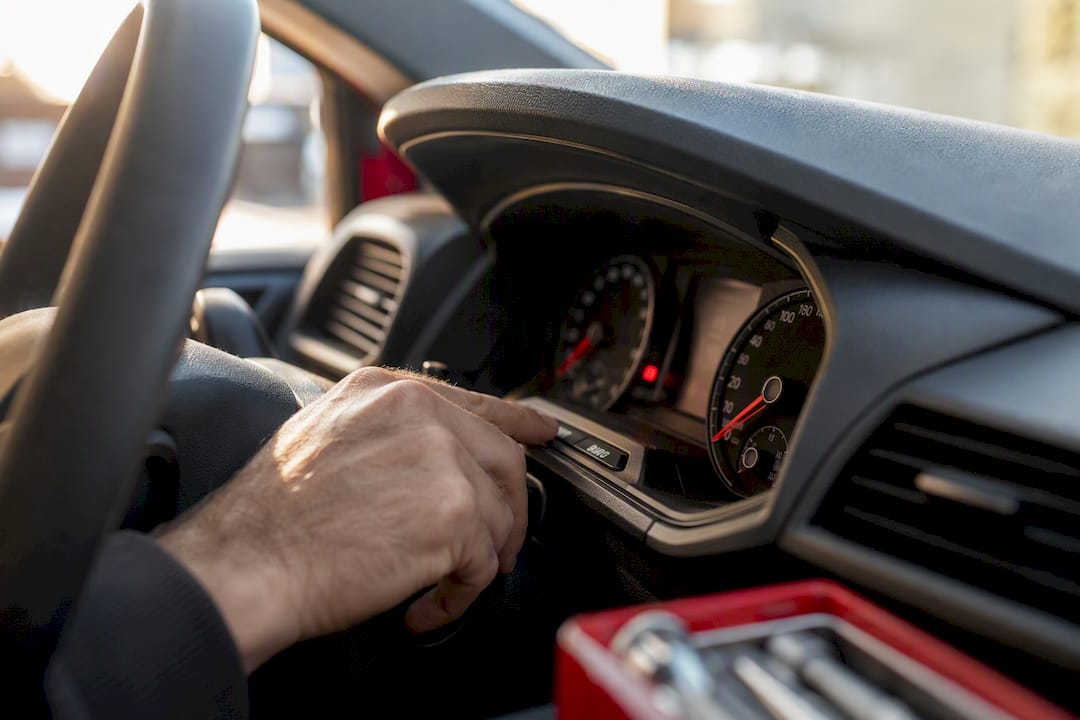
Whatever trigger you pick, the baseline matters. Fleet platforms like ServiceTitan’s Fleet Pro require a last-service date or odometer reading to calculate the next reminder correctly, and the same logic applies to personal vehicle apps. Get that starting point wrong and every future alert is off.
Setting up a reminder generally means:
- Enter the date or mileage of your last service.
- Pick your trigger type: miles, days, or hours.
- Set a lead time, such as 500 miles or two weeks before the due date.
- Choose notification channels: push, SMS, or email.
- Add recipients if more than one person drives or manages the vehicle.
Pro Tip: Set your lead time longer than you think you need. A 500 mile buffer gives you room to book an appointment around a busy week instead of scrambling the day the alert turns red.
How to Reset a Service Interval Alert After Maintenance
Resetting matters because most onboard systems don’t know maintenance happened unless you tell them. Honda’s Maintenance Minder explicitly warns that skipping the reset step after service can leave the system tracking incorrect intervals going forward, which defeats the entire purpose of having one.
The general process across most makes looks like this:
- Turn the ignition to ON without starting the engine.
- Navigate to the maintenance or settings menu using steering wheel or dash controls.
- Locate the reset or “trip” reset option.
- Hold the button or select confirm until the display changes or the light clears.
- Turn the vehicle off, then restart to confirm the reset held.
Steps vary by brand and even by model year, so check your owner’s manual before assuming your process matches your neighbor’s car. Some manufacturers restrict certain resets to dealer tools only, particularly for major services tied to warranty documentation. If your dash still shows the old alert after a proper reset attempt, that’s your signal to call the dealer rather than keep pressing buttons.
Troubleshooting Persistent or Recurring Alerts
An alert that won’t clear or keeps coming back usually traces to one of four things: a skipped reset, an odometer mismatch, an app that hasn’t synced, or maintenance that’s genuinely overdue.
Work through this before booking a shop visit:
- Confirm you completed the reset steps correctly and that the display actually cleared.
- Check whether your odometer entry in the app matches what’s on the dash.
- Force a manual sync in your reminder app or connected service.
- Restart the vehicle to see if the alert clears on its own after a power cycle.
If the alert disappears after a sync or restart, it was a software hiccup. If it keeps returning with the same mileage or oil-life percentage, that’s the vehicle telling you the maintenance itself is overdue, not the display glitching.
Pro Tip: Take a photo of your odometer right after service and log it in your app immediately. Delayed entries are the most common reason reminders drift out of sync.
Best Practices for Reminder Cadences and Record-Keeping
A single “your car is due” message doesn’t work as well as a layered approach. Data on customer reminder behavior shows that a multi-touch cadence beats a single notification for reducing no-shows and keeping people engaged.
A cadence that tends to work well:
- An email 72 hours out with full details: mileage, service type, estimated cost.
- A follow-up email or push notification 24 hours before.
- A short SMS or push alert the day of, since text messages drive near-instant engagement better than email for same-day nudges.
Keep a running log of every service with dates, mileage, and receipts attached. This protects your warranty claims and becomes a selling point if you ever list the car, since buyers pay more for a documented history than a vague “regularly maintained” claim.
The CarJourney Take on Managing Your Intervals
Written by Chally, CarJourney’s editorial team.
Onboard systems are useful but limited. They reset to factory defaults, don’t track multiple vehicles, and can’t scan a service invoice to update your record automatically. CarJourney’s AI reads uploaded service documents, adjusts reminders to your specific build, and manages alerts across every vehicle you own from one dashboard. An external app adds the most value when you own more than one vehicle or want a maintenance history that survives longer than your dash display’s memory.
How Service Interval Alert Systems Differ by Make and Model
Not every automaker builds these systems the same way, and the differences matter more than most owners realize. Honda and Acura rely on oil life percentage, a rolling calculation based on driving conditions rather than a flat mileage number, which is why two identical Civics driven differently can show very different countdowns. Kia and Hyundai lean more on fixed mileage and day thresholds, showing a straightforward “service interval” message once you cross the line, as outlined in Kia’s owner documentation.
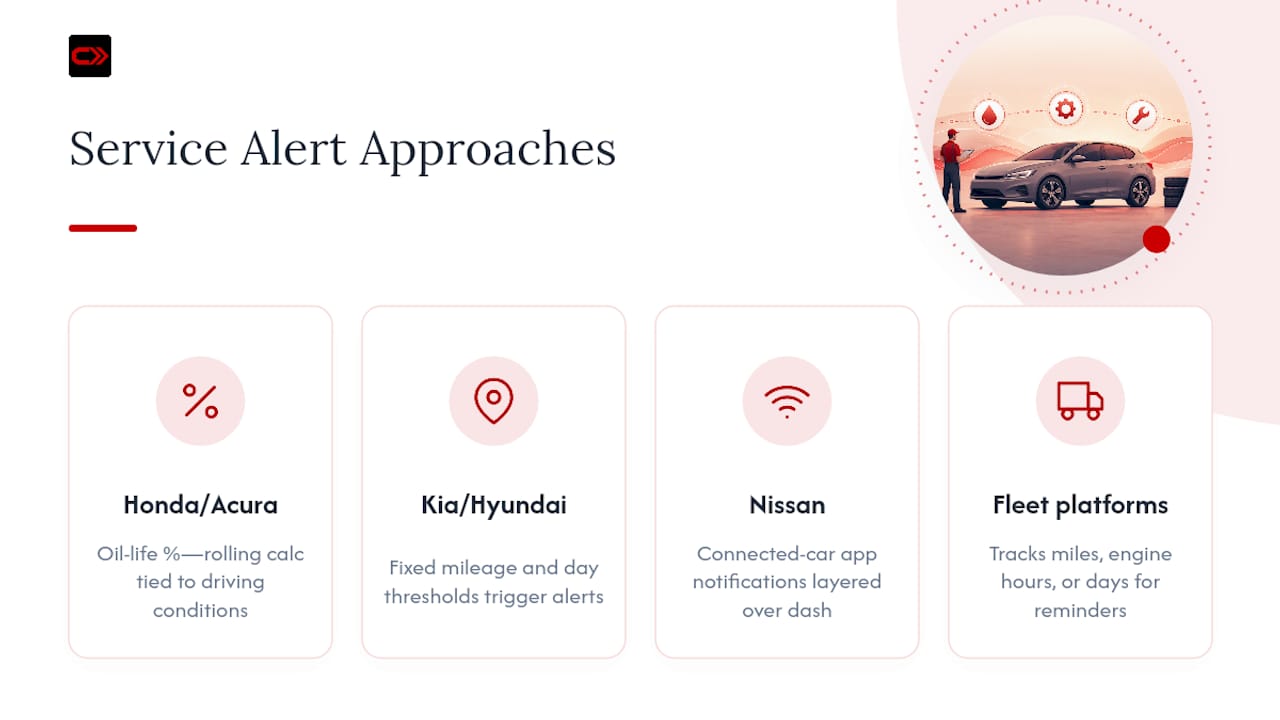
Nissan and other brands with strong connected-car ecosystems push maintenance alerts through their apps, layering a digital notification on top of whatever the dash already shows. Fleet-oriented platforms take yet another approach, tracking reminders across miles, engine hours, or days depending on how the vehicle gets used, which matters for anyone running a truck or trailer alongside a daily driver.
None of these systems talk to each other. A Honda’s oil life percentage means nothing to a Kia’s mileage counter, and neither exports cleanly if you trade one brand for another. That’s the practical gap third-party apps fill: one dashboard, one set of rules, regardless of what’s parked in your driveway. If you own a mixed garage, that consistency alone is worth more than any single OEM feature.
Why the “Just Trust the Dash Light” Approach Falls Short
Most advice on this topic stops at “reset the light when you’re done.” That’s fine until you own more than one car, lend your vehicle to a family member, or forget the reset step during a rushed oil change. The dash light was designed to protect one vehicle owned by one careful driver. It wasn’t designed for shared cars, multi-vehicle households, or anyone who wants a paper trail for resale.
The bigger issue is that onboard systems are reactive. They tell you what’s due, not what’s coming, and they offer zero flexibility on notification timing or who else needs to know. A multi-touch cadence with staged reminders consistently beats a single dash warning for actually getting people into the shop on time.
What should come first: get your baseline right. A reset that didn’t register, or an odometer entry that’s off by a few hundred miles, throws off every alert downstream. Fix the baseline before worrying about cadence or channel. Everything else builds on that one number being accurate.
— Chally
Try CarJourney’s Service Reminder Features
CarJourney gives you one place to manage service interval alerts across every vehicle you own, instead of juggling a different dash system for each one. The Service Reminder App syncs your odometer, sets custom lead times, and scans uploaded service documents so your maintenance log builds itself instead of living in a shoebox.
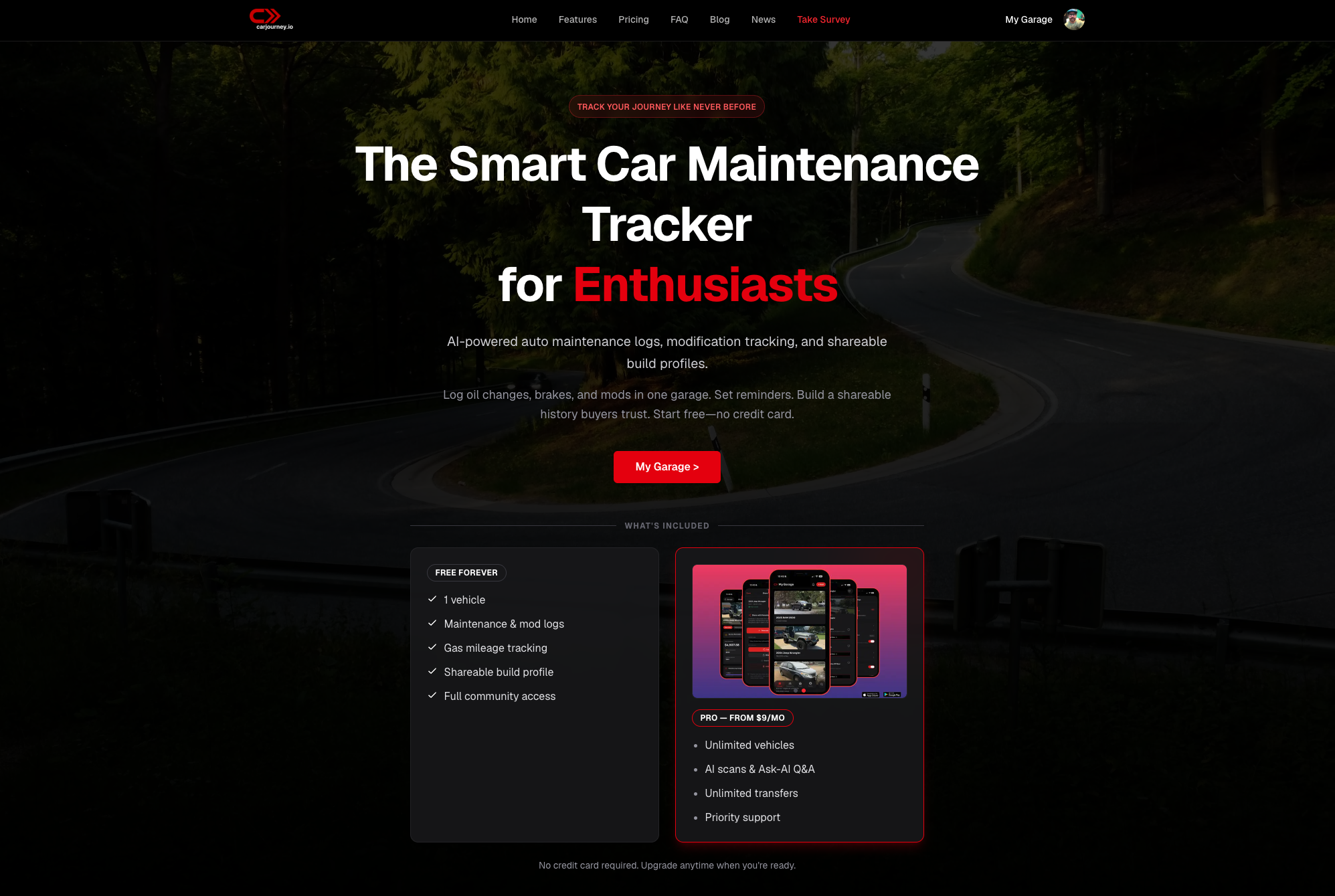
The free tier covers basic tracking for a single vehicle. Pro unlocks unlimited vehicles, AI-powered scheduling recommendations, and multi-recipient notifications for shared or family cars. If your garage has more than one vehicle, or you’ve ever missed a service window because a dash light reset itself before you saw it, check out CarJourney and see whether the Pro features fit how you actually drive.
Owner Manual Pages and Help Docs to Consult
For exact reset steps, check your specific owner’s manual since procedures vary by model year. Useful starting points include Kia’s service interval documentation and Honda’s Maintenance Minder guide.
Sources
- Ownersmanual
- Owners
- Make customers remember service calls — Smart Service blog
- Use maintenance reminders in Fleet Pro — ServiceTitan Help