 carjourney
From the CarJourney journal
The Best Way to Share Your Car Build Online in 2026
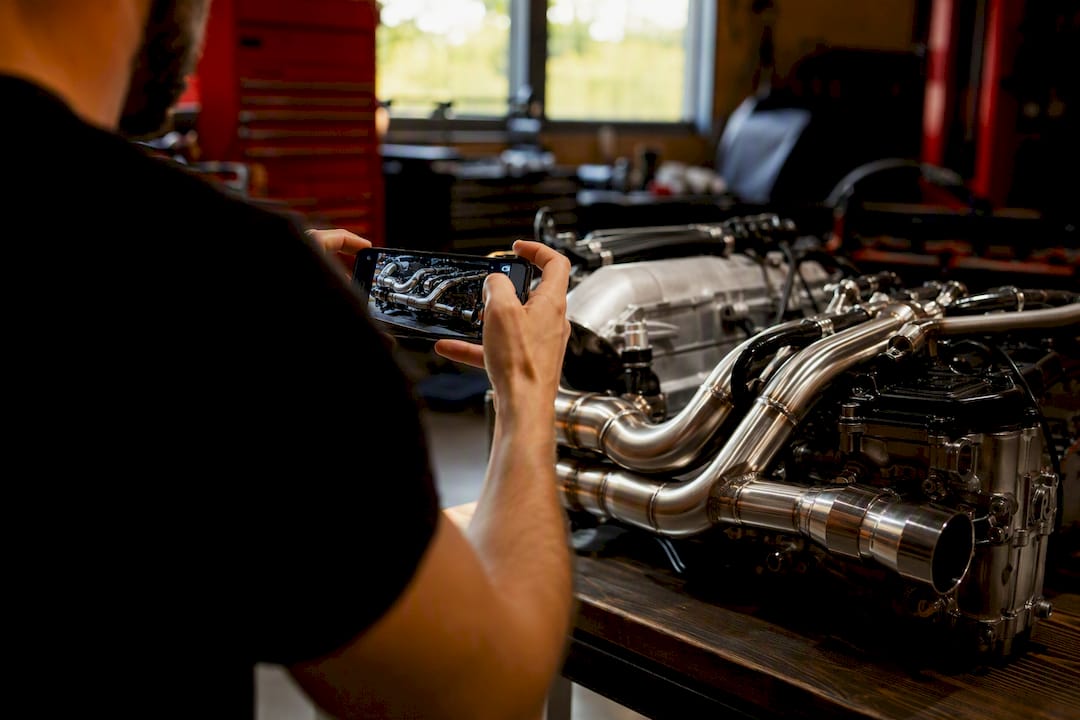
The fastest way to share a car build online is to create a media-first build profile on a dedicated build-tracking platform like Carjourney, where photos, parts lists, receipts, and mileage all live on one shareable page instead of scattered across forum threads and phone albums. A single shareable build profile with a searchable timeline beats a folder of Instagram posts every time someone asks “what’s actually on this car.”
Here’s why that approach wins right away:
- Resale trust: buyers see a verified parts and receipt history instead of taking your word for it.
- One link, zero explaining: a share link or QR card replaces ten minutes of scrolling your camera roll.
- Searchable timeline: anyone, including future you, can find exactly when a part went on and why.
Start a build page, log your first three mods, and grab the share link. That’s the whole setup.
Key Takeaways
The most reliable way to share a car build online is a dedicated build-tracking profile with photo timelines, structured parts lists, and receipt storage tied to a single share link.
| Point | Details |
|---|---|
| Choose the right tool | Pick a build-tracking platform over a manufacturer configurator; only one documents aftermarket work and history. |
| Log as you go | Record mods with dates, photos, and receipts the same day, not months later from memory. |
| Structure for proof | Tie parts lists to timestamped receipts so buyers and followers can verify the work. |
| Make it easy to find | Use tags, categories, and consistent updates so your build surfaces in feeds and search. |
| Use Carjourney for the whole workflow | Carjourney combines AI receipt scanning, a project build tracker, and shareable profiles across web and mobile. |
Table of Contents
- What Does a Car Build Sharing Platform Actually Do?
- What Should You Look for When Choosing a Build-Sharing Platform?
- How Do You Build a Shareable Profile That Tells the Full Story?
- How Do People Find and Follow Builds Online?
- How Should You Capture Media for Your Build Log on a Phone?
- Why Carjourney Fits This Exact Workflow
- What Actually Matters Once You Look Past the Feature Lists
- Turn Your Garage Notes Into a Build Buyers Actually Trust
- Frequently Asked Questions
- Sources
What Does a Car Build Sharing Platform Actually Do?
A build-tracking platform gives your project a permanent home: every modification, every oil change, every receipt, tied to dates and photos in one running log. That’s a different job than a manufacturer’s “build and price” tool. Volvo’s online configurator and Genesis’s build-and-price tool exist to spec out a new car before you buy it. Once you drive off the lot, those tools are done with you. A build-sharing platform picks up right where they leave off and keeps going for as long as you own the car.
The core feature set usually includes:
- Update logs with dates, notes, and photos
- Structured parts lists tied to specific installs
- Photo and video timelines you can scroll like a history book
- Receipt and service-history storage for proof of work
- Export or download options so your data isn’t trapped
Each piece solves a real problem. Photos and timelines feed inspiration and planning. Receipts and parts lists back up resale claims. Forum threads have covered this exact gap for years. One Reddit thread from a builder who created his own tracking app put it plainly: enthusiasts want one place to log mods and share full modification histories, not five apps stitched together.
What Should You Look for When Choosing a Build-Sharing Platform?
Not every app that lets you post a photo counts as a real build-tracking tool. Run any platform through this checklist before you commit hours of logging to it.
- Media handling that actually holds up. Look for full galleries, native video support, and EXIF data retention so timestamps and camera info survive the upload.
- Structured parts and proof. A real parts list, not just a caption, plus receipt uploads with OCR scanning and automatic timestamps.
- Shareability built in. Short share links, a QR card you can print or paste into a listing, and clean social embeds.
- Community and privacy controls together. Follow features and public discovery matter, but so does the option to keep a build private until it’s ready.
- Export and ownership. You should be able to pull your data out if you ever leave.
- Mobile readiness. If logging a part takes more than a minute from your phone in the garage, you won’t keep doing it.
Pro Tip: Test the export function before you build out your whole history. A platform that locks your photos and receipts behind its own walls isn’t documenting your car, it’s holding it hostage.
Parts and fitment references matter more than most people realize here; for example, how to list cars effectively online in Albania involves clear, trustworthy details that build buyer confidence. Sites like Tire Rack exist because buyers want to confirm exact fitment and brand specs before trusting a listing, and a build log that links directly to that kind of reference does the verification work for them.
How Do You Build a Shareable Profile That Tells the Full Story?
A build profile is only as good as the record behind it. Follow this order and you’ll end up with something a stranger can trust in thirty seconds, not thirty questions.
- Start with a baseline. Enter your VIN, trim, and specs, then shoot baseline photos of the car exactly as it sat before you touched anything.
- Log milestones as they happen. Every mod gets a date, a before-and-after photo pair, the part reference, and a short note on install specifics. Log it the day you do it, not three months later from memory.
- Attach proof. Upload receipts and service documents. Scanned PDFs work, and OCR tools can pull part numbers and dates automatically so you’re not retyping everything.
- Organize as you go. Categorize parts by system (suspension, drivetrain, exterior), link photos directly to the relevant part entry, and tag entries so they surface in search later.
- Publish with intent. Choose whether the profile is public or private, then generate your share link and QR card.
Before you hit publish, run through this short list:
- Does every major mod have at least one photo?
- Are receipts attached to the parts they cover?
- Is the timeline in order, with no unexplained gaps?
- Does the share link work on a phone, not just a desktop browser?
This is the same structure covered in how to document a car build the right way, and it’s worth following even if you’ve been tracking mods informally for years. A complete guide to documenting car upgrades walks through the same steps with more photo examples if you want a second reference point.
How Do People Find and Follow Builds Online?
Discovery on most build platforms runs on three signals: follows, tags, and categories. Follow a build and its updates land in your feed automatically. Tag your car correctly (make, model, build type, platform) and it surfaces when someone searches for exactly that combination.
Getting seen isn’t complicated, but it does take consistency:
- Post updates on a regular cadence, even small ones, instead of one giant dump every six months.
- Shoot a real photo set for each update, not a single blurry shot from your pocket.
- Write short, specific captions (“swapped rear shocks, ride height dropped 1 inch”) instead of vague ones.
- Cross-post your share link to forums or social accounts so people outside the platform can still find the full log.
Etiquette matters more in this space than people expect. Credit the shop or the friend who helped with an install. Answer comments, especially the technical ones asking what part you used, because that’s exactly the kind of detail editorial outlets like Classic Motorsports highlight when covering standout project cars at shows and events. Tag specialists or specific parts in your posts, too. It’s often how you find the right shop for the next stage of the build.
How Should You Capture Media for Your Build Log on a Phone?
Most build logging happens standing in a garage with a phone, so the workflow needs to be fast. Shoot a wide shot of the full car, a tight detail shot of the actual part, a photo of the odometer for mileage context, and a shot of the part’s label or box for reference.
Short video clips add a layer photos can’t. A 10 to 15 second walkthrough during install, and another clip capturing sound after a new exhaust or intake goes on, tells a story a still photo never will.
- Wide shot, detail shot, odometer, part label: four photos minimum per update.
- Keep video clips short and focused on one thing (the install step or the sound).
- Tag every entry with the part name and category so it stays searchable months later.
- Compress large photos before uploading if your connection is slow, but don’t crush quality to the point details disappear.
Pro Tip: Shoot the odometer photo every single time, even for tiny updates. Six months from now, mileage is the detail you’ll wish you’d logged and didn’t.
Why Carjourney Fits This Exact Workflow
Every checklist item above maps directly to how Carjourney is built. The app uses AI to scan service documents and receipts automatically, pulling dates and part details instead of making you retype them by hand. Its project build tracker handles the parts logging, photo timeline, and milestone structure described earlier, and profiles are shareable by link across web and mobile.
- AI document scanning for receipts and service records
- Structured parts logging tied to build milestones
- Shareable build profiles for resale listings or community posts
- Mobile and web access so logging happens right in the garage
Chally, a contributor on Carjourney’s editorial team, points to the resale angle as the real payoff:
A build log with timestamped receipts and photo proof isn’t just nice to look at. It’s the difference between a buyer taking your word for a $4,000 suspension setup and a buyer seeing the receipt, the install date, and the before-and-after photos side by side.
That’s the friction this whole approach removes. Instead of digging through old texts and glove-box receipts when a buyer asks “what’s actually done to this car,” the answer already exists as a public, organized page. If you’re ready to see what a build log built for tracking modifications looks like in practice, the setup takes less time than photographing your last install.
What Actually Matters Once You Look Past the Feature Lists
Most advice on this topic focuses on picking the platform with the most bells and whistles: unlimited photo storage, endless categories, deep social features. That’s the wrong first filter. The platforms that actually get used long term are the ones that make logging a five-minute habit, not a project of its own.
The conventional wisdom treats build sharing as a documentation afterthought, something you do once the car is “done.” Builds are never done, and the logs that end up mattering most for resale are the ones started from day one, including the boring stuff: oil changes, tire rotations, the mundane maintenance that proves the car was cared for, not just modified.
What gets underrated is the export question. Builders pour years into a platform, then discover their photos and parts history can’t leave if they ever want to switch tools or the platform shuts down. Ask that question before you log your first update, not after your fiftieth.
Prioritize consistency over completeness at the start. A build page with ten small, real updates beats an empty page waiting for the “perfect” first post that never gets written.
Turn Your Garage Notes Into a Build Buyers Actually Trust
Carjourney replaces the scattered mess of texts, receipts, and forum posts with one running build log that does the organizing for you. Instead of manually typing every part number and date, its AI scans your service documents and receipts and files them against the right milestone automatically, so the record builds itself as you work.
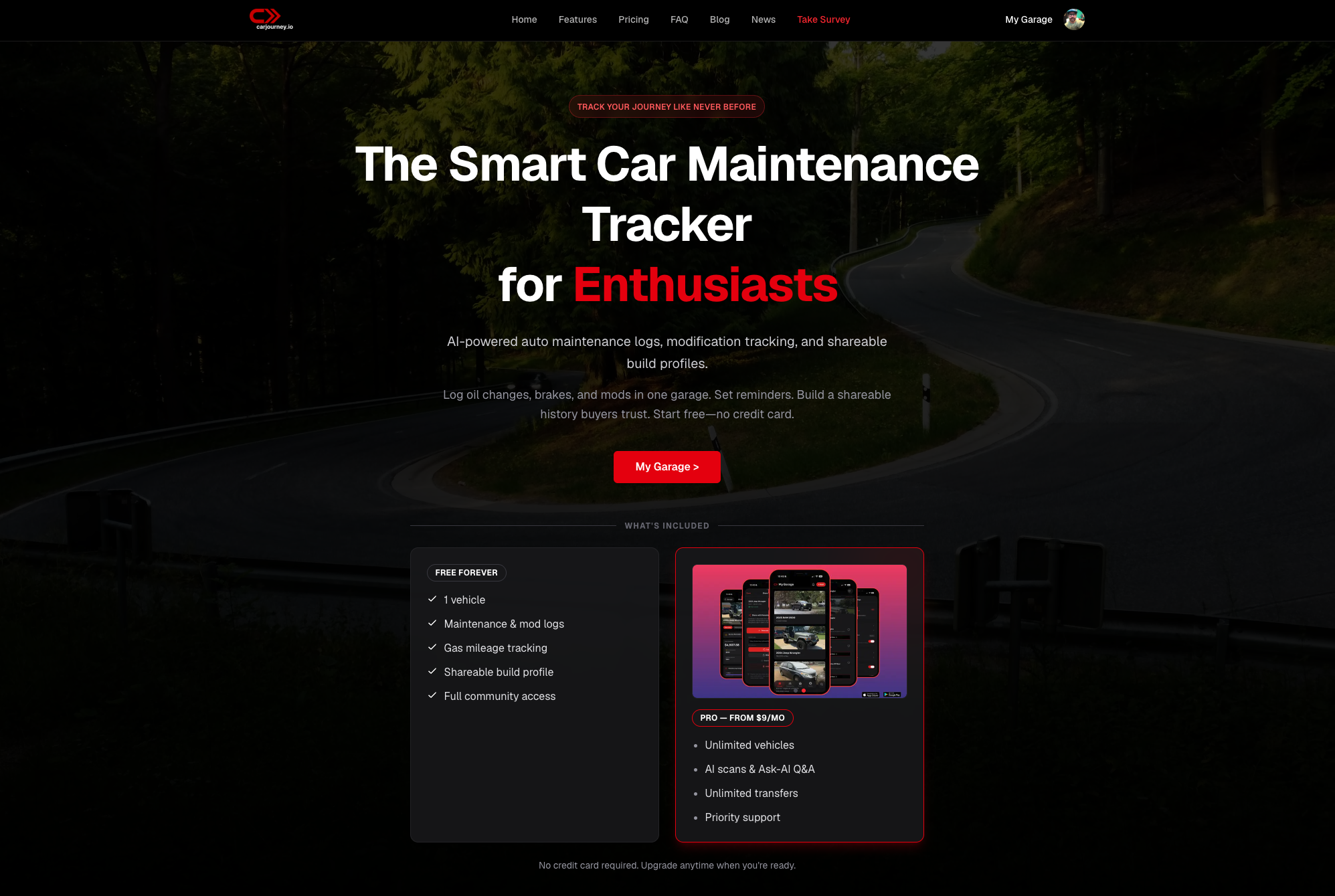
That matters most the day you go to sell. A buyer scrolling a shareable Carjourney profile sees timestamped receipts, a photo timeline, and a real maintenance history instead of a verbal promise that “everything’s been kept up.” It also matters on an ordinary Tuesday in the garage, when logging a new part takes thirty seconds on your phone instead of a mental note you’ll forget by dinner. If you’re rebuilding your documentation from scratch or just tired of your build history living in five different apps, start a free build profile on Carjourney and log your first update today.
Frequently Asked Questions
What’s the easiest way to share a car build online? Create a build profile on a dedicated platform, log your mods with photos and receipts, then send people the share link or QR card instead of a folder of pictures.
Do I need a mobile app to keep a build log updated? It helps a lot. Logging a part in your garage right after installing it, rather than waiting until you’re back at a computer, is the difference between a complete log and one full of gaps.
Is a manufacturer’s build-and-price tool the same as a build-sharing platform? No. Tools from brands like Volvo and Genesis configure and price a new car before purchase; they don’t track modifications, receipts, or maintenance after you own it.
What should a build profile include to help with resale? A parts list, dated photos for each modification, and receipts or service documents. Buyers trust a verified timeline far more than a verbal claim about what’s been done.
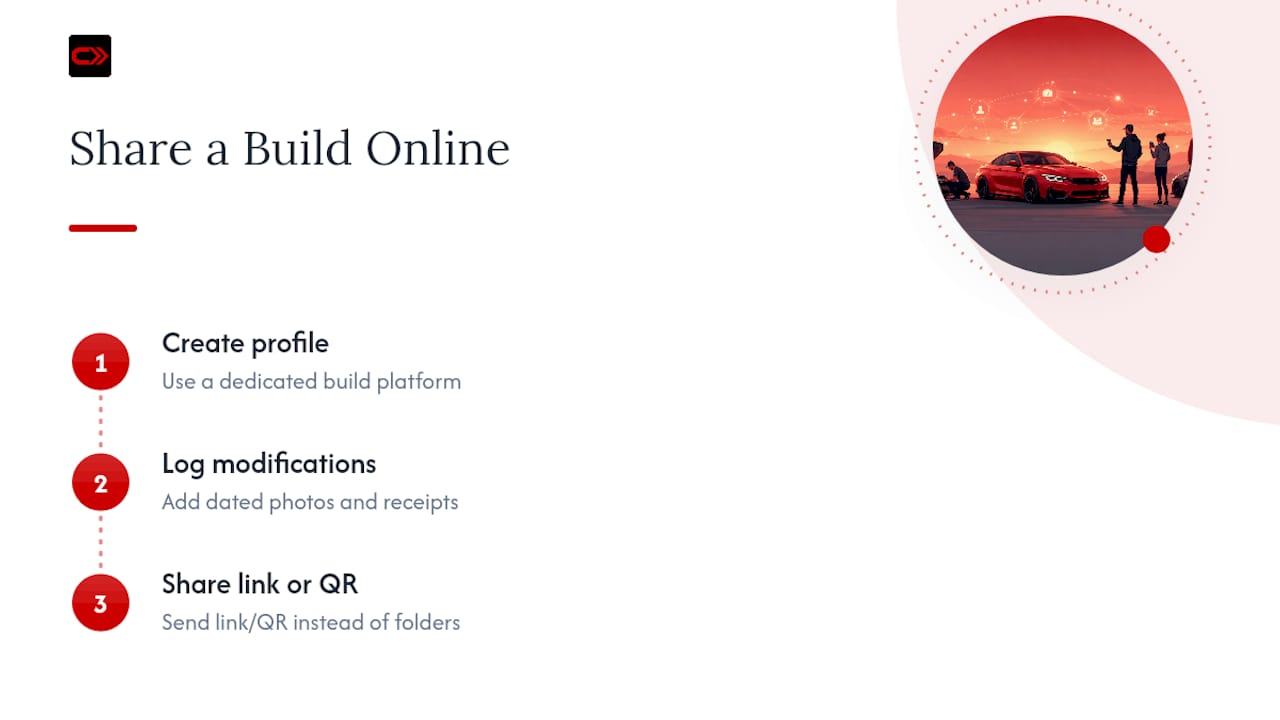
Can I keep my build private while I’m still working on it? Most build-tracking platforms, including Carjourney, let you set a profile to private and switch to a public share link whenever you’re ready.
Sources
- Build your own car | Volvo Cars - United States
- Build & Price a New Genesis Car, SUV, or EV | Genesis USA
- Classic Motorsports